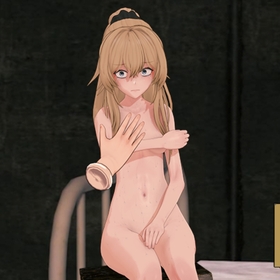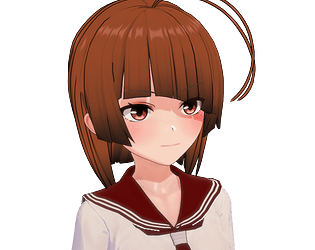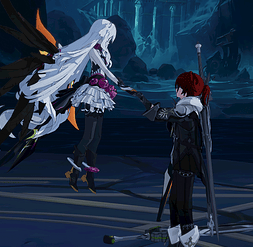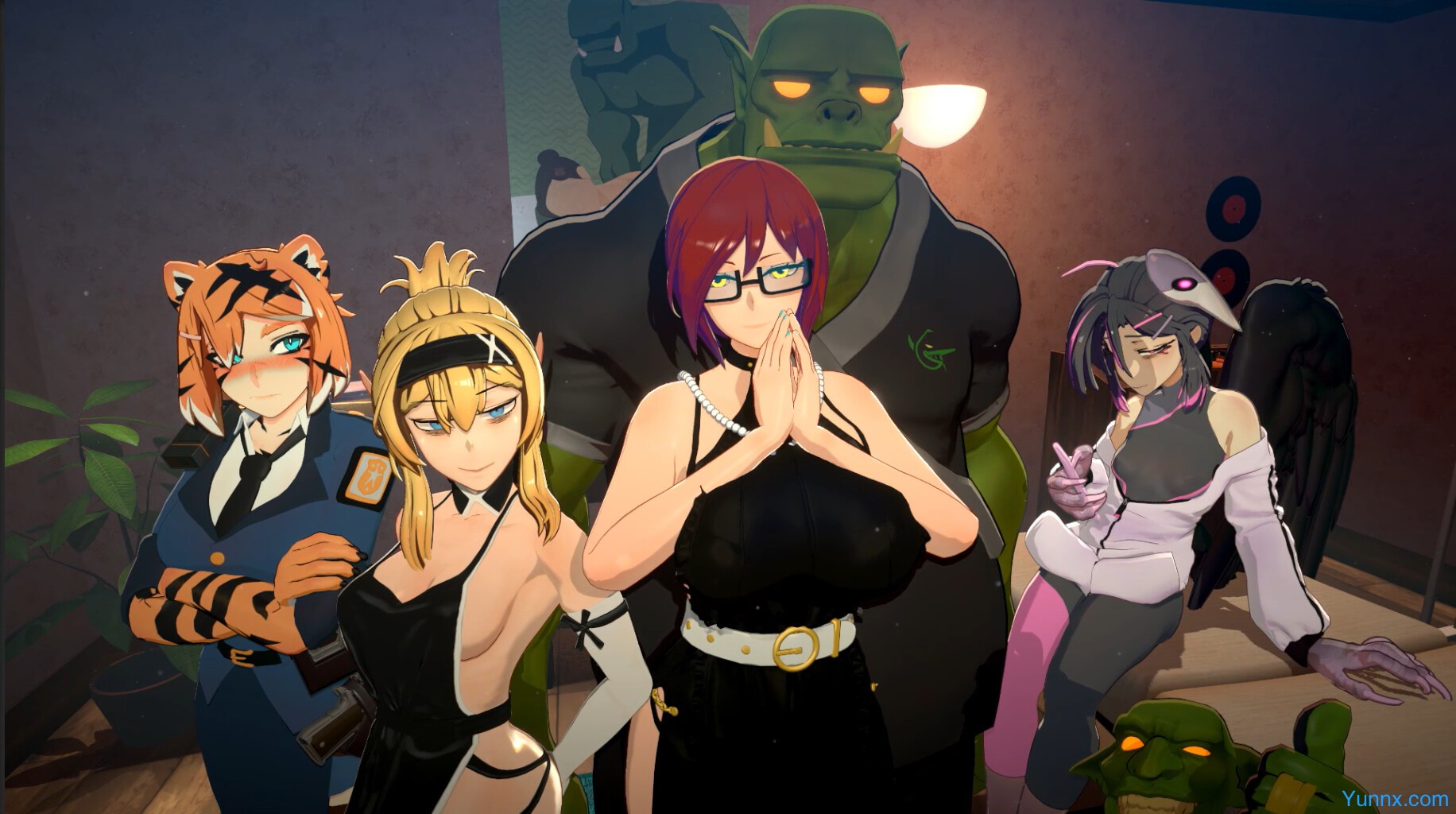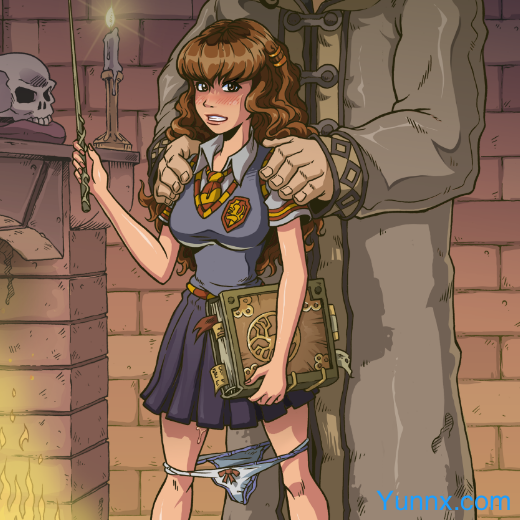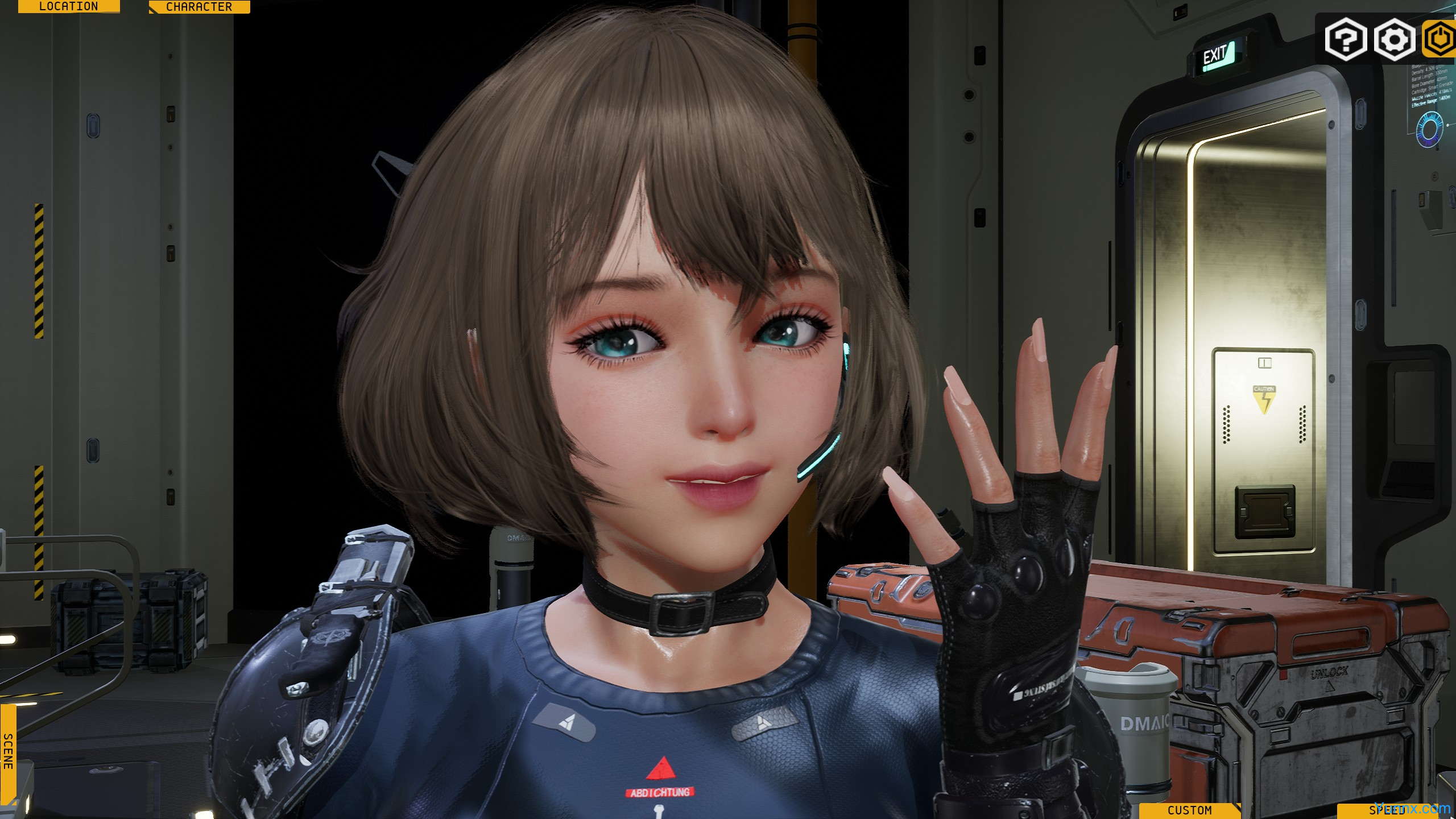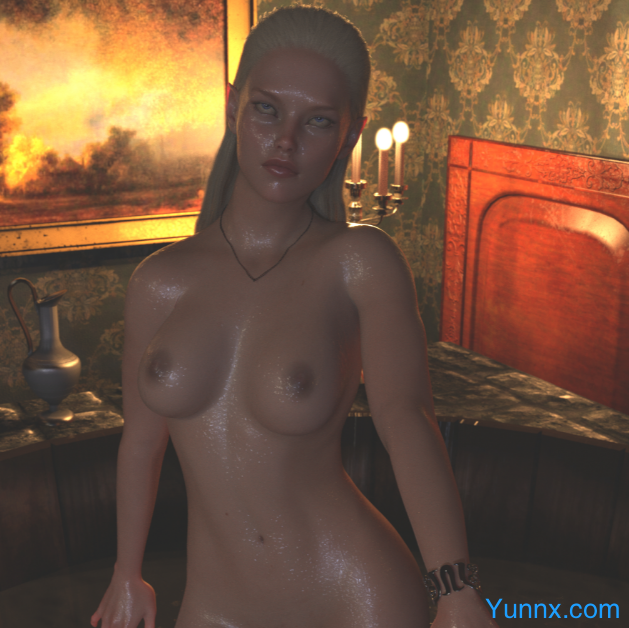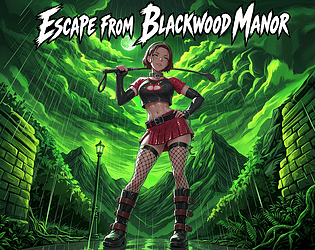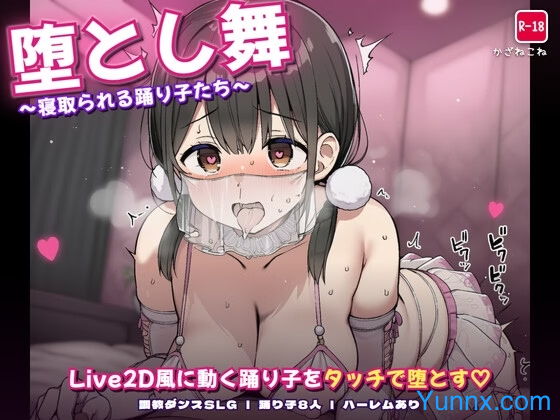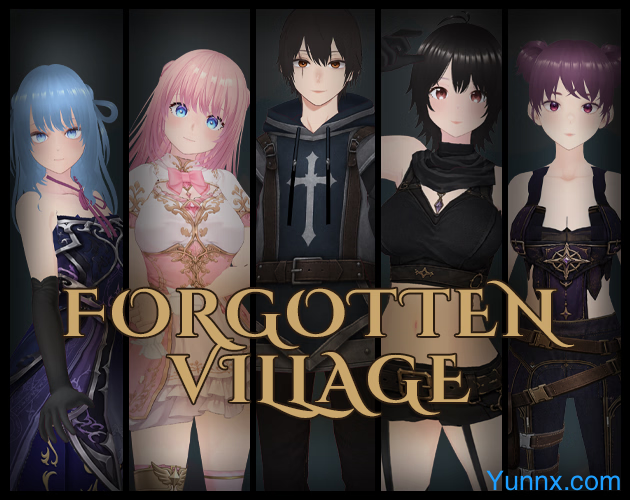
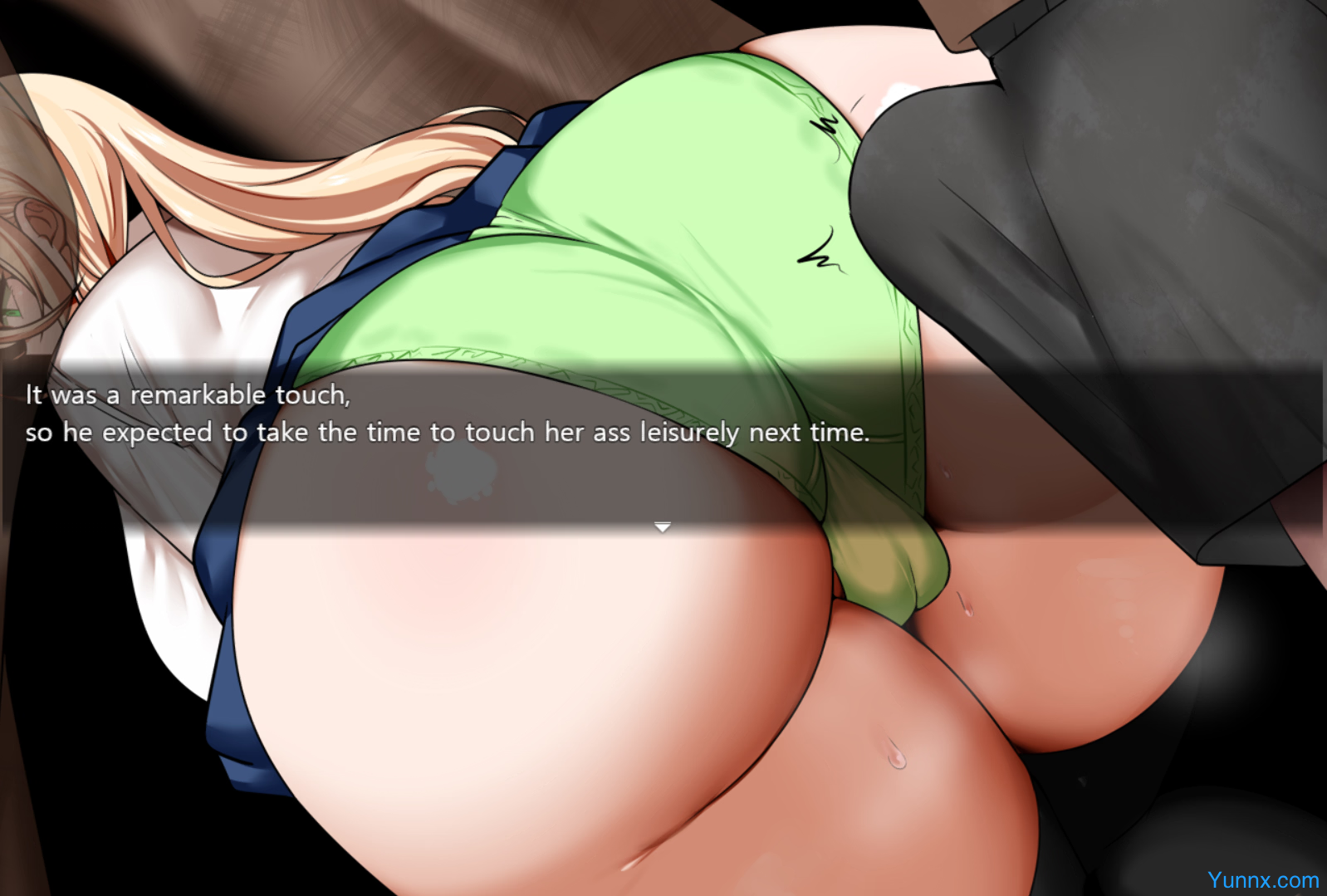
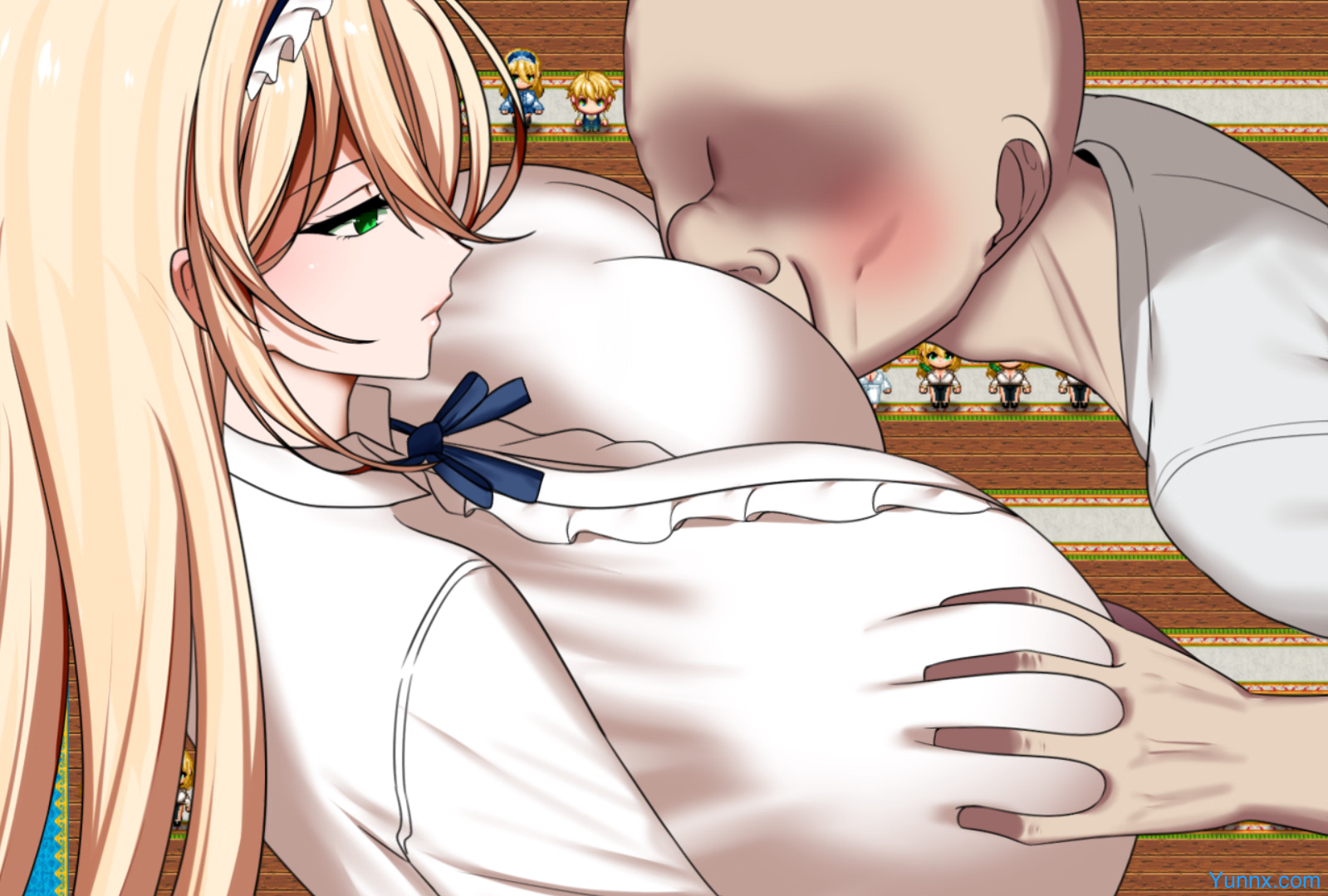
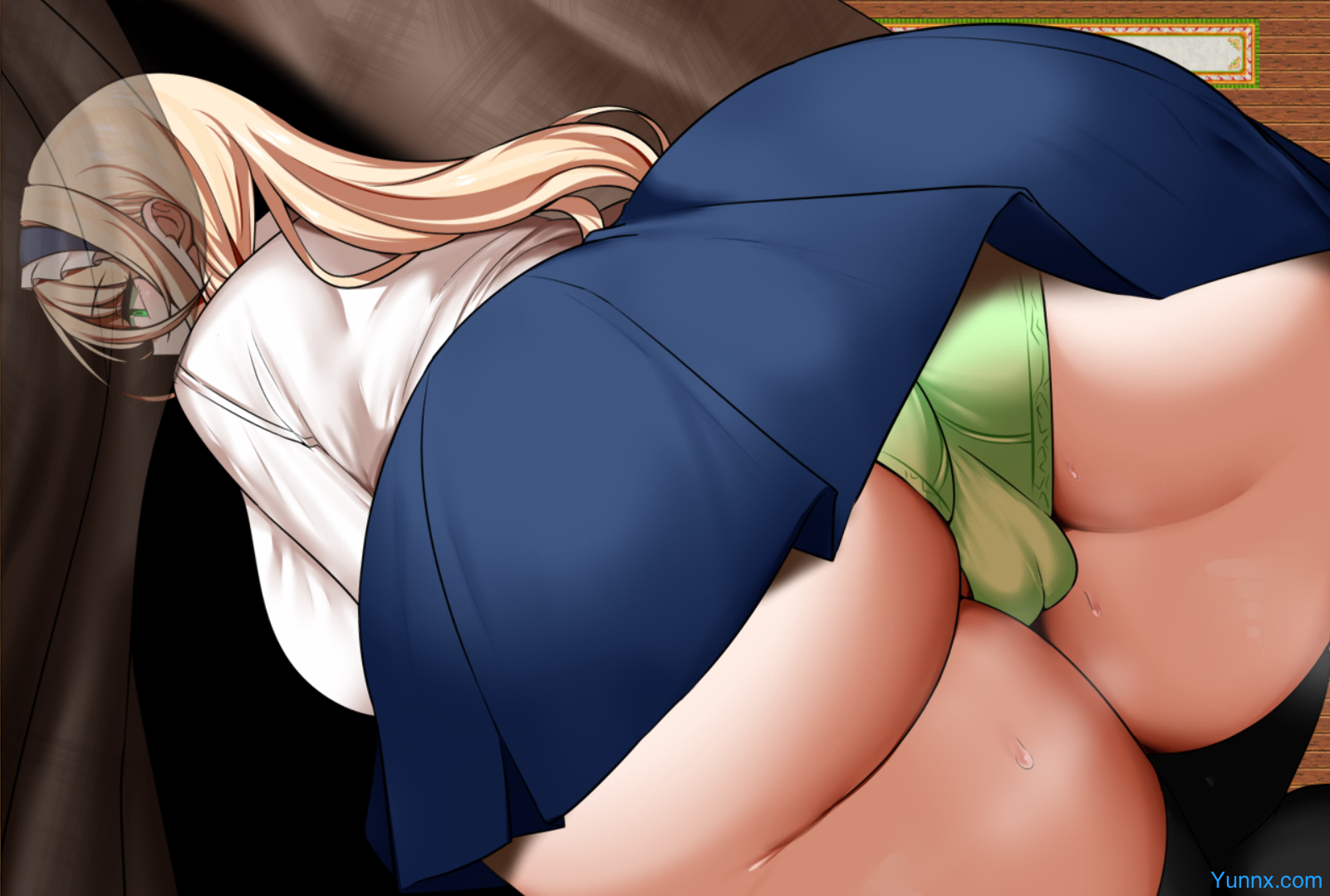
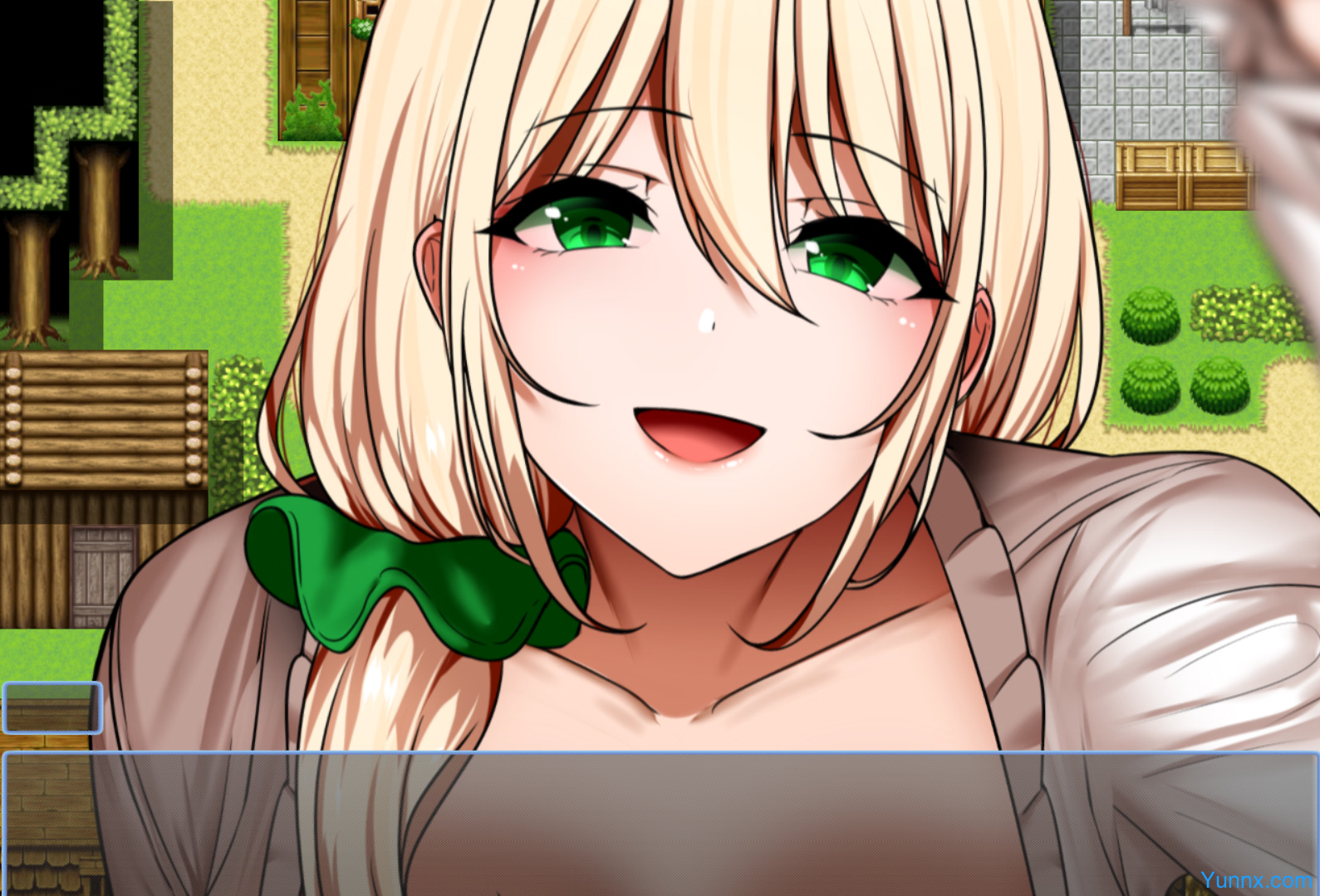
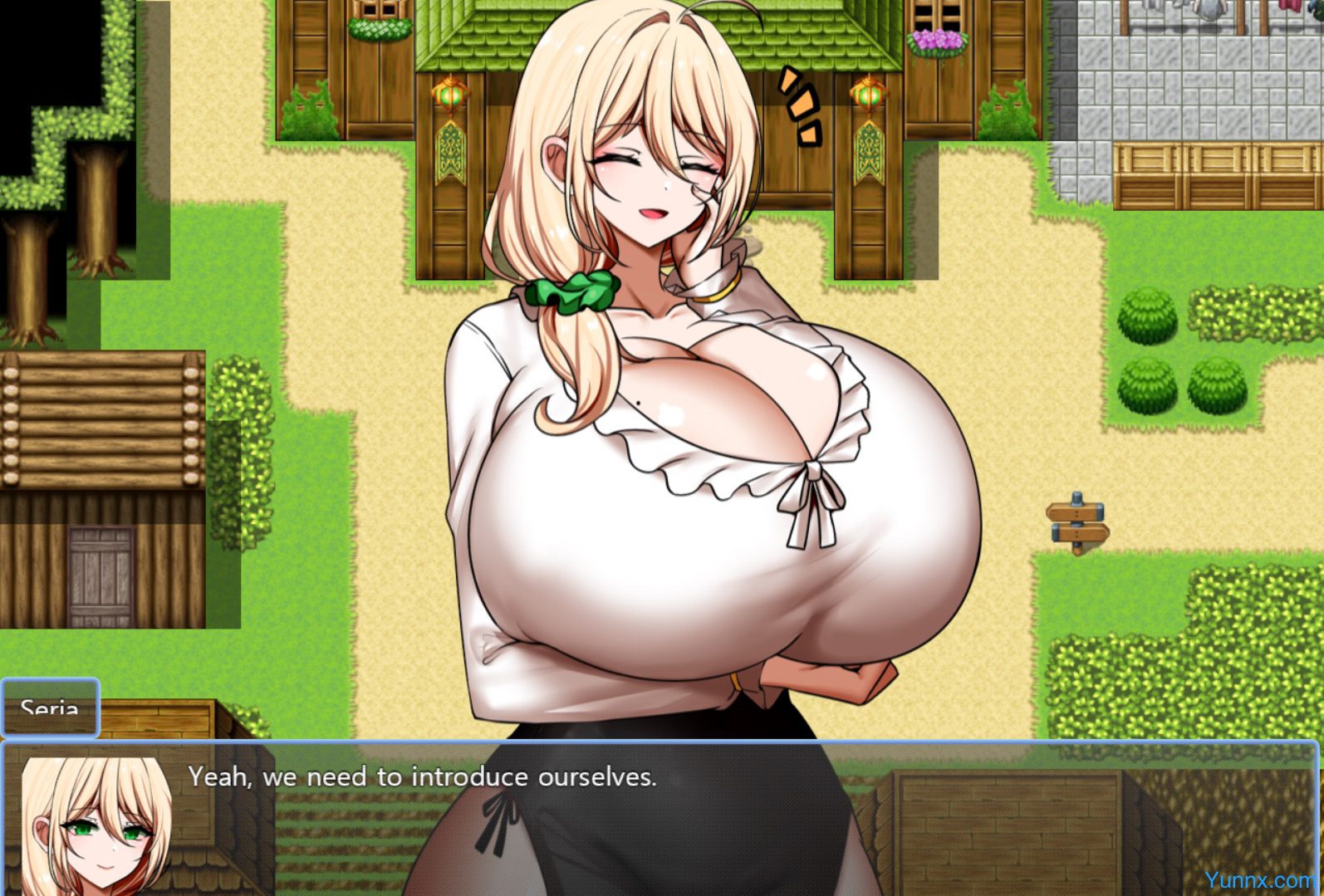
Step into a sleepy countryside village where nothing is quite as innocent as it seems. In Game for Fans, you follow a family whose new rural life brings them into daily contact with the village's most depraved residents. Every dialogue choice steers the narrative toward seduction, temptation, and explicit adult situations. A story-driven experience with branching paths and replayable scenes.
Game for Fans Story & Setting
1. The game takes place in a remote farming village, far from the rules and manners of the city. Its residents are charming on the surface — but each one hides a perverted secret they can't wait to share with the new family in town.
2. You play through the perspectives of the family's members as neighbors, shopkeepers, and local workers find increasingly bold ways to get close to them.
3. The rural backdrop isn't just scenery — seasonal festivals, village traditions, and late-night gatherings all become stages for temptation.
Gameplay Features & Choices
1. Dialogue decisions determine which villagers pursue which family member, unlocking different scenes and relationship routes on every playthrough.
2. A scene gallery lets you replay unlocked moments, making it easy to complete your collection and find the game's hidden endings.
3. Lightweight RPG mechanics — exploring the village, completing small favors, and building trust — gate the more intense encounters behind the choices you make.
Adult Content & 18+ Warning
1. This title contains explicit adult themes intended solely for players aged 18 and above, including voyeurism, seduction, and corrupting storylines.
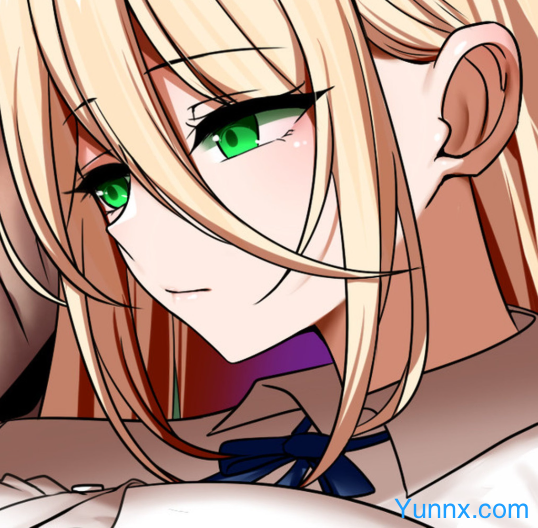
2. All content is presented in a stylized, anime-inspired art style with fully illustrated CG scenes and Japanese-style voice work.
3. Players uncomfortable with non-vanilla themes should review the content notes on the download page before starting the game.
Game for Fans Download, Installation & Updates
1. The game is available for Windows PC as a lightweight download that runs on most modern systems without high hardware requirements.
2. Save files from earlier versions are generally compatible — back up your save folder before updating to keep your gallery progress.
3. Check the version number on this page to make sure you're getting the latest build with the newest scenes, bug fixes, and translation improvements.