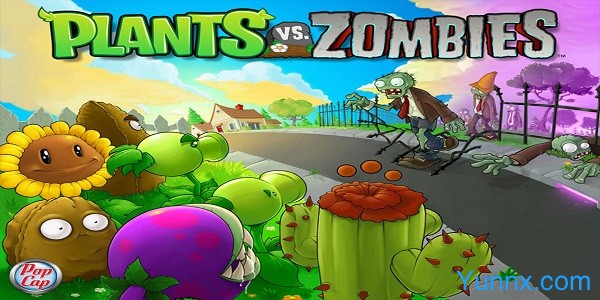

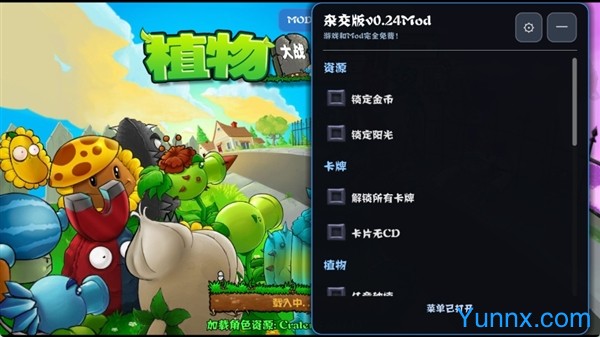
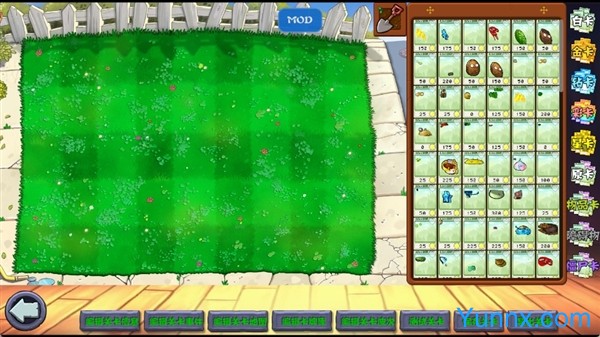
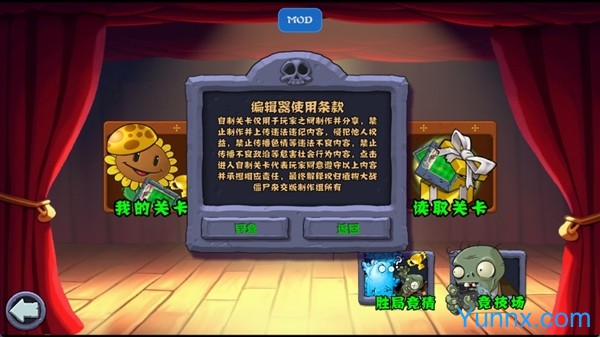
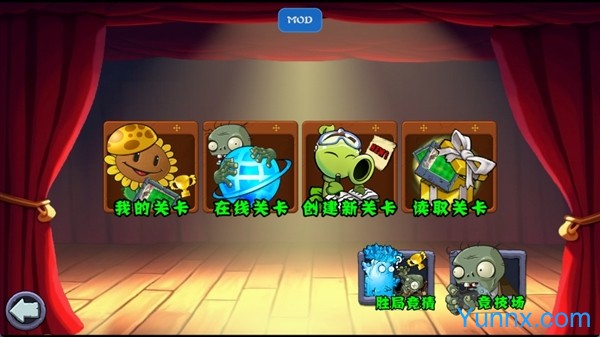
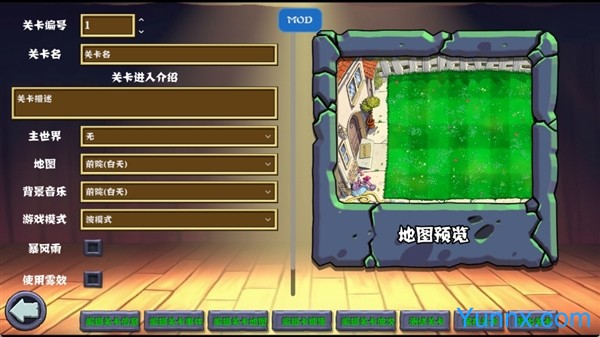
Breaking away from the fixed game framework of the classic original version, PVZ Hybrid Second Edition PC brings players a brand new experience of zombie battles in the form of a second creation adaptation. This PC tower defense game has significantly expanded its content library while retaining the classic defense logic of the original version. It has added various featured plants, strange zombies, and unique level scenes, completely changing the monotony of the original gameplay. As a popular hybrid version of secondary innovation, the software adheres to the adaptation of official original resources, and all game content is optimized and adjusted based on the original engine to ensure stable operation. The installation process does not involve any third-party software binding, and the overall operating environment is pure and safe, suitable for all players who love Plants vs. Zombies to deeply experience the new gameplay and content of the game.
What are the highlights of adding new plant and zombie types
1. The PVZ Hybrid Second Edition PC significantly expands the game character library, adding 17 unique plants and 8 strange zombies, each with independent attributes and skill mechanisms. Players can click the "Plant List" button on the left side of the game's main interface to view the attack, defense, and auxiliary attributes of all newly added plants. Compared to the original version, it has increased the character gameplay matching space by nearly half.
2. Newly added strange zombies have differentiated behavior patterns, with some zombies possessing special abilities such as aerial movement and wall penetration, no longer the original single ground slow advance mode. Players need to adjust their defense strategies based on the special abilities of zombies, greatly enhancing the strategic and challenging nature of the game.
3. Some new plants support linkage skills, and deploying multiple plants simultaneously can trigger additional attack bonuses. Click on the linkage instructions on the plant details page to learn about the corresponding combination methods. This design makes the defense combinations in later stages more flexible and diverse, avoiding a single fixed defense routine.
4. All newly added characters have undergone meticulous debugging, with good attribute balance, and there will be no situation where a certain plant is too strong and causes the game to lose its challenge, ensuring the long-term durability of the game.
How to customize and adjust game difficulty parameters
1. This version has a unique difficulty adjustment function, allowing players to freely switch game difficulty modes according to their own level. The specific operation path is: after starting the game, click the settings button in the upper right corner to enter the game parameter interface, find the difficulty setting option, and then select the easy, normal, and difficult modes.
2. Different difficulty modes correspond to different game rules. In easy mode, the frequency of zombie appearances is reduced by 30%, and the cooldown time of plants is shortened by 20%, making it suitable for novice players to practice. The difficulty mode will increase the zombie attack power and appearance quantity, which puts higher demands on the player's strategic layout ability.
3. The difficulty adjustment function supports real-time effectiveness without the need to restart the game. During the game, the difficulty can also be temporarily adjusted. When encountering a stuck situation, the difficulty can be reduced to continue the experience. After becoming proficient, the difficulty can be increased to challenge oneself, greatly enhancing the flexibility of the game.
4. This feature is a characteristic optimization content of this version. Compared with the fixed difficulty setting of early secondary creation versions, custom difficulty allows both new and old players to find a suitable game rhythm, greatly improving the adaptability of the game.
Editor's test: You may need to pay attention to these details
① The installation package has a volume of approximately 220MB and takes about 9 seconds to load upon initial startup, reducing disk usage by 25MB compared to earlier binary versions. Even low-end Windows computers can start normally.
② The software requests 1 system permission, of which 0 are sensitive permissions that only require local file read and write permissions to save game saves and will not access private computer data.
③ This second creation version is a pure gaming experience version, with no internal advertising content and no need to manually turn off the advertising switch, providing a pure gaming experience throughout the entire process.
④ During actual testing, it was found that Win7 low-end devices occasionally experience lag when running large scene levels. It is recommended to use Win10 or above systems to completely avoid lag and lag issues.
Frequently Asked Questions FAQ (PVZ Creative Edition Exclusive Questions)
Question: What should I do if the game parameters do not take effect after switching difficulty levels?
Answer: This problem often occurs when the game is running online. Simply click ESC to pause the game, confirm the difficulty setting again, and continue the game to take effect without restarting the entire program.
Question: How to solve the problem that the newly added plant linkage skill cannot be triggered?
Answer: It is necessary to strictly follow the instructions in the game to match the corresponding plant combinations. Deploying a single new plant alone cannot trigger linkage. After readjusting the plant layout, special skills can be activated normally.
Question: What should I do if my game saves and data is lost after restarting?
Answer: It is recommended to click the manual save button in the settings before ending the game each time. The software will automatically save only a single progress, and manual backup can effectively save multiple game progress files.