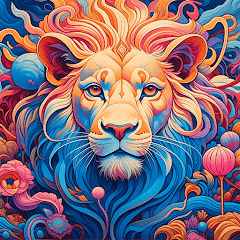

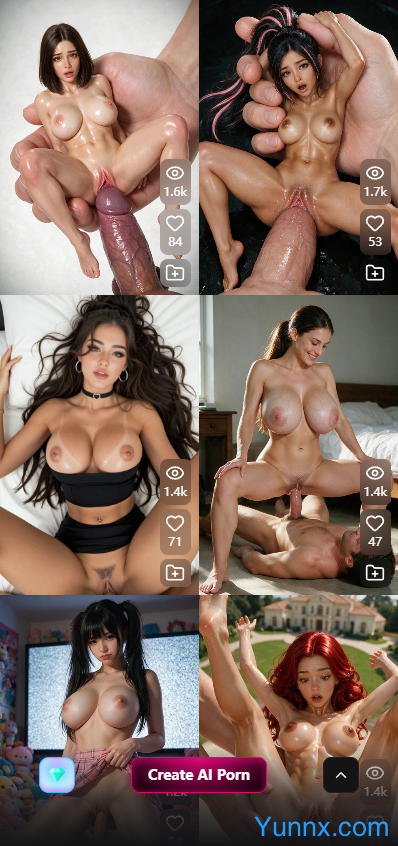


CreatePorn puts adult visual creation at the center of its experience. Instead of relying on a single generic prompt, users can combine styles, descriptive tags, and advanced settings to shape the appearance of their creations. Image animation, editing tools, and flexible generation options provide additional ways to develop an idea from an initial concept into finished visual content.
Create Custom Adult AI Images with Prompts and Tags
1. Shape the scene around your preferences. CreatePorn allows users to describe a character's appearance, clothing, pose, expression, lighting, and surroundings. Preset tags simplify the process, while custom prompts offer more direct control over the details that matter most. This makes the platform accessible to beginners while giving experienced users more room to experiment.
2. Explore different visual styles. From realistic-looking artwork to anime-inspired illustrations, the available styles give users different ways to approach adult image creation. Switching styles can produce noticeably different interpretations of the same idea, making it easier to find a look that fits the intended scene.
3. Build better prompts without unnecessary trial and error. Clear descriptions usually work better than long lists of conflicting instructions. Users can begin with a few important details, review the first result, and gradually adjust the prompt or tags. This approach helps reduce wasted generations and makes the creative process easier to manage.
Turn Still Images into Animated Adult Content
1. Give a static image movement. CreatePorn includes image-to-GIF functionality, along with additional video-generation options documented in its help center. Users can select a suitable image, describe the movement they want, and choose an available generation engine to create an animated result.
2. Adjust motion and visual direction. Depending on the selected engine, available controls can cover body movement, camera motion, scene atmosphere, and audio. Different engines suit different purposes, from simple looping animation to more developed motion. Results vary with the source image, instructions, and selected model.
3. Develop a visual idea beyond a single frame. Animation gives creators another way to work with an existing image without rebuilding the entire scene. A clear source image and focused motion instructions help maintain visual consistency, while experimentation with different settings can produce alternative results. Video and motion features consume generation credits, so checking their costs before creating multiple versions is worthwhile.
Refine Artwork, Preserve Characters, and Improve Image Quality
1. Improve details after generation. An image may capture the intended style but still need sharper details or a larger output size. CreatePorn provides upscaling options that can improve clarity and increase resolution. This is useful when preparing images for closer inspection, saving in a collection, or using in other creative projects.
2. Edit selected areas instead of starting over. The platform's documented editing tools include inpainting and other image-editing features. These workflows allow users to change particular parts of an existing creation or make targeted adjustments. Availability may vary by tool, model, and feature status.
3. Maintain a recognizable character across creations. Character-consistency features help users reuse an original character's appearance in subsequent generations. Combined with saved creations and albums, these options are useful for developing a themed collection or maintaining a consistent visual identity across multiple scenes.