CapCut Editing Tips: A Complete Video Tutorial Guide from Beginner to Mastery
Jun 11, 2026
CapCut has become one of the most popular video editing tools worldwide, but many users only use less than 10 features. This article comprehensively explains the core operating techniques of CapCut, including practical functions such as editing, filters, transitions, subtitles, etc.
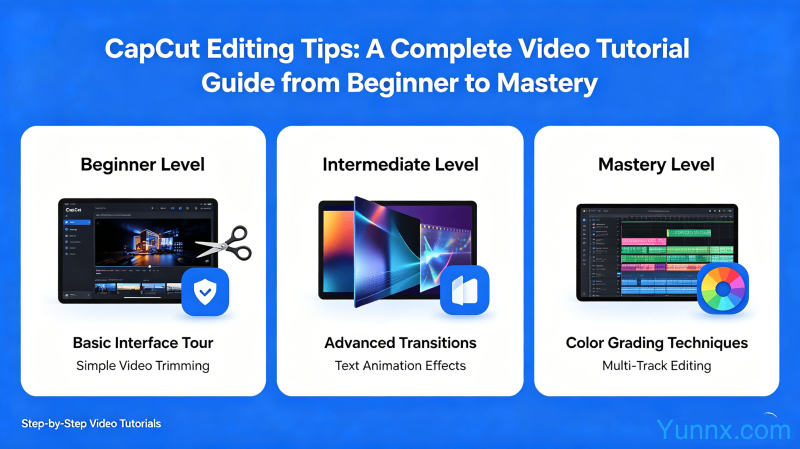
CapCut beginner's basic operation
1. Import materials: Click on "Project" to start importing video and image materials from your phone's photo album.
2. Split clip: Drag the timeline to the desired cutting position, click the split button, and quickly cut off unnecessary clips.
3. Adjust order: Drag the materials directly on the timeline to adjust their arrangement order.
4. Preview check: Click the play button to preview in real-time, confirm the editing effect before proceeding to the next step.
What are the advanced editing techniques?
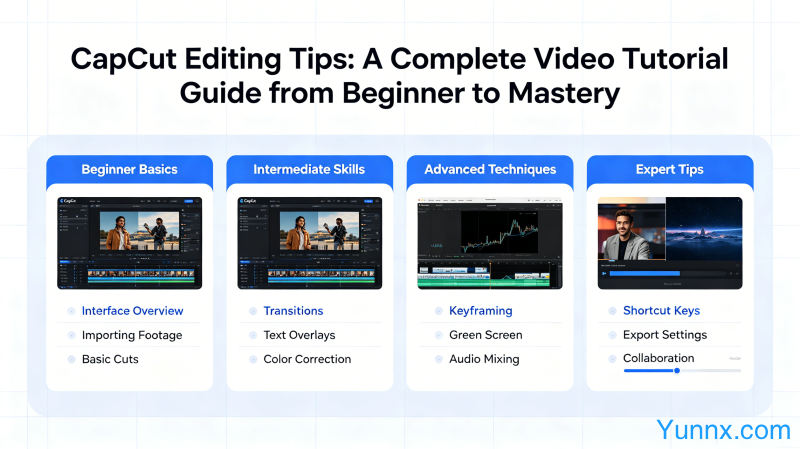
1. Keyframe animation: Adding keyframes to parameters such as scaling, position, and rotation can achieve professional animation effects.
2. Curve shifting: Use the curve shifting function to achieve a professional rhythm of slow to fast or fast to slow alternation.
3. Mask Mask: Use mask tools to achieve professional effects such as picture in picture, character tracking, and coding.
4. Color key control: One click cutout to change the background, achieving professional synthesis effects without the need for a green screen.
How to create explosive video effects?
1. Popular Transitions: Built in popular transition effects can be applied with just one click, which can greatly enhance the effects of flashing black, zooming in, and rotating.
2. Subtitle recognition: AI automatically recognizes speech in videos and generates subtitles with high accuracy, saving manual input time.
3. Sticker animation: Massive dynamic sticker library, add suitable stickers to make videos more vivid and interesting.
4. Sound effect coordination: The sound effect library has various popular BGMs and sound effects, which can be combined with music beats to create more stunning editing effects.
What is the difference between CapCut and Jianying?
1. CapCut is the international version of Jianying, with a similar interface and functions, but different music libraries and stickers supported.
2. CapCut's music library includes more international music, while Jianying mainly focuses on Chinese music.
3. Both are free without watermarks, but the export parameters and encoding are slightly different depending on the publishing platform.
Recommend Apps