How to register for LINE? LINE registration and account setup complete tutorial
Jun 08, 2026
LINE is the most commonly used instant messaging app in Japan and Taiwan. This article introduces the LINE account registration method, basic settings, and common problem solving methods.
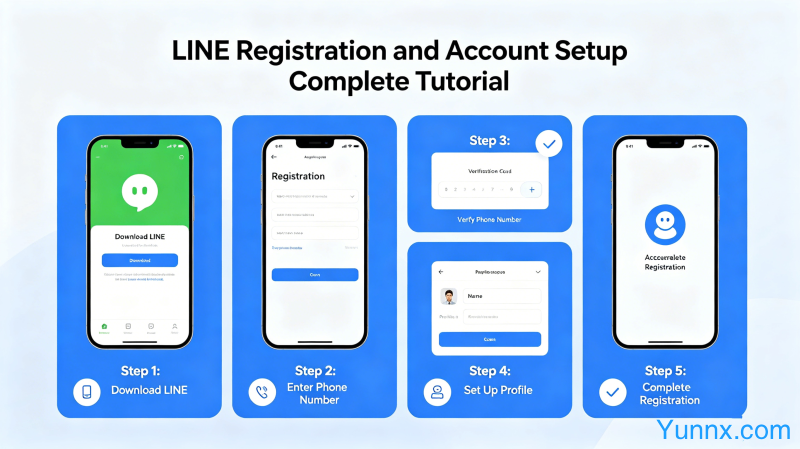
LINE registration method
1. LINE supports mobile phone number registration. After downloading the LINE app, select "Register a new account" and enter your phone number to obtain the verification code.
2. After verification, set a nickname and avatar to start using LINE.
3. You can also register using email, but registering with a phone number is more convenient, and some functions require phone number verification.
Account settings
1. In the "Settings" section, personal information can be improved, including profile picture, nickname, status messages, etc.
In the privacy settings, you can control who can find you through your phone number and who can send you friend requests.
3. Binding an email can restore the account when changing phones. It is recommended to bind it as soon as possible.
Frequently Asked Questions
1. Unable to receive verification code? Check if the phone number is entered correctly and try to retrieve it again or use voice verification.
2. Is the account locked? Contact LINE customer service to appeal and provide registration information to prove account ownership.
3. Unable to log in after changing phones? Unbind the account on the original phone first, or restore the account through the bound email.
Summary
LINE registration is simple, but remember to bind your email and set up two-step verification. Before changing your phone, be sure to unbind or backup your account to avoid losing it.
Recommend Apps