How to use Waze? Complete guide to Waze map navigation function and usage tips
Jun 08, 2026
Waze is a navigation app known for its community driven approach, with real-time traffic information and crowdsourced data being its core strengths. This article provides a detailed introduction to the features and usage tips of Waze.
Waze core functions
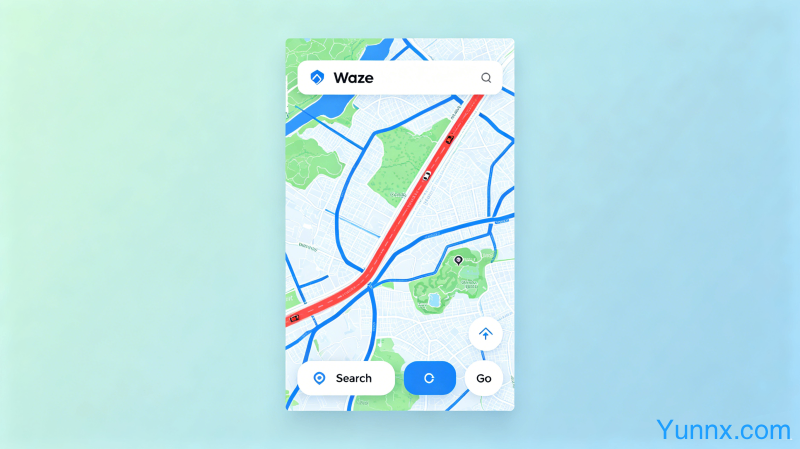
1. Real time traffic information. Waze's users report real-time traffic conditions, including congestion, accidents, speed cameras, and other information, which is shared by all users.
2. The advantages of crowdsourcing data. The more users there are, the more accurate the data becomes. Waze's real-time traffic updates on popular routes far exceed other navigation apps.
3. Route planning. Waze will automatically calculate the fastest route, taking into account real-time road conditions and historical data, to avoid congested sections.
Report traffic information
1. During the driving process, Waze will automatically prompt the user to report information. Click the 'Report' button to report traffic jams, accidents, speed checks, etc.
2. Reporting information that is adopted by other users will earn points, which can unlock virtual image decorations.
3. Voice reporting function. Waze supports voice control, and you can start reporting by saying 'Waze report' while driving.
Practical settings
1. Set up home and company addresses. Each navigation can start the route home or to the company with just one click.
2. Avoid toll roads. In the navigation settings, users can choose to avoid toll roads, which is suitable for those who do not want to pay highway fees.
3. Custom alerts. Set the advance reminder distance for speed cameras, road hazards, and other alerts.
Summary
Waze's community driven model allows for faster updates of real-time traffic information, making it a great helper for long-distance driving and daily commuting. Participating in road condition reporting can also provide a sense of achievement and virtual rewards.
Recommend Apps