Discord 2026 redesign sparks controversy: Behind soaring performance, will you really change your privacy and security settings
Jun 04, 2026
Discord underwent a major redesign in 2026, with significant improvements in desktop performance, but also introduced new data collection mechanisms that raised privacy concerns. The privacy settings of the new version of Discord have become more complex. This article provides a detailed introduction to the functional changes and privacy protection setting suggestions of the new version of Discord.
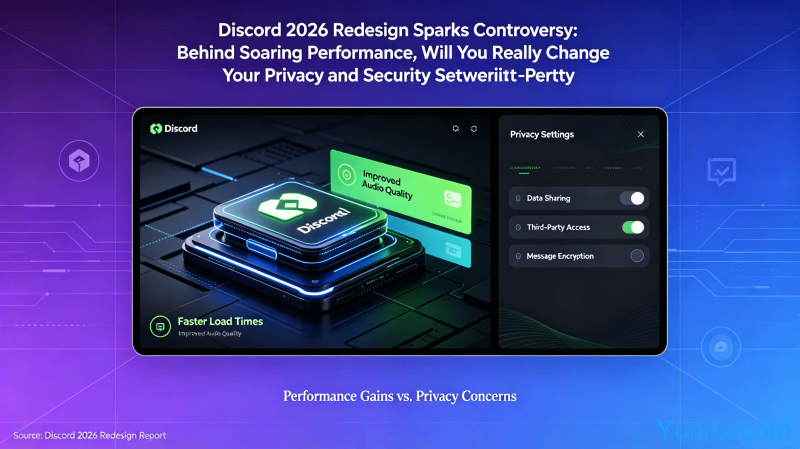
Core changes for 2026 revision
1. The desktop performance has been significantly improved. Discord 2026 has restructured the underlying rendering engine, increasing startup speed by 40% and reducing memory usage by 25%. This is a significant benefit for users who frequently run a bunch of servers.
2. Spatial Audio has been fully launched. Users can experience a sense of direction and immersion in the voice channel, but it also means continuous audio data collection.
3. The new data collection mechanism has raised concerns. The new version of Discord has added a "Usage Analysis" option, which is enabled by default, sparking criticism from privacy advocates.
Where can I find privacy settings
1. Open Discord Settings (gear icon) → "Privacy and Security".
2. The 'Application Privacy' option controls which data is collected. Suggest disabling 'Usage Analysis' and' Crash Reporting '.
3. The "Direct Message" privacy setting controls who can send you private messages, and it is recommended to limit it to "server members" or "friends of friends".
4. The 'Server Privacy' setting controls whether non friends can see your activity status. It is recommended to enable it as needed.
Privacy issues of spatial audio
1. Space audio requires continuous use of the microphone and microphone permission is required. When entering the voice channel for the first time, an authorization prompt will pop up.
2. If you do not use spatial audio, you can turn off "Enable Spatial Audio" in the voice settings to protect privacy and reduce CPU usage.
3. Voice activity analysis is turned off by default to avoid your voice being analyzed for advertising targeting.
Account security settings
1. Two factor authentication (2FA) must be enabled. In the "My Account" ->"Two factor authentication" settings, it is strongly recommended to use authentication apps (such as Google Authenticator) instead of SMS authentication.
2. Regularly check for 'authorized applications'. Remove third-party application licenses that are unfamiliar or infrequently used.
3. "Logged in Devices" to view all devices that have logged in to your account and promptly log out of unfamiliar devices.
Anti harassment settings
1. Set the validity period for the server invitation link. Do not use permanent links, use invitation codes that are valid for 24 hours.
2. Keyword filtering. Set sensitive word filtering in "Privacy and Security" → "Security Review".
3. Requests for unfamiliar messages are rejected by default. Turn off 'Allow server members to message directly' to avoid being harassed by strangers.
Summary
The performance improvement of Discord 2026 redesign is a highlight, but the changes in privacy settings are worth paying attention to for every user. Suggest checking your privacy settings immediately and turning off unnecessary data collection options.
Recommend Apps