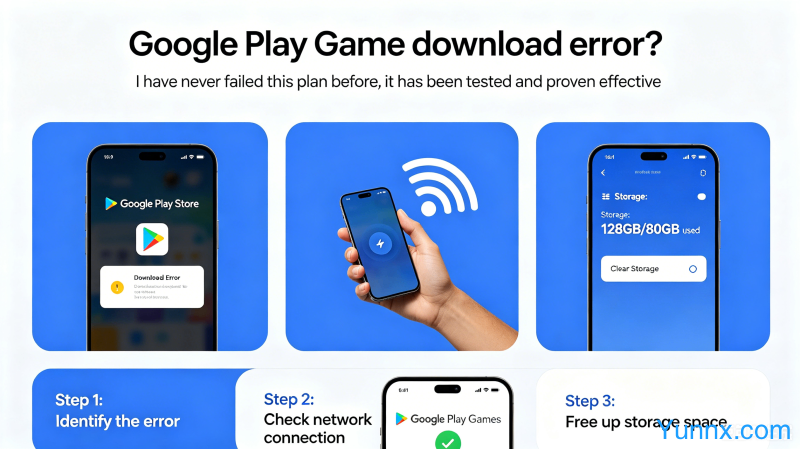
Google Play Game download error? I have never failed this plan before, it has been tested and proven effective
May 30, 2026
Google Play Game is a must-have gaming platform for many Android users, but almost everyone has encountered issues such as download failures, inability to log in, and missing services. What's more troublesome is that some domestic mobile phones come pre installed with a simplified version system, and the lack of Google service framework makes the game impossible to run. Today, I will share a complete solution that I personally tested and found to be effective. No matter what brand or system version you are, you can find the corresponding solution.
Problem 1: Game download prompt "Unable to install, app is not compatible with your device"
1. This is the most common question. First, confirm whether the game supports your device architecture (arm64-v8a/armaabi-v7a). You can check the specific requirements on the Google Play game details page → Technical Support.
2. Clear Google Play Store cache: Settings ->Apps ->Google Play Store ->Storage ->Clear cache. Try a few times and sometimes you'll see immediate results.
3. Confirm that the system WebView version is outdated: Chrome based WebView needs to be kept up-to-date. Open Google Play to update the "Android System WebView" and "Chrome" applications.
Problem 2: When logging into a Google account, it prompts' unable to verify your identity '
1. This type of issue is usually related to missing or outdated versions of the Google Services Framework, requiring the installation of the correct version of the Google Services Framework and Google Play Services.
2. It is recommended to use the "Go Installer" or "Google Three Piece Set" one click configuration tool to automatically detect and install missing components, which is more efficient and secure than manually searching for APKs.
3. If the one click tool still reports an error after installation, try manually logging back into your account in Settings → Account → Add Account → Google. Network fluctuations can sometimes cause verification information to be damaged.
Problem 3: Game running lags and crashes
1. Confirm that the phone storage space is sufficient. APK and data packages downloaded from Google Play games are usually large, and at least 5GB or more of available space should be reserved.
2. Activate game mode or performance mode (different brands have different paths: Xiaomi → game acceleration, Huawei → performance mode, Samsung → Game Launcher), and the effect will be immediate.
3. Updating graphics card drivers: Some models equipped with Adreno/Mali GPUs require downloading the corresponding version driver from Qualcomm or ARM official websites, which can significantly improve game smoothness.
Question 4: The game was falsely reported as a virus by the Play protection mechanism
1. Google Play's built-in Play Protect may occasionally accidentally kill legitimate games, resulting in a pop-up message saying 'This app may harm your device' during installation.
2. Solution: Open the Google Play Store → Play Protection Mechanism → Turn off the "Scan Apps" switch (only recommended for secure apps).
3. For modified/cracked games downloaded from official websites or legitimate channels such as TapTap, it is strongly recommended to test them in a simulator first to confirm that there is no malicious behavior before installing them on the real machine.
List of New Features for Google Play Games in 2025-2026
1. Google Play Games for PC now supports playing some Android games on Windows computers, with good graphics and frame rate performance, suitable for immersive gaming experiences on large screens.
2. Cloud game integration acceleration, users who subscribe to Google Play Pass can directly run high-end games in the cloud, and low-end phones can also play 3A masterpieces.
3. The controller adaptation has been greatly optimized. Xbox, PS, and Switch controllers support plug and play, and the key mapping is much more complete than earlier versions, allowing console players to seamlessly switch.
Recommend Apps