
Android Developer Assistant is a powerful tool for Android developers, offering a range of features to improve your development workflow. From decompiling apps to viewing layouts and extracting APK files, this tool simplifies tasks and enhances productivity. It also includes a color picker, activity tracker, and easy access to open-source projects.
Powerful Decompiling and Reverse Engineering Tools:
Android Developer Assistant provides advanced capabilities to analyze and reverse-engineer Android applications.
1. Decompile Apps: Extract Java files, resources, and other assets from any app for analysis, helping you understand the app's structure.
2. View Layouts and Controls: Discover detailed information about other apps' layouts, including control IDs, parent-child relationships, and screen coordinates.
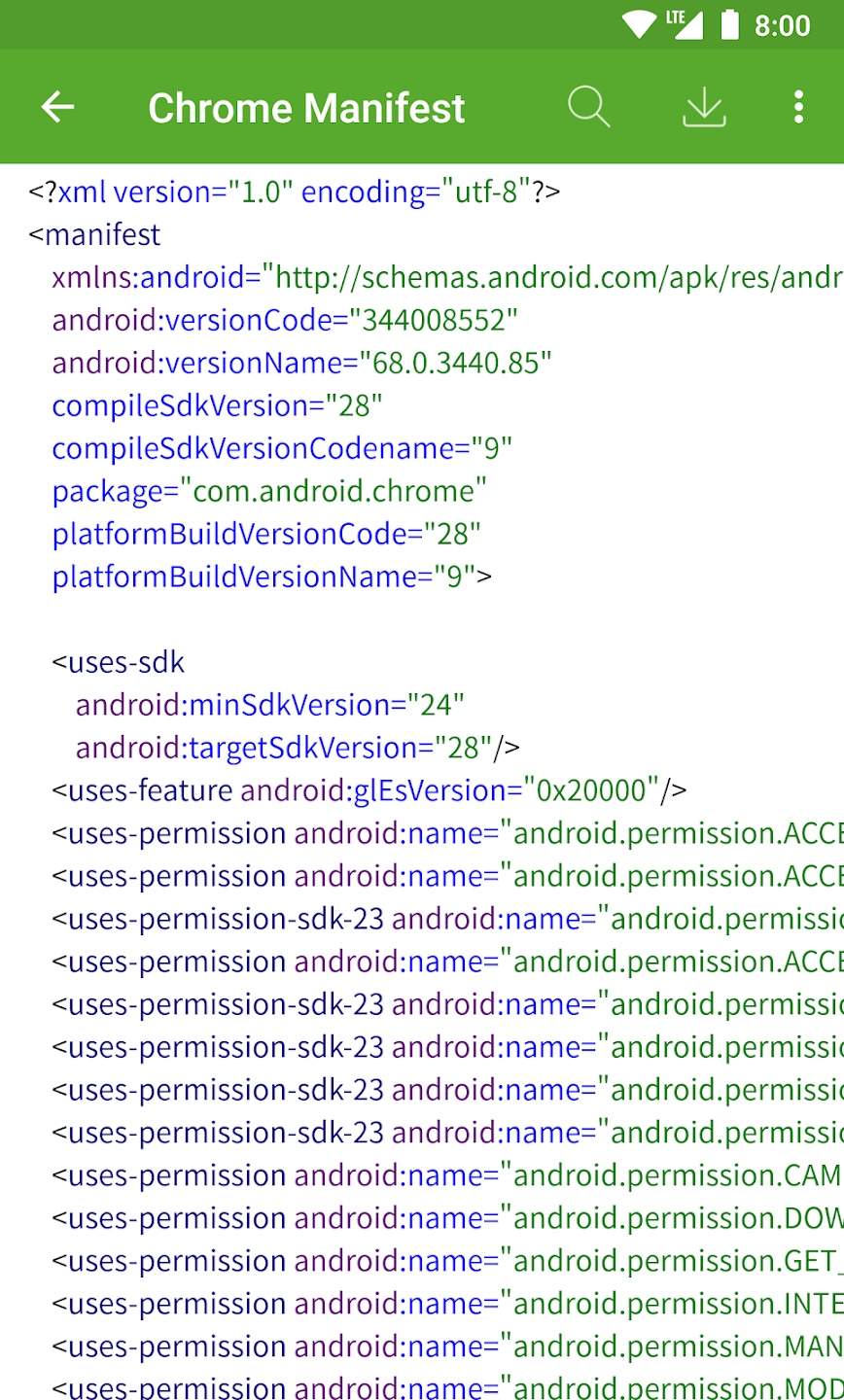
3. Access Manifest Data: Easily view the manifest files of any app to gain insights into its permissions and other key details.
Comprehensive App Analysis Features:
This tool allows for in-depth app analysis and debugging, making it a must-have for developers.
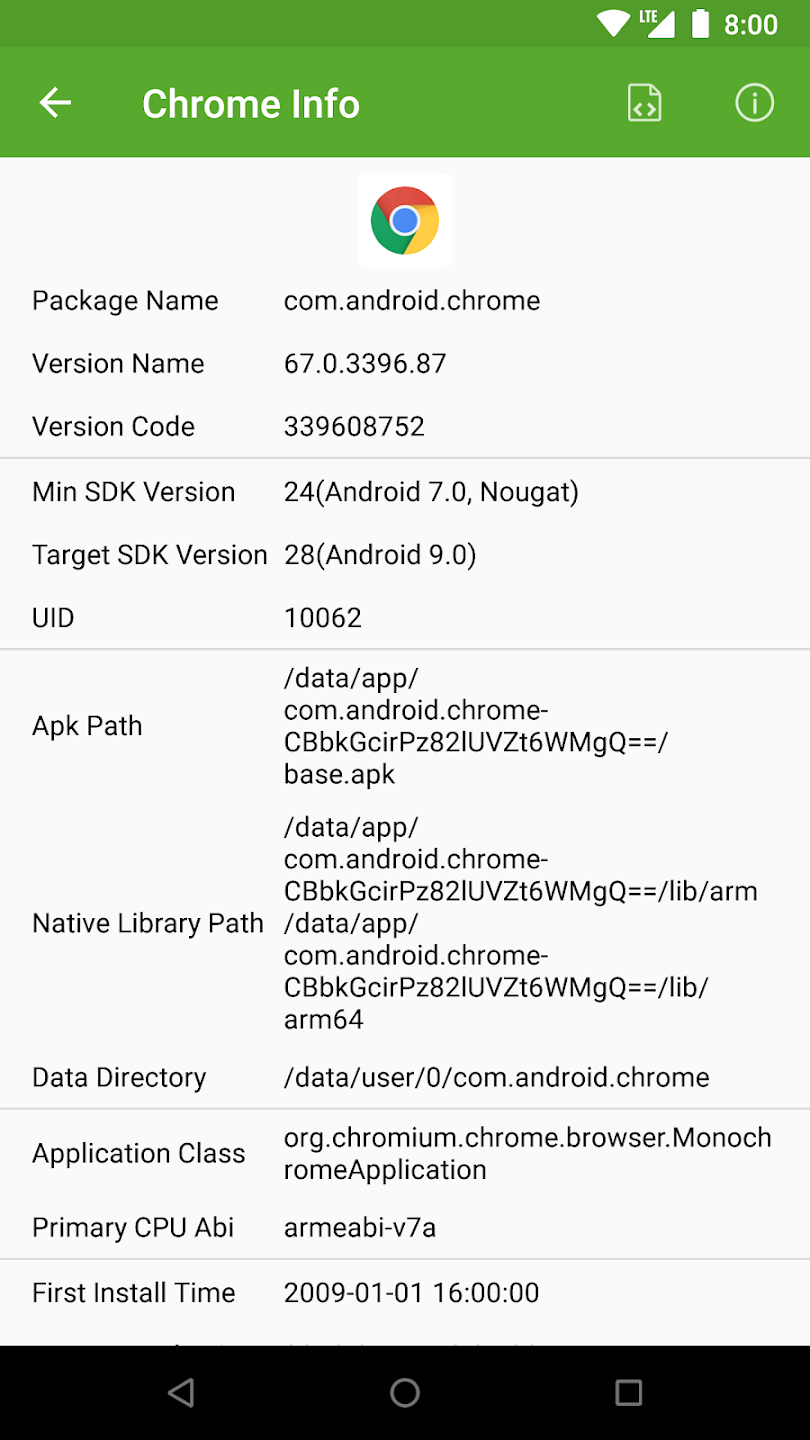
1. Track Activity Information: View details about the currently running activity, including its package name, class name, and launch time.
2. Extract APK and SO Files: Effortlessly extract APK and SO files from any app for further inspection and modification.
3. Analyze Recently Used Apps: Keep track of the apps you’ve recently installed or used, helping you stay organized during the development process.
Enhanced UI and Development Support:
Android Developer Assistant includes features that make the UI design and color selection process much easier for developers and designers.
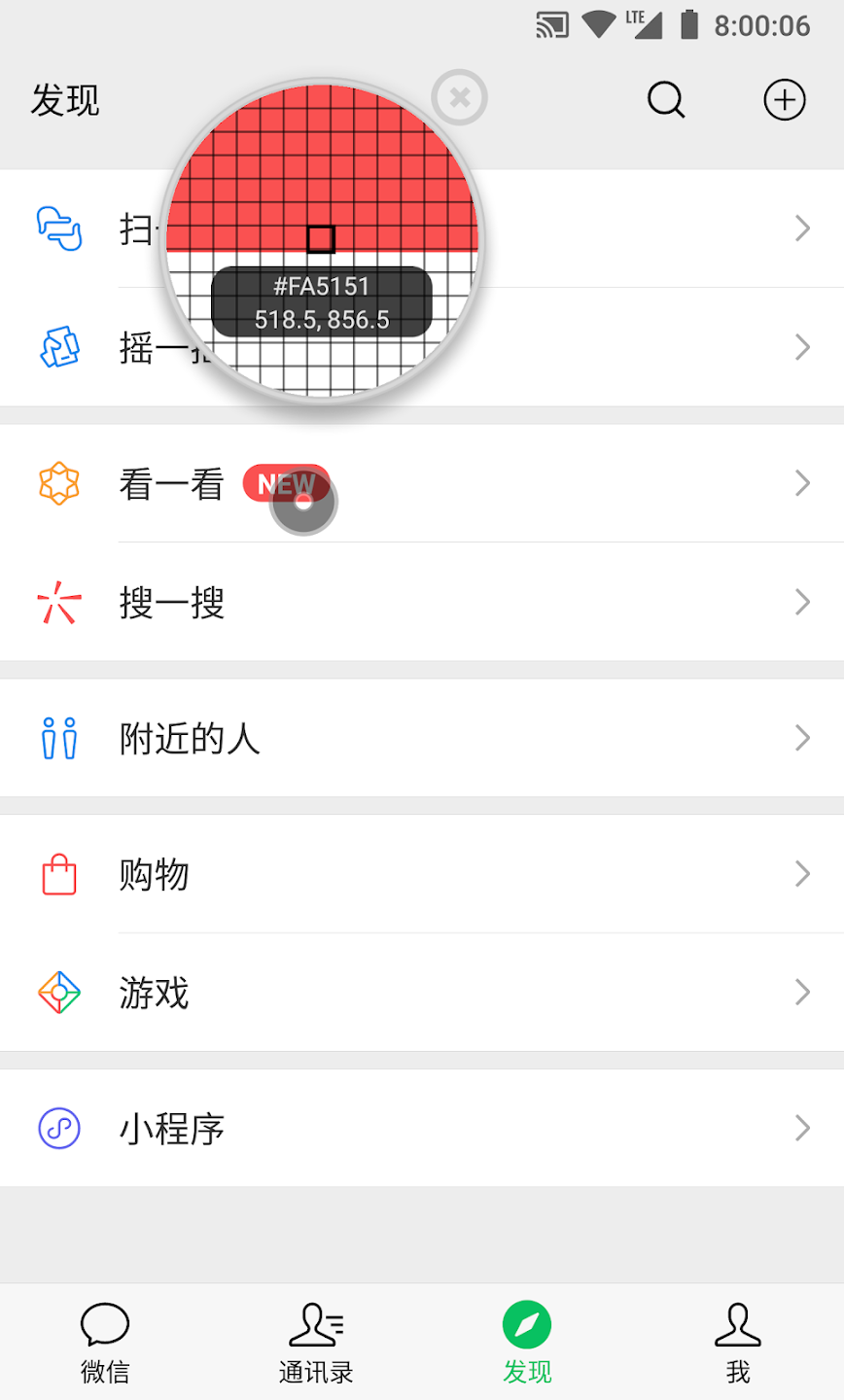
1. Color Picker: The color picker tool lets you extract colors from any app’s UI, displaying ARGB and CMYK values for easy use in your own projects.
2. View Layout and UI Elements: Analyze the UI structure of any app, identify views, their sizes, and their position within the app, and export them for reference.
3. Enhanced Layout Exporting: Export layout files to your local system for offline viewing and editing, saving time during the design process.
Access to Latest Open-Source Projects:
Stay up to date with the latest trends in Android development with access to curated open-source projects.
1. Explore New Projects Daily: Discover fresh, handpicked open-source Android projects every day, enhancing your development toolkit.
2. Integrate with Current Work: Use the open-source projects as a base or reference to improve your own apps.
3. Community Collaboration: Engage with the Android development community, share your knowledge, and collaborate on innovative solutions.