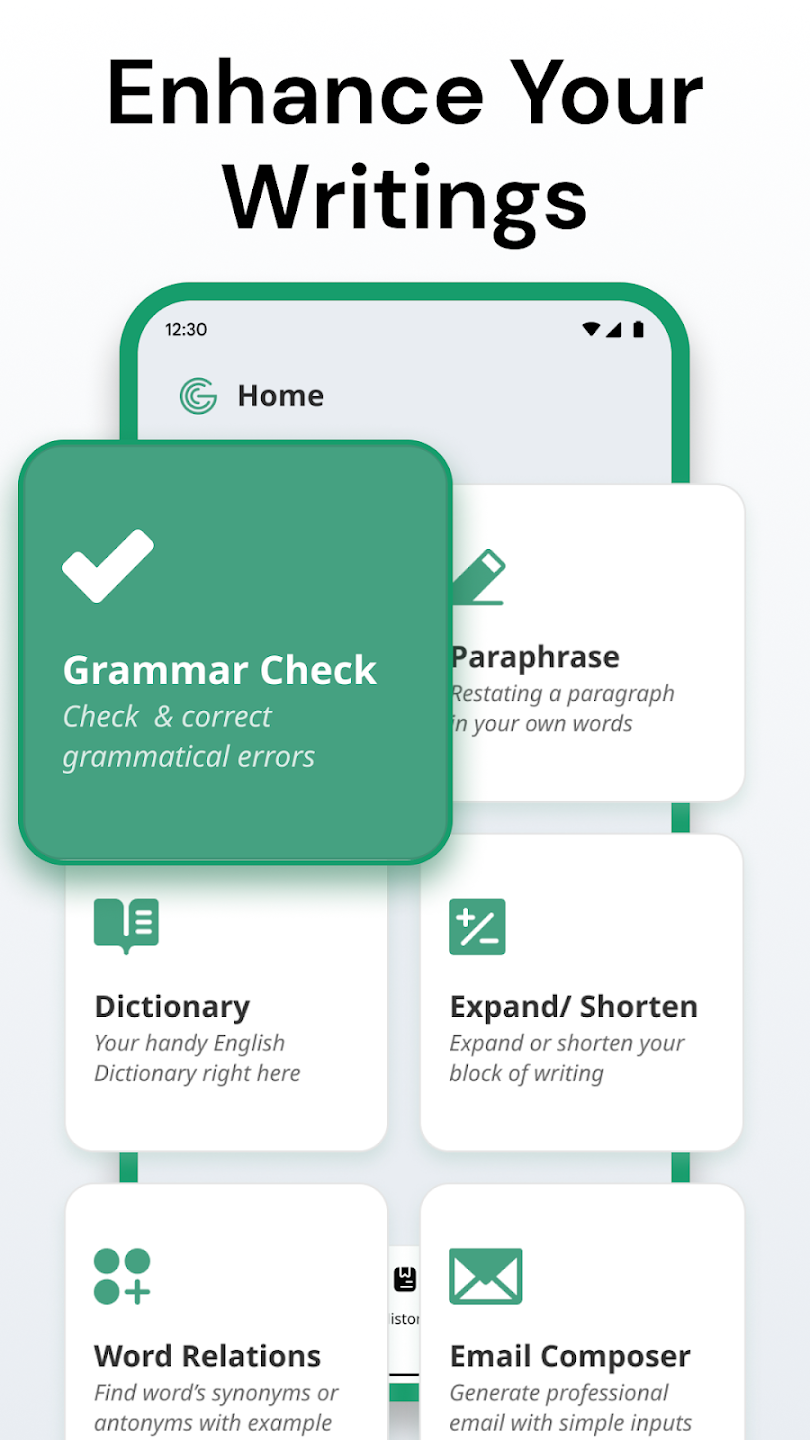
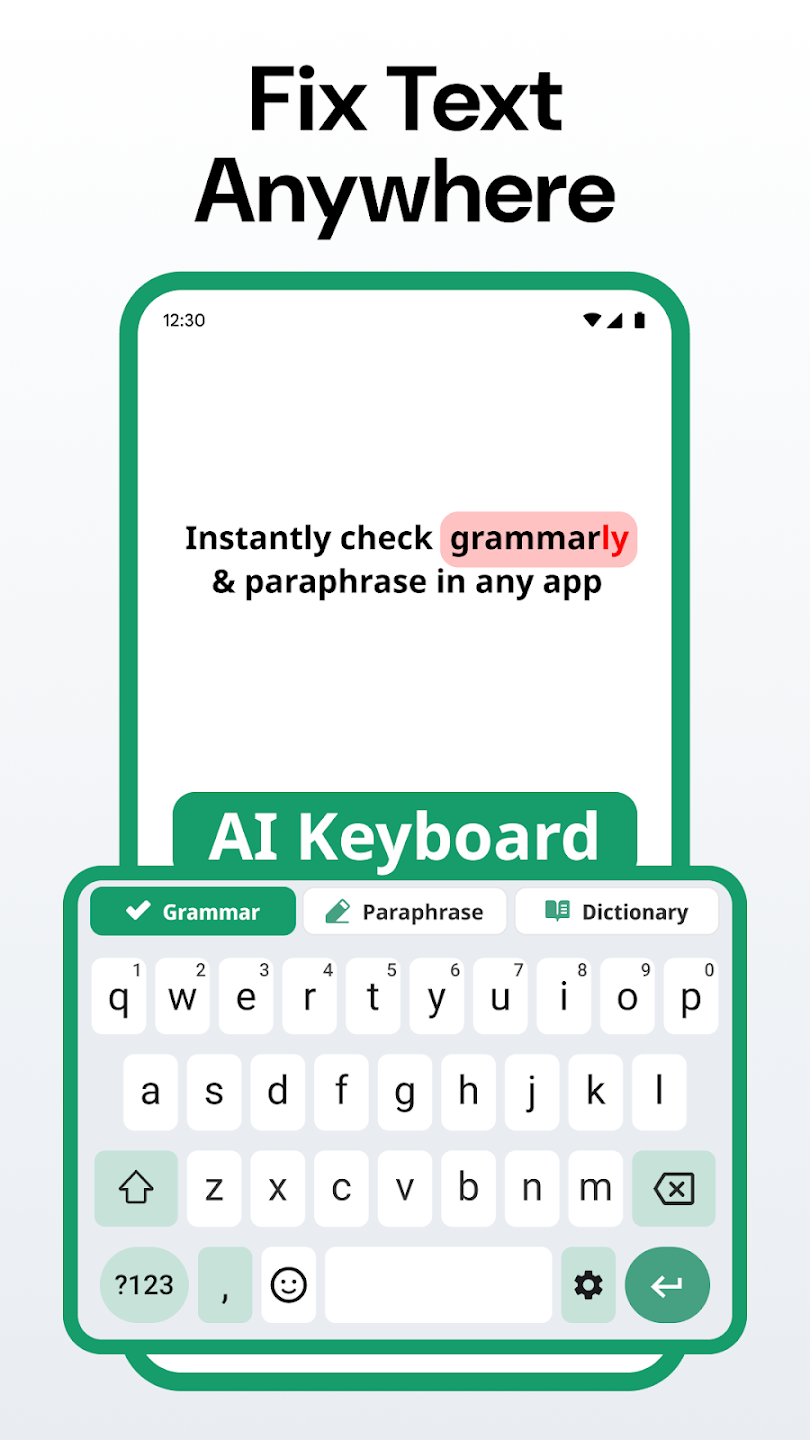
Enhance your writing with AI Writing Grammar Check, an all-in-one tool for grammar, spelling, and vocabulary improvement. This intuitive app utilizes cutting-edge AI technology to boost your writing skills, making it the ultimate writing assistant for all types of tasks, from emails to essays.
Real-Time Grammar & Spelling Correction
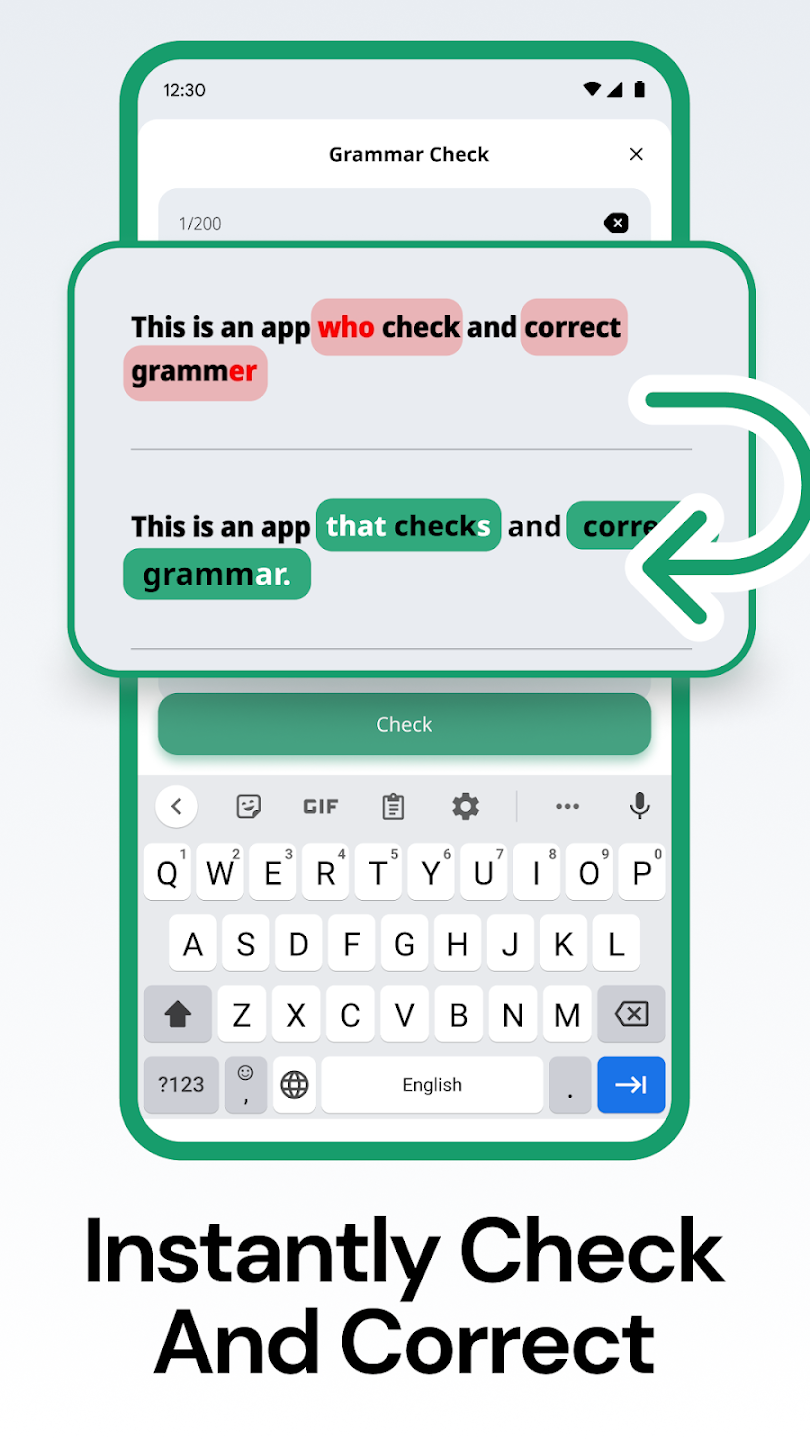
1. Instant Error Detection: Get immediate grammar and spelling corrections as you write. The app detects mistakes in real-time, eliminating the need for manual proofreading.
2. Auto-Correction Feature: Once errors are identified, the app automatically suggests corrections to streamline the process, allowing you to focus more on content rather than form.
3. Improved Efficiency: With real-time feedback, your writing process becomes quicker and more efficient, ensuring that your work is always polished and error-free.
Comprehensive Vocabulary and Dictionary Support
1. Extensive Dictionary: The app offers a comprehensive dictionary to help you deepen your understanding of words, including definitions, pronunciation, and usage examples.
2. Enhanced Vocabulary Suggestions: As you write, the app recommends alternative words and expressions to enrich your writing, improving the quality of your content.
3. International Phonetic Alphabet (IPA): For users learning pronunciation, the app provides IPA symbols for each word, making it easier to grasp proper pronunciation.
Tone and Email Customization
1. Tone Adjustment Features: Tailor your writing tone for different contexts, whether it’s a formal professional email or a casual message to a friend.
2. Professional Email Drafting: The app helps you write polished, professional emails with ease. You can rely on AI to ensure clarity and conciseness in your correspondence.
3. Email Optimizations: The app’s AI analyzes your emails and suggests improvements, ensuring your message is clear, error-free, and meets your intended purpose.
User-Friendly Input Options
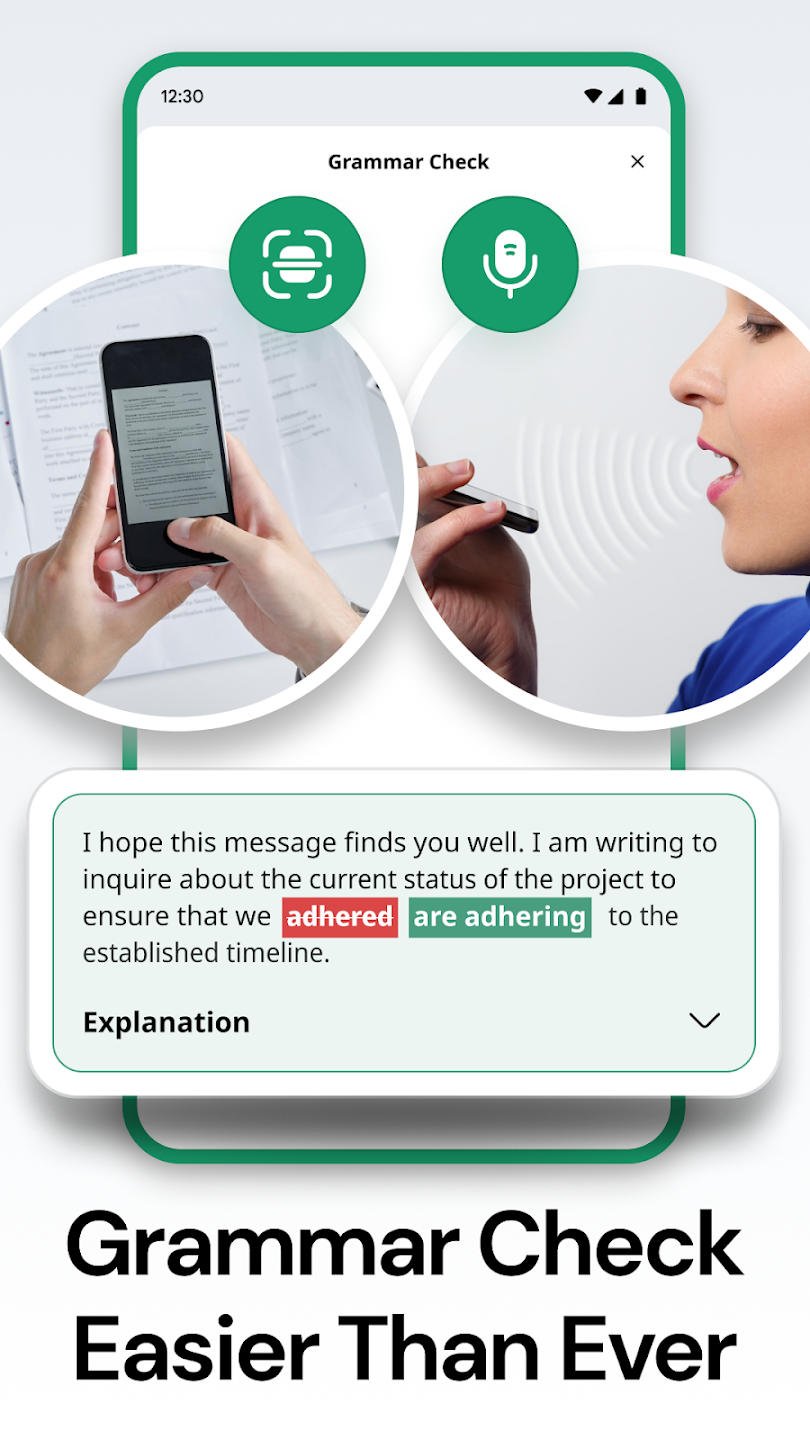
1. Flexible Input Methods: The app allows text input through traditional typing, camera scanning, or even voice-to-text capabilities, offering versatility in how you create your content.
2. Image and Text Integration: You can easily insert images for text recognition, making it convenient for scanning documents and editing them seamlessly.
3. Quick Text-to-Speech Conversion: With the voice input feature, quickly dictate your ideas and have them transcribed, making it ideal for users on the go.