

KIRI Engine simplifies the process of 3D scanning by allowing users to create high-quality 3D models directly on their phones. With advanced features designed for artists, designers, engineers, and 3D printing enthusiasts, this app brings professional-grade 3D scanning and modeling into your hands.
Effortless 3D Scanning with Advanced Technologies
KIRI Engine utilizes cutting-edge technologies like photogrammetry and Neural Surface Reconstruction (NSR) to deliver exceptional 3D scanning results.
1. Photogrammetry: Convert photos into highly detailed 3D models with simple image capturing.
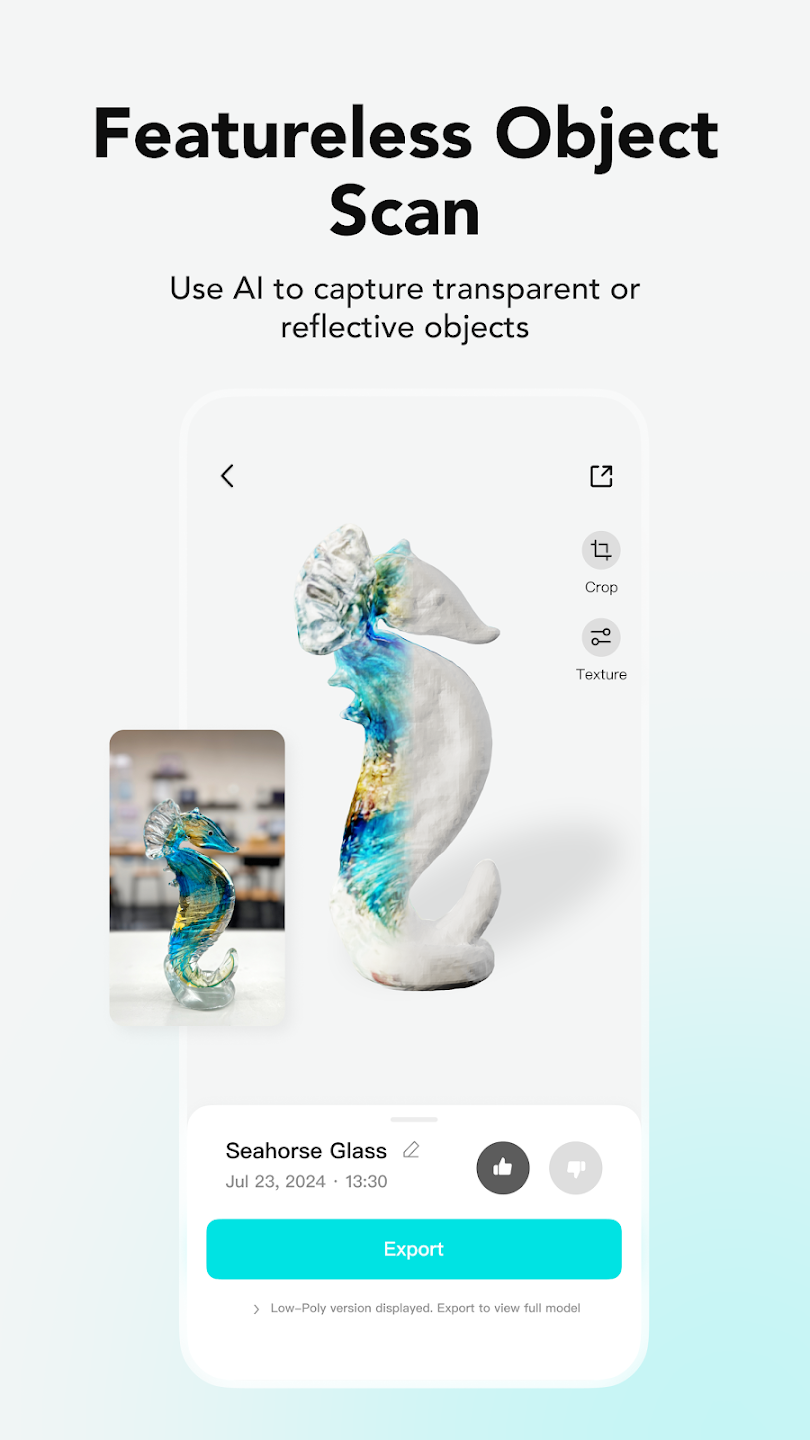
2. Neural Surface Reconstruction (NSR): Scan and reconstruct featureless or reflective objects using NeRF technology, ensuring detailed and accurate results.
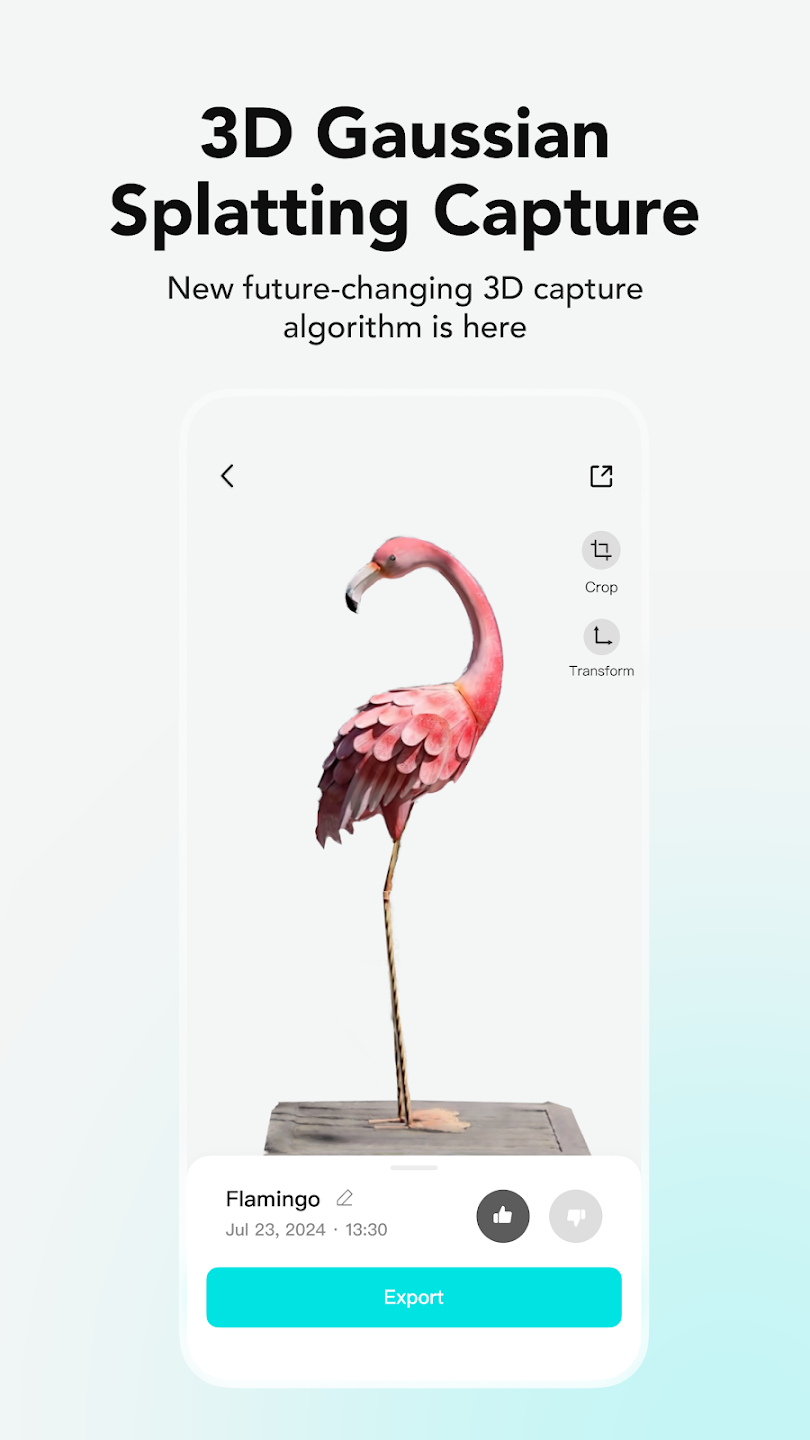
3. 3D Gaussian Splatting: Capture all elements of a scene, including reflections, using videos to create a full 3D visualization.
Quick and Simple 3D Modeling
Creating a 3D model with KIRI Engine is incredibly simple and fast.
1. Instant Results: Just a few minutes are required to generate detailed 3D meshes from your photos or video captures.
2. Free Features: Enjoy full access to photogrammetry without the need for expensive subscriptions, LiDAR sensors, or specialized 3D scanning equipment.
3. Unlimited Scanning: Upload as many scans as you want and export up to three 3D models per week for free, making it accessible to both beginners and professionals alike.
Enhanced Editing and Customization Tools
KIRI Engine not only helps you scan but also offers powerful tools to refine and perfect your 3D models.
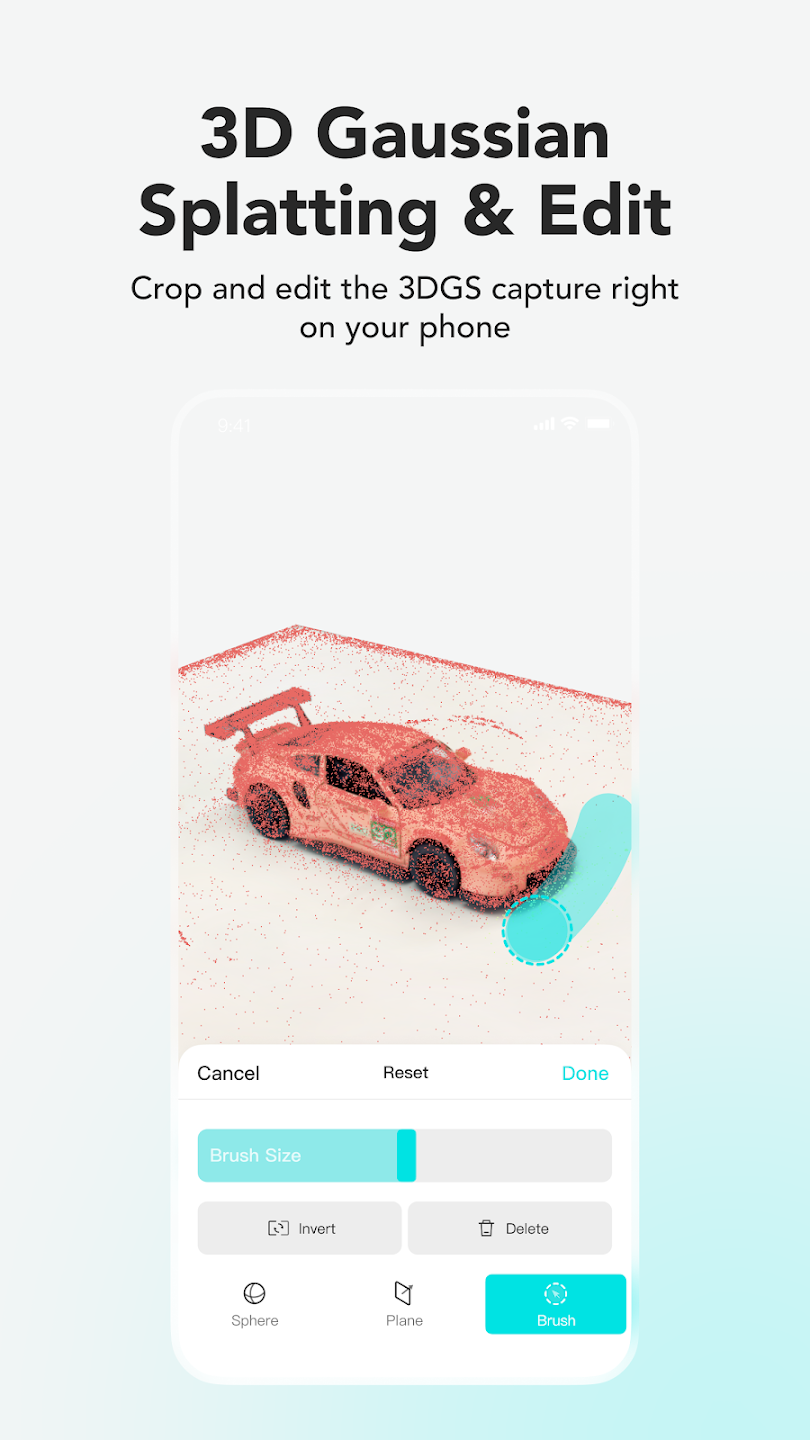
1. Editing Tools: Adjust and perfect your 3D models by editing photo scans, featureless object scans, and Gaussian splatting captures.
2. Precision Adjustments: Select specific images for processing, ensuring every model is highly detailed and accurate.
3. Noise-Free Cleanups: Automatically mask background elements to produce clean, noise-free models that are ready for use.
Seamless Visualization and Augmented Reality
Experience your creations in a whole new way with KIRI Engine's visualization features.
1. 3D Viewer: Preview and interact with your 3D models directly in the app with a built-in 3D viewer.
2. Augmented Reality (AR) Panel: Use AR technology to visualize your models in real-world environments for better spatial understanding.
3. Real-Time Adjustments: Fine-tune your 3D models as you view them in 3D and AR, making it easy to make instant improvements.