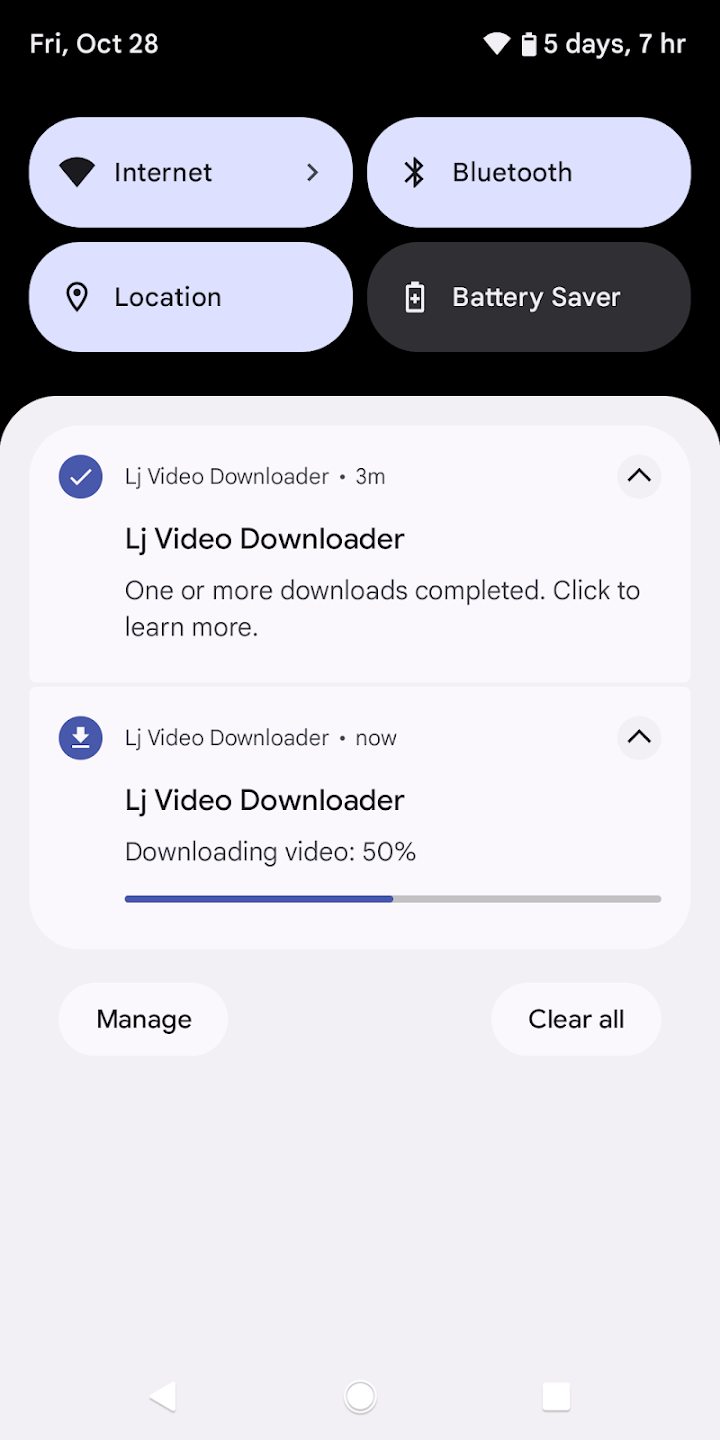
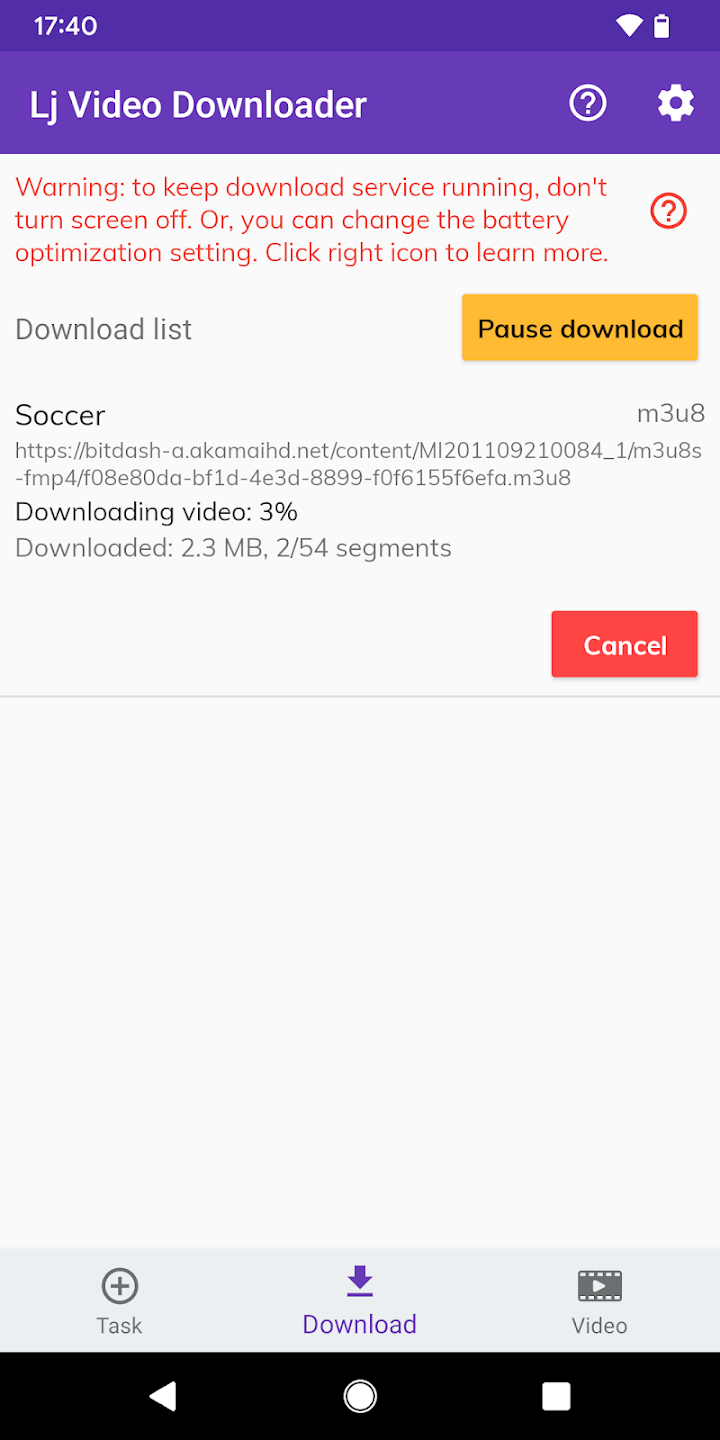
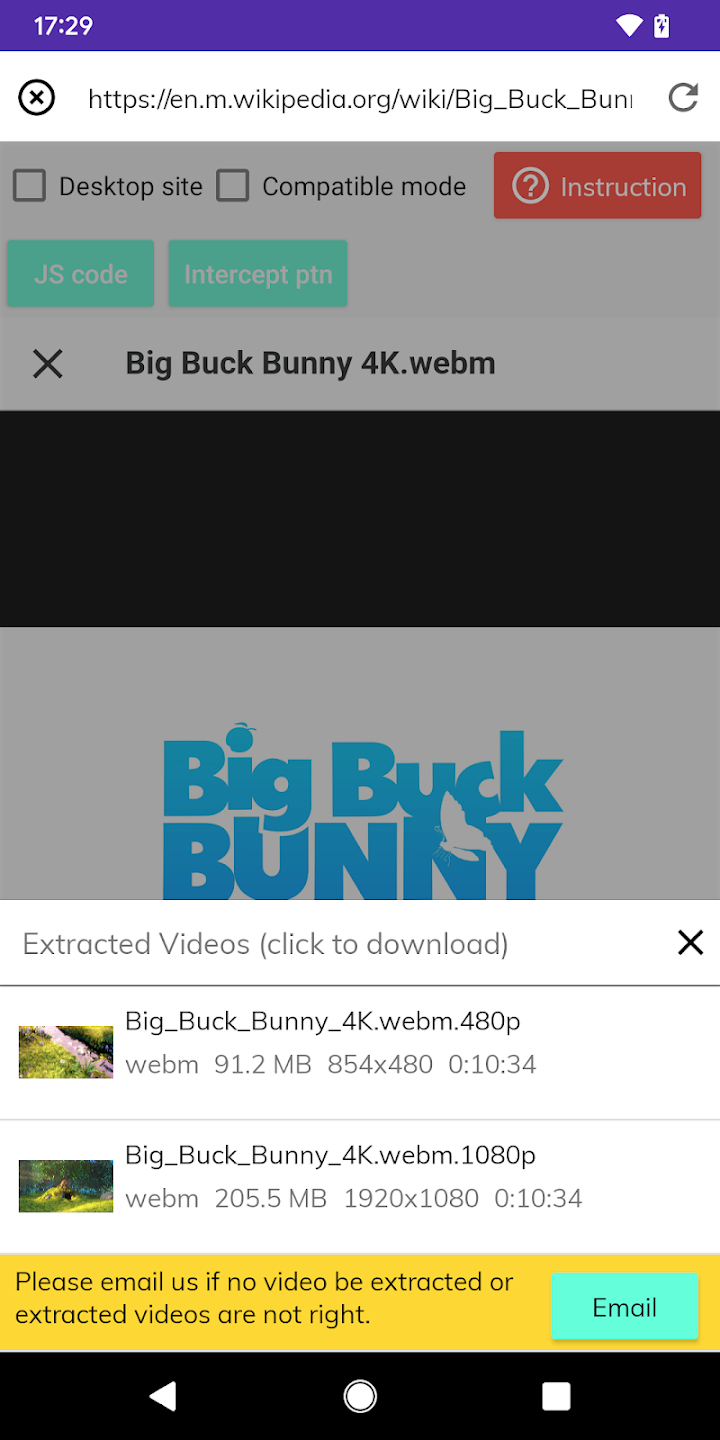
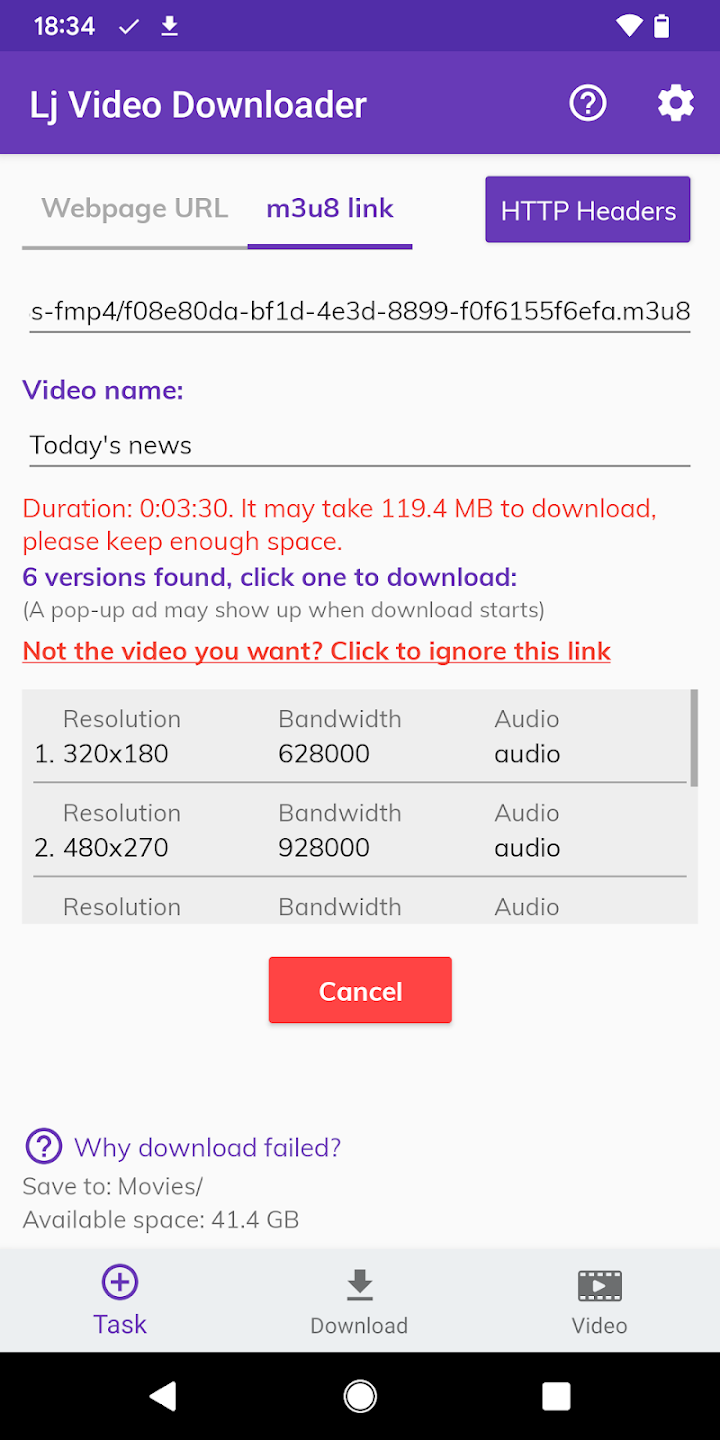
Lj Video Downloader is a powerful tool designed for downloading m3u8, mp4, mpd, and mov videos from various websites. It offers fast, multi-threaded downloads and automatic video conversion to MP4 format. Ideal for offline viewing, it supports easy extraction of video links from web pages for quick download.
Efficient Video Downloading
Lj Video Downloader is equipped with advanced features for seamless video downloading, ensuring a smooth user experience.
1. Multiple Format Support – This tool allows users to download videos in various formats like m3u8, mp4, mpd, and mov, offering flexibility for different video types.
2. Automatic Conversion – After downloading, videos are automatically converted to MP4 format, making them ready for offline viewing without requiring additional software.
3. Fast Download Speed – By utilizing multi-threaded downloading technology, this tool significantly speeds up the process, enabling faster access to your videos.
Web Integration and Easy Extraction
Lj Video Downloader offers a straightforward way to extract and download video content directly from web pages.
1. Link Extraction – The software allows users to extract m3u8, mpd, and mp4 video links directly from web pages with ease.
2. Convenient Interface – With a simple and intuitive interface, the process of downloading videos becomes hassle-free for all users.
3. Supports Popular Sites – While it can't download videos from DRM-protected sites (like Netflix), it works efficiently with many other video hosting platforms.
Enhanced Features for Video Playback
Designed with user convenience in mind, Lj Video Downloader supports additional features for video playback and customization.
1. Audio/Video Separation – For m3u8/mpd videos, the tool supports audio and video separation, giving users control over how their files are downloaded and stored.
2. VLC Compatibility – If you experience issues with fast-forwarding, switching to VLC Media Player can provide better playback options for your downloaded videos.
3. Limitations – While the tool supports a variety of formats, it cannot download live-streamed content or videos from platforms like YouTube due to service restrictions.
Reliable Support and User Guidance
The app is backed by a responsive support system, providing users with assistance for any download issues or technical challenges.
1. Support for Download Failures – If you encounter download failures, users are encouraged to send the video link to the support email for further troubleshooting.
2. Non-YouTube Content – The software is specifically designed to download content from non-YouTube websites, as YouTube’s service agreement limits downloading.
3. No Need for Negative Feedback – The developers stress that constructive feedback is more valuable than negative reviews, ensuring continuous improvements to the tool.