
Device Info HW is an Android app that provides detailed hardware and software information about your smartphone. It is designed for developers and advanced users who wish to explore and understand their device’s specifications. With support for various components such as LCD, camera, sensors, and memory, it offers a comprehensive view of your device’s internals.
Comprehensive Hardware Analysis
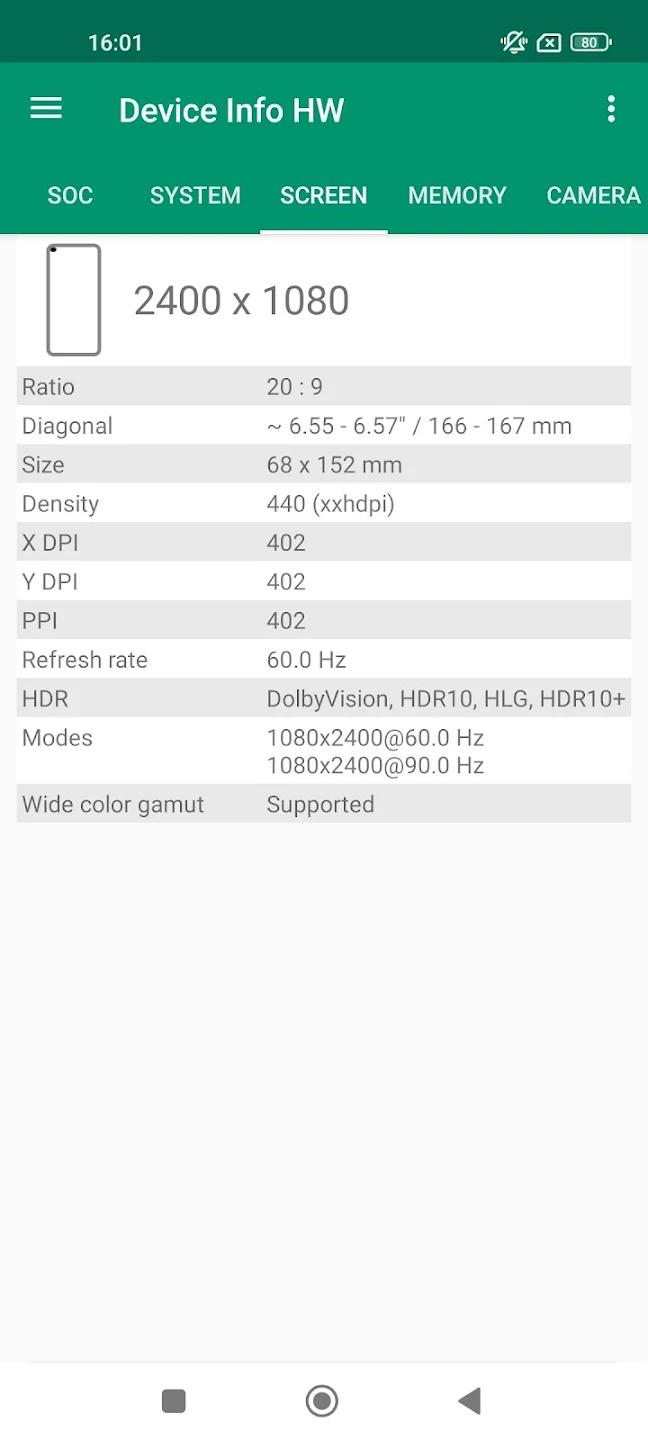
1. LCD and Display: The app allows you to check your device’s LCD model and test display colors. On recent Android devices, root access may be required to read this information.
2. Touchscreen and Multi-Touch: It provides details about your touchscreen model and supports a multi-touch test to determine how many fingers it can detect at once.
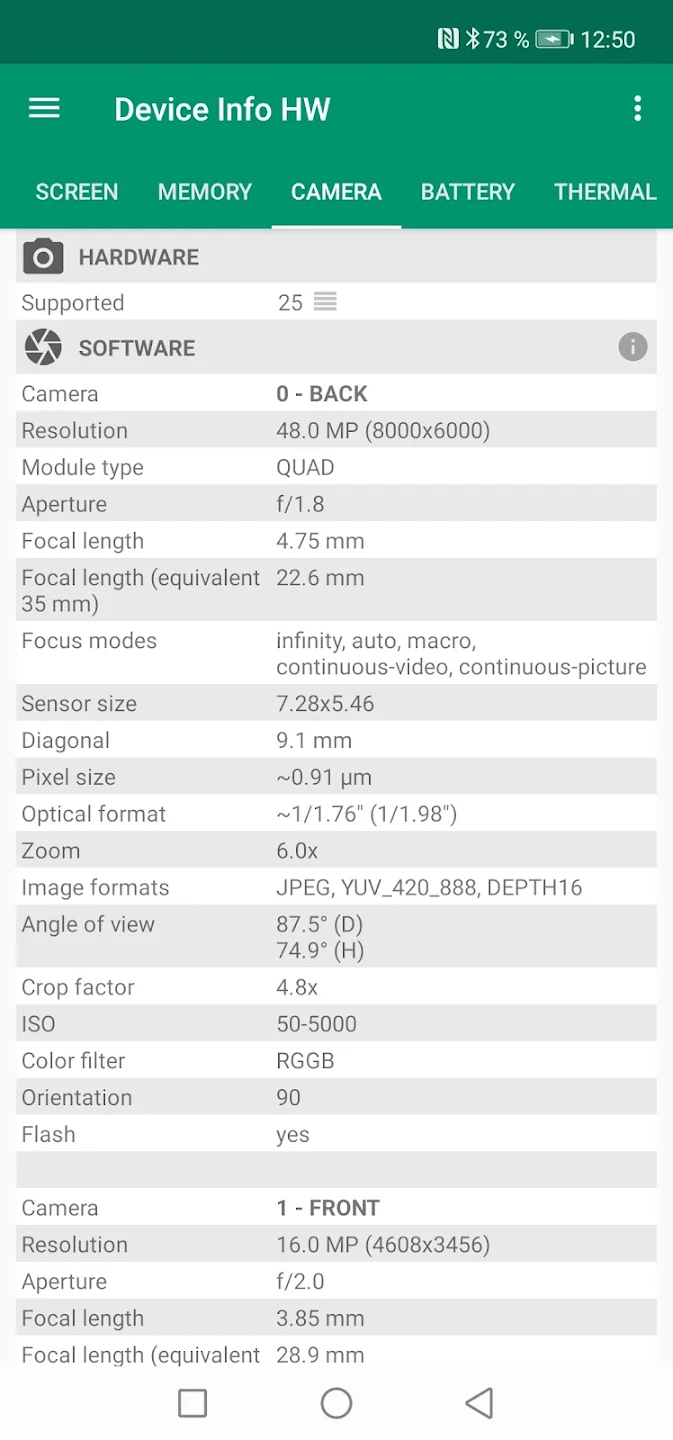
3. Camera Details: Device Info HW gives information on your camera’s hardware, including model, vendor, and resolution. If the exact model is unavailable, it may provide a list of supported camera options.
In-Depth System Specifications
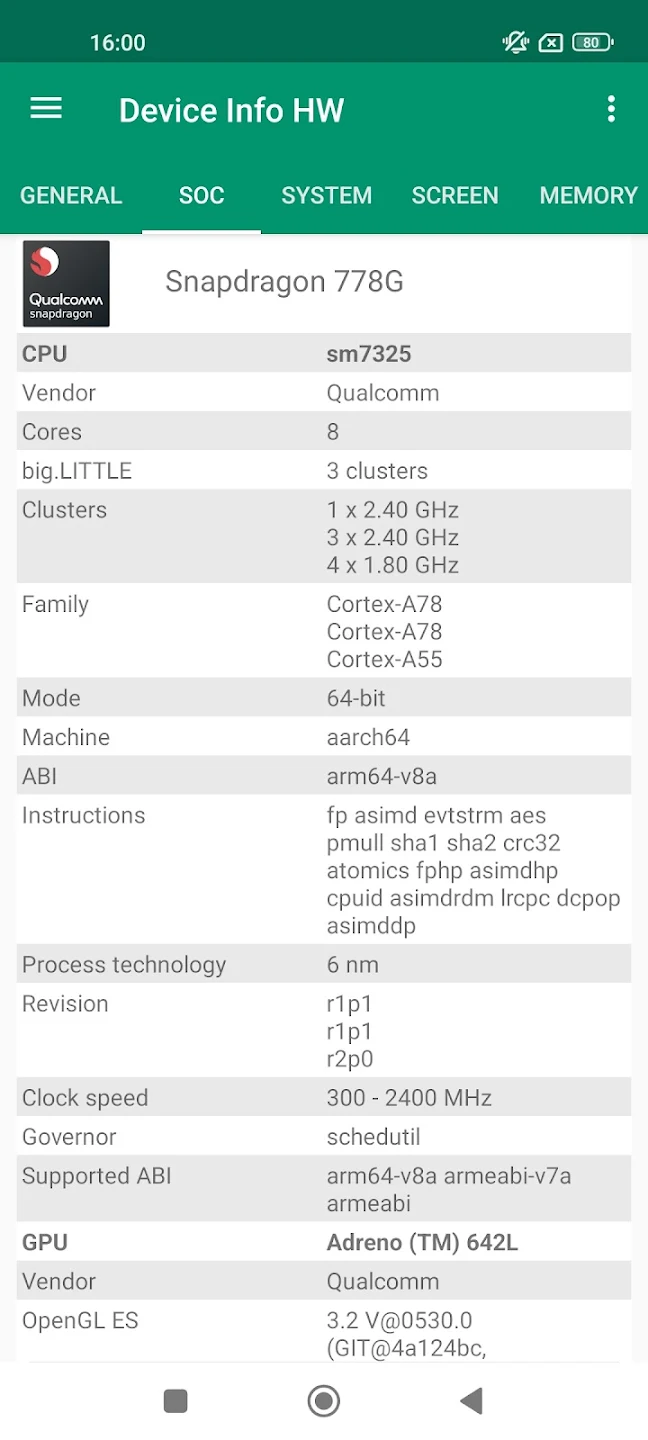
1. CPU Information: Detailed specifications are available for your device’s processor, including the model, number of cores, frequency, and clock speed. You can even monitor real-time CPU performance with the built-in CPU monitor.
2. GPU Insights: The app reveals detailed graphics processing unit (GPU) specifications, including the model, vendor, OpenGL version, frequency, and supported extensions, giving users insight into their device’s graphical capabilities.
3. System On Chip (SoC): You can explore the detailed SoC information, which includes key performance metrics, helping developers and power users understand the full capabilities of their device.
Support for Rooted Devices
For users with root access, Device Info HW offers even deeper insights. With root privileges enabled, the app can access additional system information that is otherwise restricted, providing a more comprehensive overview of your device. Root access unlocks the ability to gather more detailed data from sensors, flash storage, and other internal components.
User Interface and Customization
1. Navigation and Themes: The app offers a user-friendly interface with quick navigation options. Users can switch between tabs or use the navigation panel for a seamless experience.
2. Dark Mode and Professional Features: With a modern design, Device Info HW supports both dark and black themes. Professional users can enjoy the two-week free trial, which unlocks advanced features and themes.
3. Interactive and Clickable Items: Many sections within the app are clickable, allowing users to explore further details by tapping on various menu items and settings, making the app intuitive and easy to use.