EX File Manager is a powerful and user-friendly file manager for Android devices. It enables efficient file management, offering features like file transfer, compression, encryption, and cloud storage access. With a simple, intuitive interface, EX File Manager is an ideal tool for users seeking a fast, secure, and free solution to organize and manage their files.
Efficient File Management and Navigation
EX File Manager provides a seamless file management experience, allowing you to perform various operations with ease.
1. Comprehensive File Operations: Quickly cut, copy, move, delete, and rename files and folders.
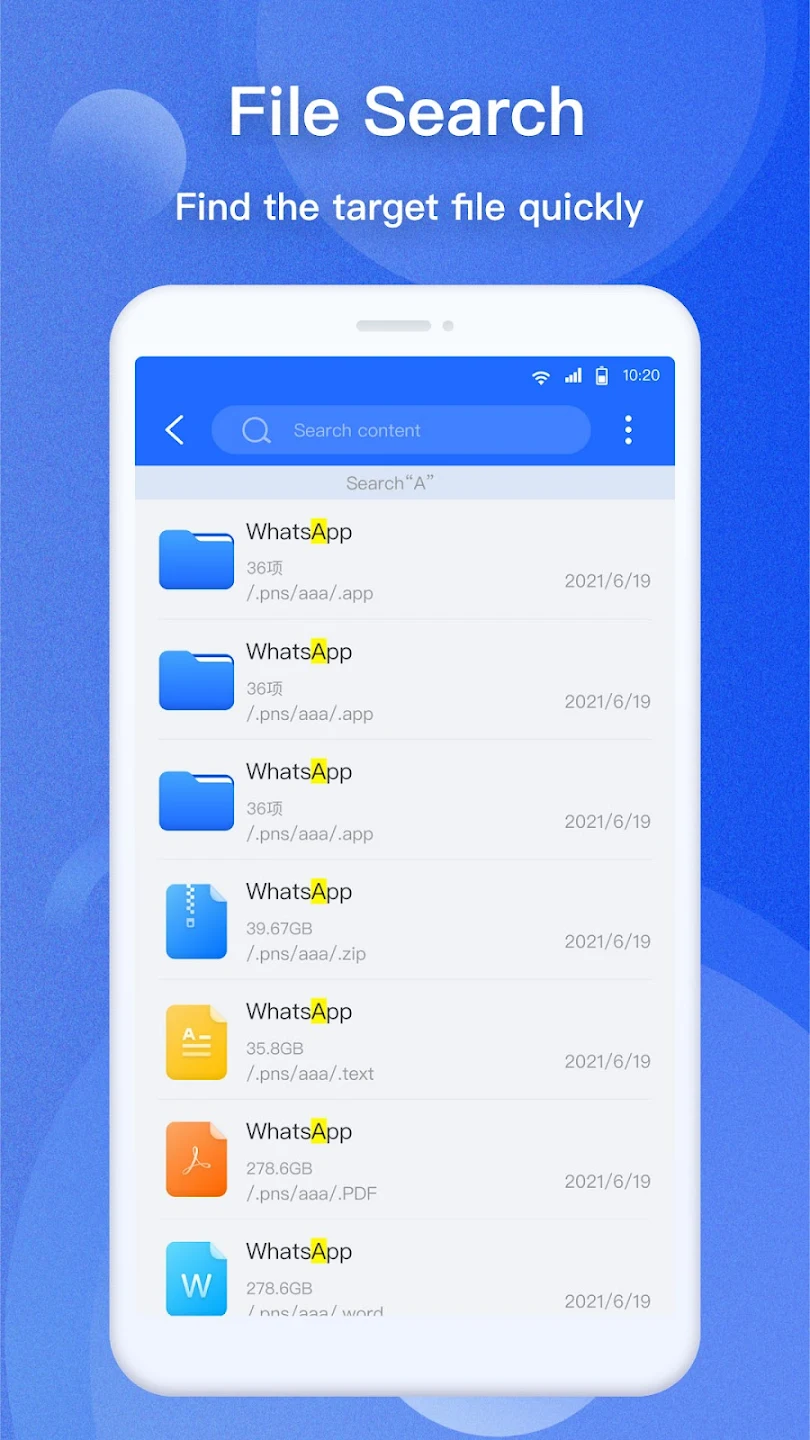
2. File Search and Sorting: Effortlessly search and sort files with powerful search capabilities.
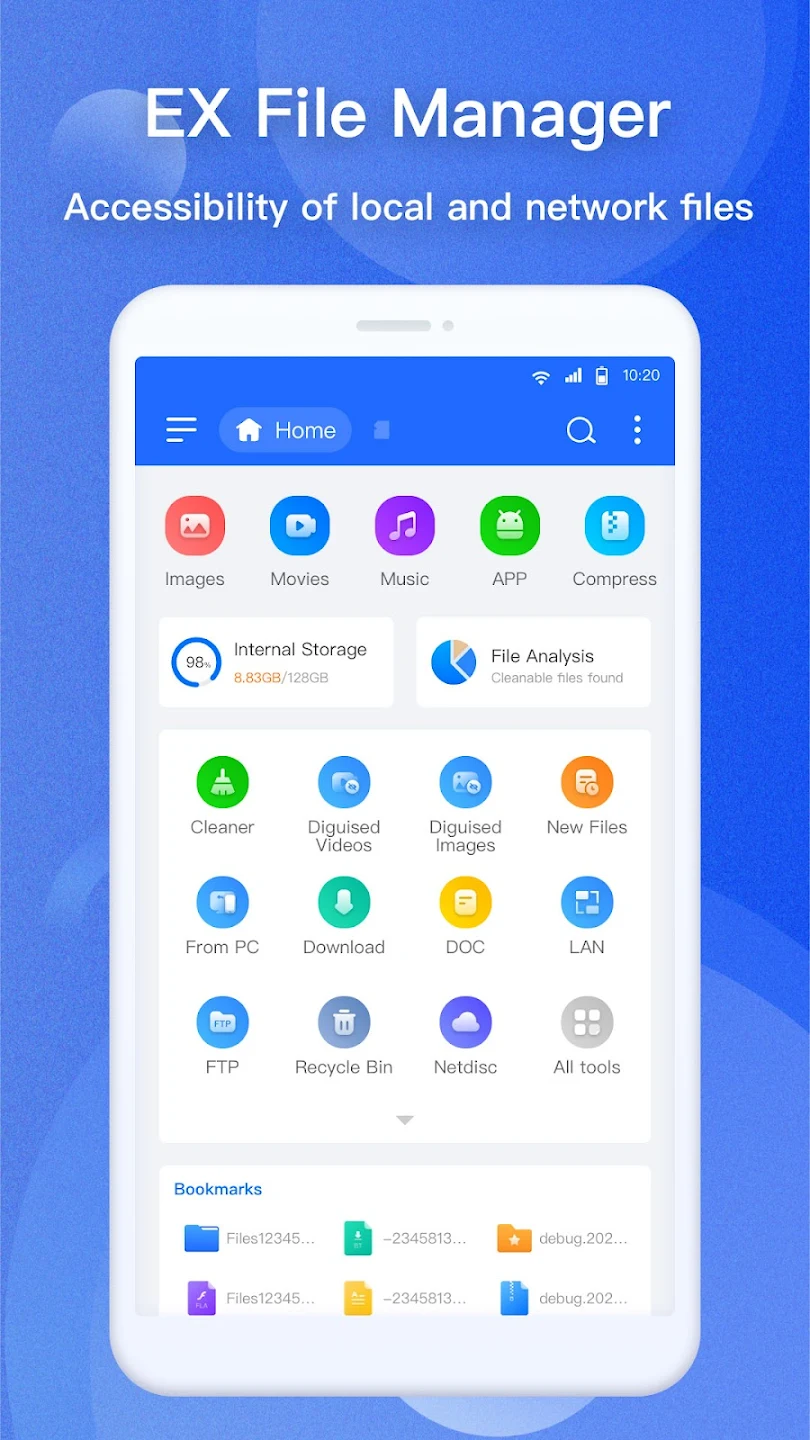
3. Create Shortcuts and Bookmarks: Save time with easy access to frequently used files or folders by adding them to your bookmarks.
Cloud and Network Storage Integration
Access files stored across different platforms with EX File Manager’s cloud and network storage integration.
1. Cloud Storage Support: Connect to popular cloud services like Google Drive™, Dropbox, OneDrive, and Yandex.
2. Network Storage Access: Manage files across network drives with support for FTP, FTPS, SFTP, WebDAV, and SMB.
3. Cross-Platform Connectivity: Effortlessly manage files from your PC or other devices using EX File Manager’s network functionality.
Advanced File Compression and Encryption
EX File Manager allows you to compress and encrypt your files securely.
1. Compression and Extraction: Handle various file formats like Zip, Rar, and 7zip with built-in support for extracting and creating archives.
2. File Encryption: Protect sensitive data with 128-bit encryption for enhanced security.
3. Seamless APK File Handling: Easily open and view APK files in Zip format for added convenience.
User-Friendly Features and Additional Tools
EX File Manager offers an intuitive interface with several tools designed to enhance your file management experience.
1. File Preview: View image, video, and document thumbnails for quick access to your files.
2. PDF Viewer: Open and view PDF files directly within the app without needing a separate viewer.
3. Sharing and File Transfer: Quickly share files via Bluetooth, email, or any other supported method, making file transfer easy and efficient.