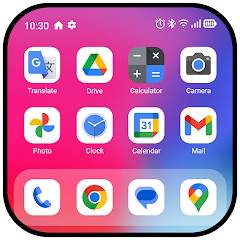
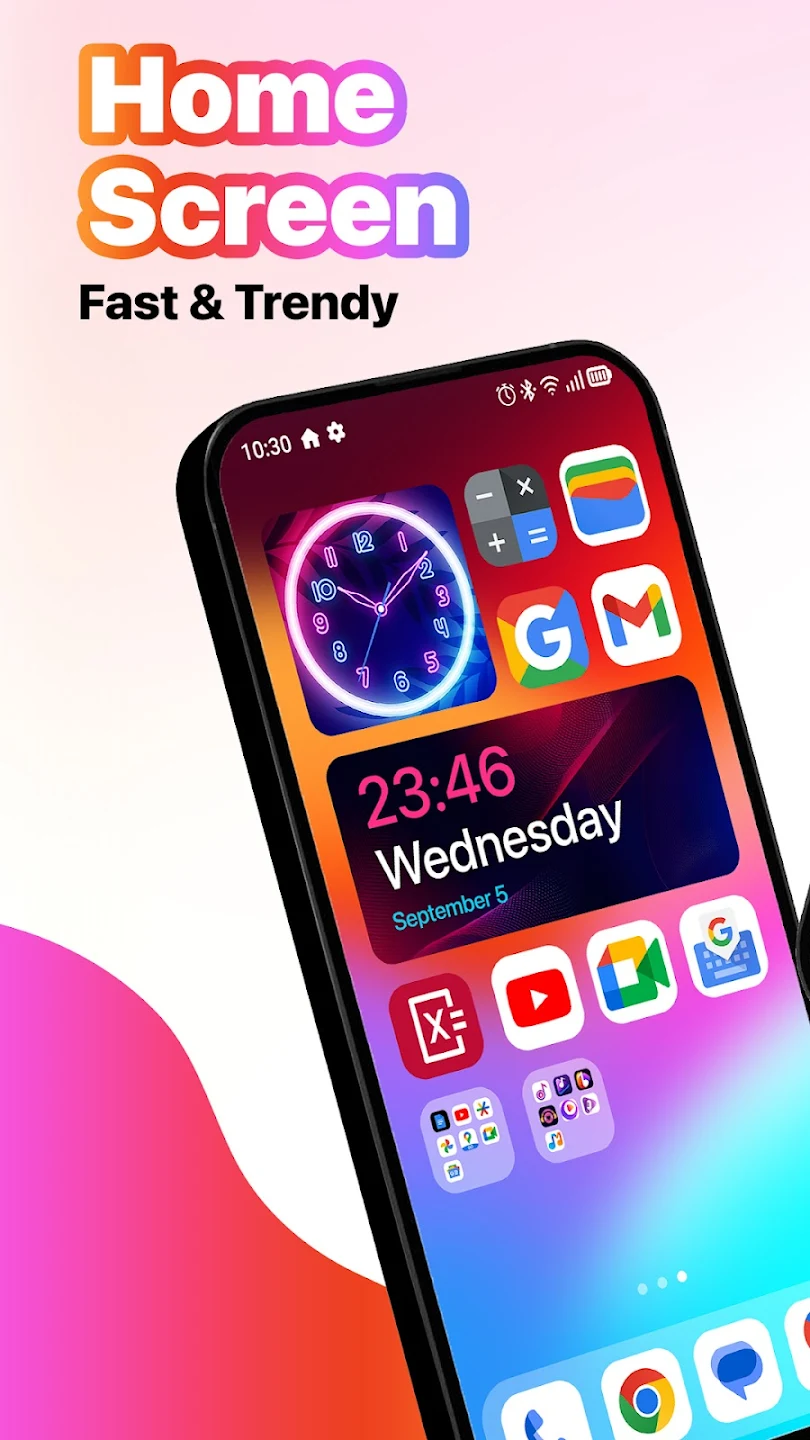
MiniPhone Launcher offers a clean, intuitive, and highly customizable interface that optimizes user experience. With a sleek design, organized app layouts, and powerful features, it enables users to navigate their devices with ease and efficiency. This launcher provides quick access to apps, notifications, and settings, making it the perfect solution for a simplified smartphone experience.
Intuitive App Organization:
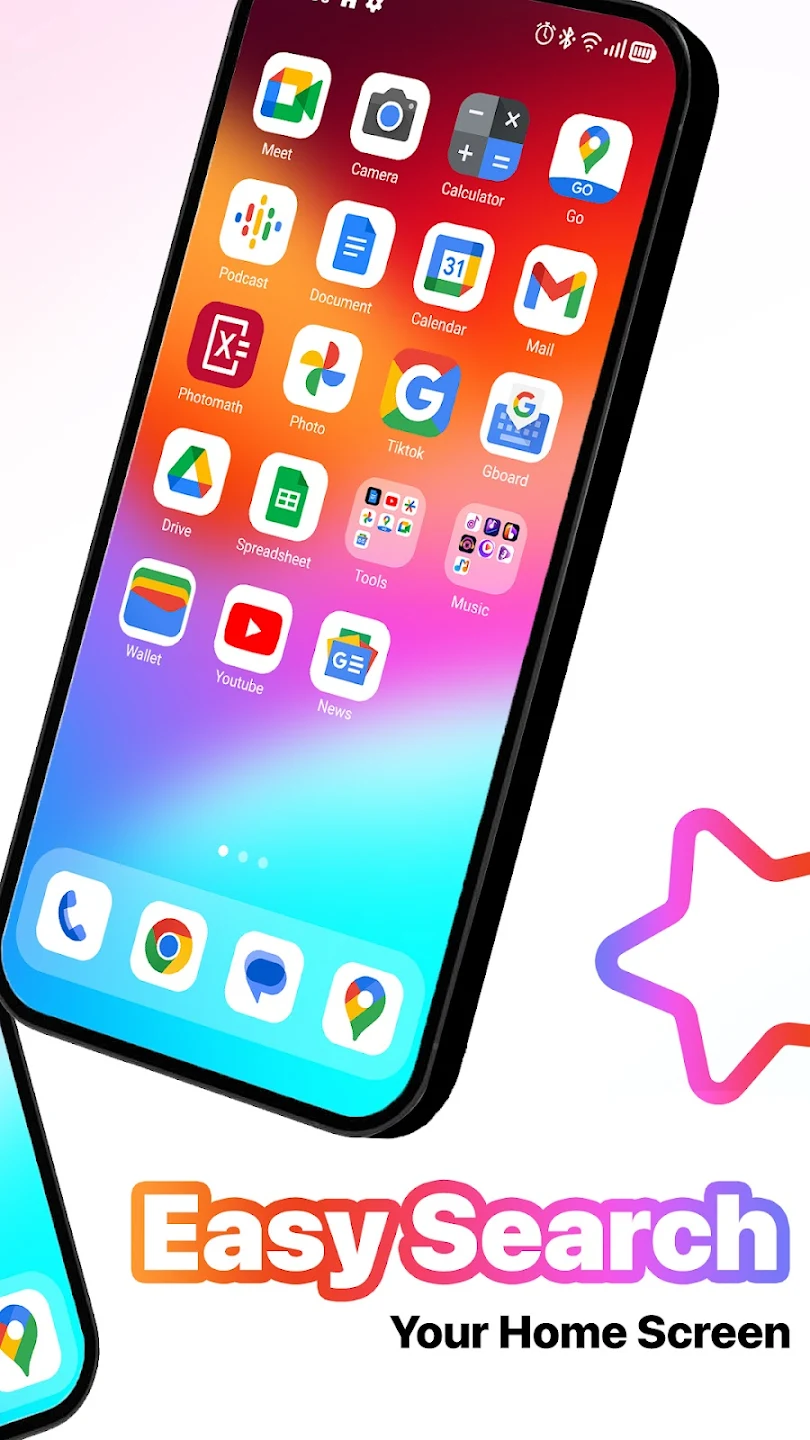
MiniPhone Launcher enhances app management with its user-friendly grid layout.
1. Customizable Icons: Users can arrange app icons based on preference, creating a personalized and efficient home screen.
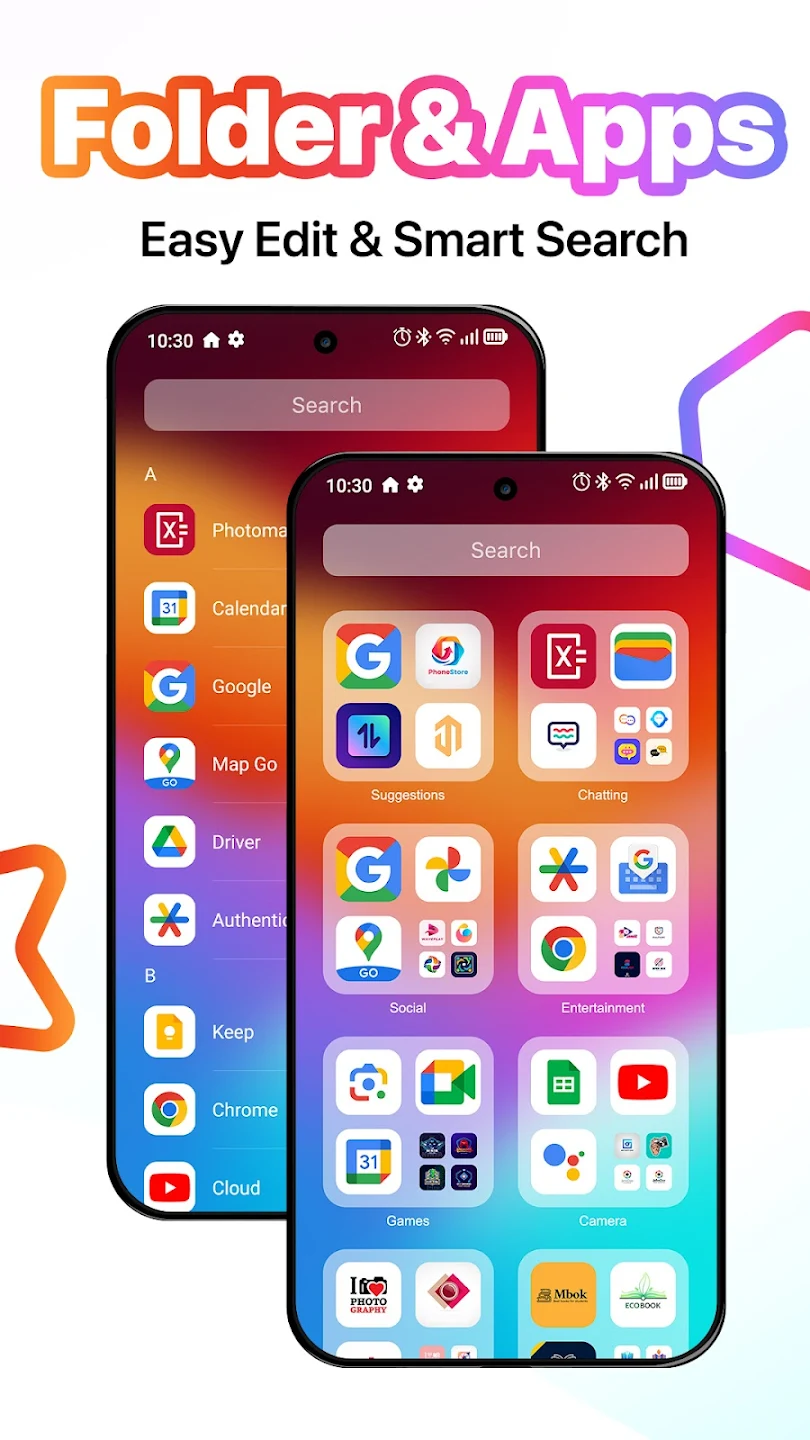
2. Folder Management: Group apps into folders for better organization, ensuring a clutter-free interface.
3. Auto-categorization: Apps are automatically organized by categories like social, productivity, and entertainment, making it easy to find exactly what you need.
Convenient Dock & Status Bar:
MiniPhone Launcher simplifies access to essential apps and device information.
1. Dock Customization: The bottom screen dock holds frequently used apps like phone, messages, and music, all customizable for quick access.
2. Status Information: The status bar at the top displays key details like time, battery, and Wi-Fi status, helping users stay informed at a glance.
3. User-Centric Design: Both the dock and status bar ensure that your most important tools are always just a tap away.
Streamlined Notifications & Quick Settings:
Stay up-to-date and in control with MiniPhone Launcher’s notification and settings management.
1. Notification Center: Easily track messages, missed calls, and app updates through a well-organized notification panel.
2. Quick Settings Access: From the top-right corner, swipe to open a customizable quick settings menu for Wi-Fi, Bluetooth, volume, and more.
3. Efficient Navigation: Notifications and settings are easily accessible, allowing you to make adjustments without interrupting your workflow.
Fast & Efficient App Search:
Find anything you need in a flash with MiniPhone Launcher’s app search feature.
1. Instant Search: Swipe down from the main screen to instantly search for apps, contacts, or even web results.
2. Streamlined Navigation: The intuitive search tool helps users quickly locate apps and information, eliminating the need for endless scrolling.
3. Enhanced User Experience: With this efficient search function, accessing what you need has never been quicker or easier.