
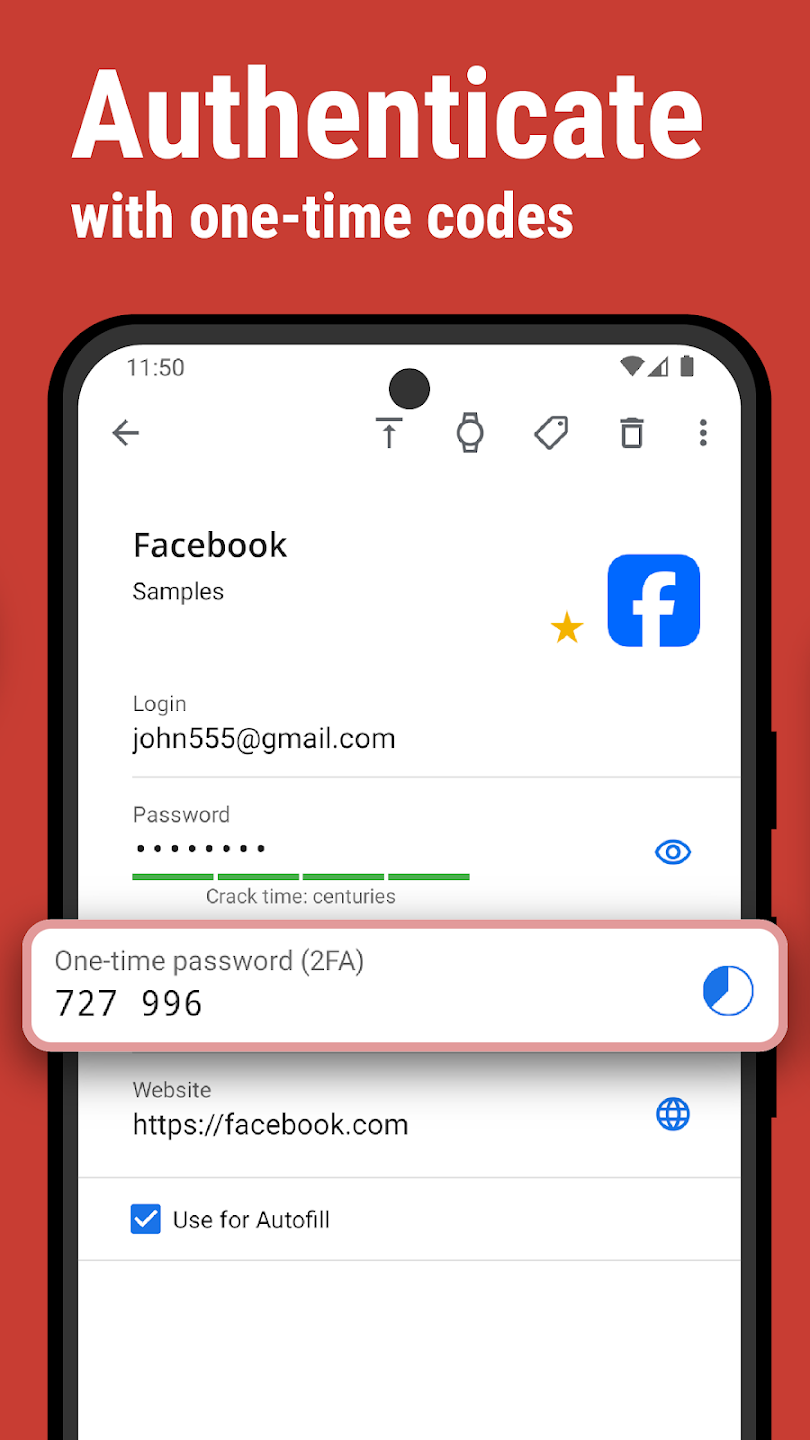
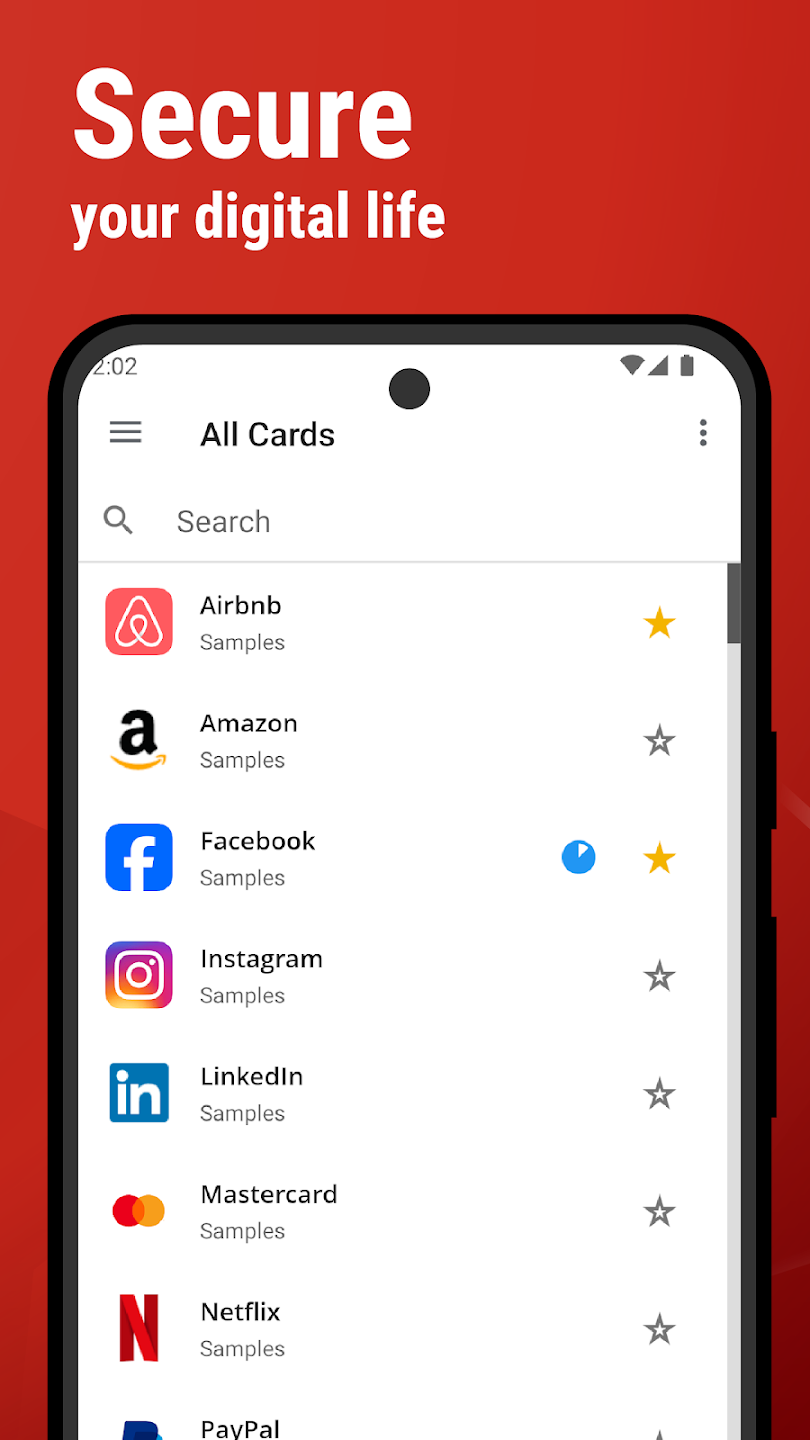
SafeInCloud is a reliable and secure password manager that allows you to store your usernames, passwords, and other private information in an encrypted database. With cloud synchronization, you can easily access your data across multiple devices, such as smartphones, tablets, Macs, and PCs. The app ensures that your sensitive information remains protected with top-level encryption, offering convenience and security.
App Features:
1. Easy-to-Use Interface: The app is designed to be simple and intuitive, ensuring that users can easily store, retrieve, and manage their passwords with minimal effort.
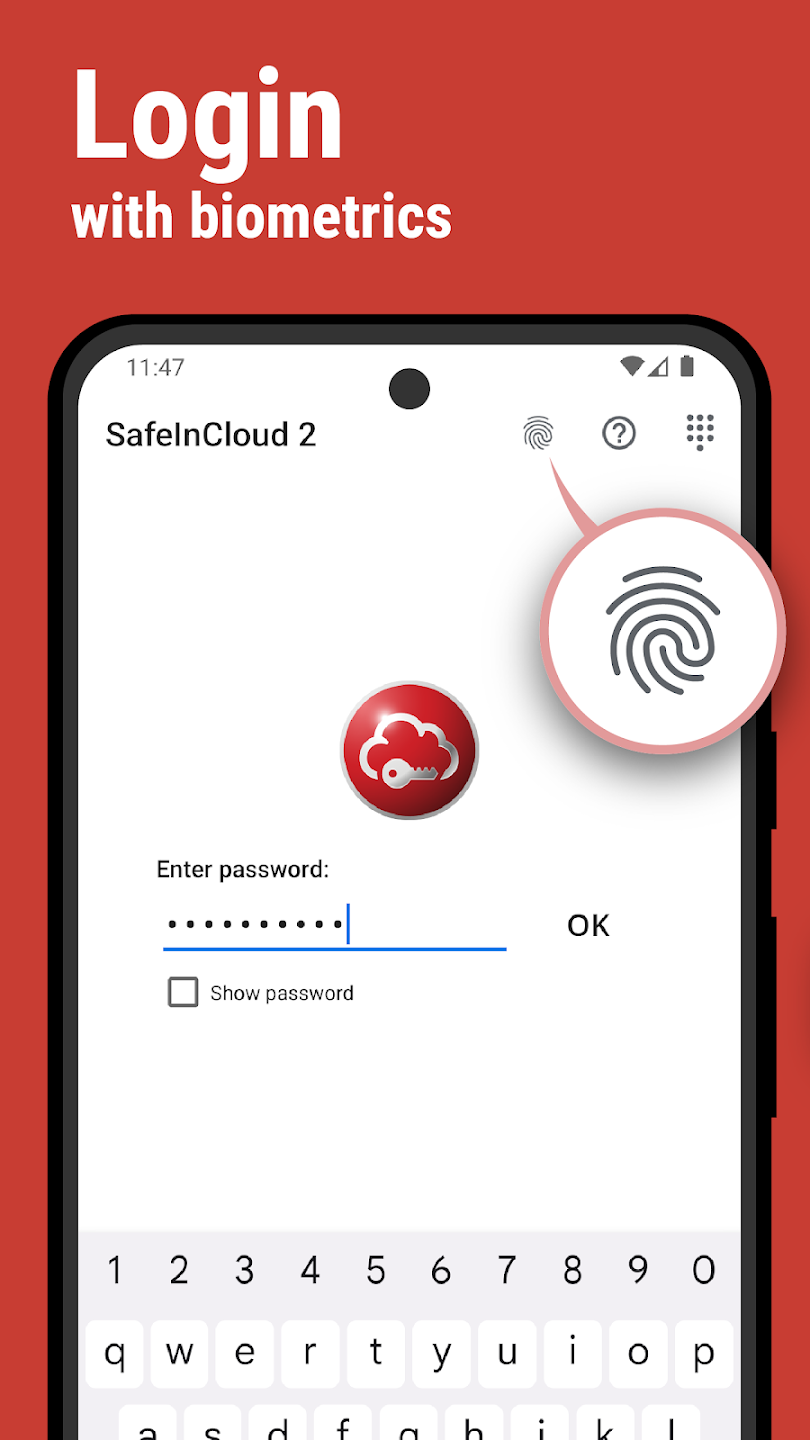
2. Fingerprint & Face Recognition Login: SafeInCloud supports biometric authentication for secure and quick access to your data, using fingerprint or facial recognition for an extra layer of protection.
3. Password Generator and Strength Analysis: Built-in tools help you generate strong passwords and analyze the strength of your existing passwords to improve overall security.
App Highlights:
1. Cross-Platform Compatibility: Sync your data effortlessly between devices with support for various platforms, including Android, iOS, Windows, macOS, and web browsers.
2. Cloud Sync for Seamless Access: Synchronize your encrypted database across services like Google Drive, Dropbox, OneDrive, or NAS, ensuring that your data is always up-to-date and available on all your devices.
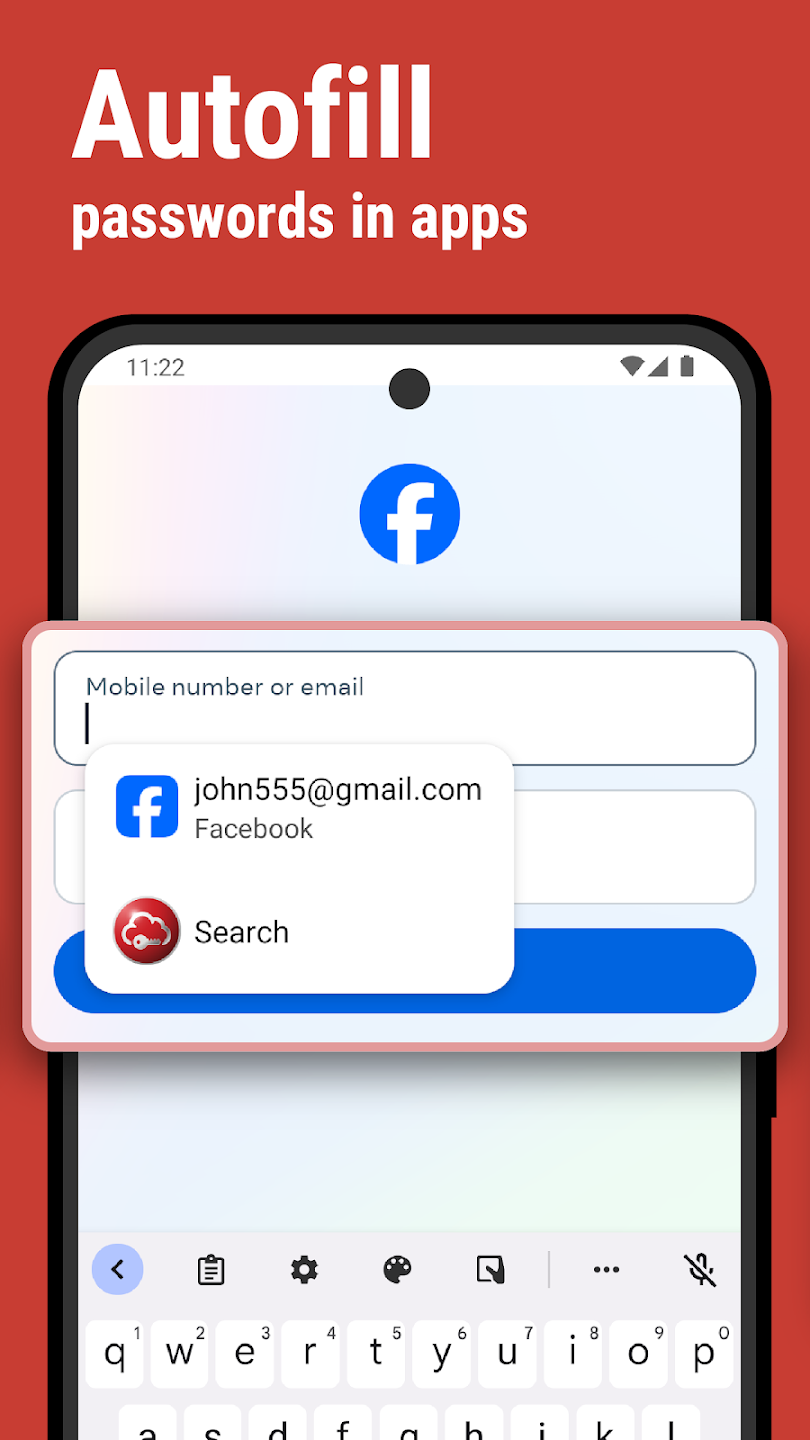
3. Password Autofill and Browser Integration: Automatically fill in passwords on apps and websites with the app’s autofill feature, and enjoy seamless browser integration for easier logins and form-filling.
App Tips:
1. Enable Cloud Synchronization: To ensure you always have access to your data, make sure cloud syncing is set up with your preferred service, such as Google Drive or Dropbox.
2. Use Strong Passwords: Utilize the built-in password generator to create strong, unique passwords for each account to increase security.
3. Regularly Backup Your Data: Perform regular backups of your encrypted database to prevent data loss and ensure you can easily restore your information if needed.