Screenshot Touch is an all-in-one app designed to make capturing and editing screenshots, as well as screen recordings, incredibly easy. Whether you want to capture a screenshot with just a tap, record your screen to create tutorials or share your favorite moments, Screenshot Touch gives you complete control. With a variety of tools and options, you can customize your capture settings and enhance your screenshots with ease.
App Features:
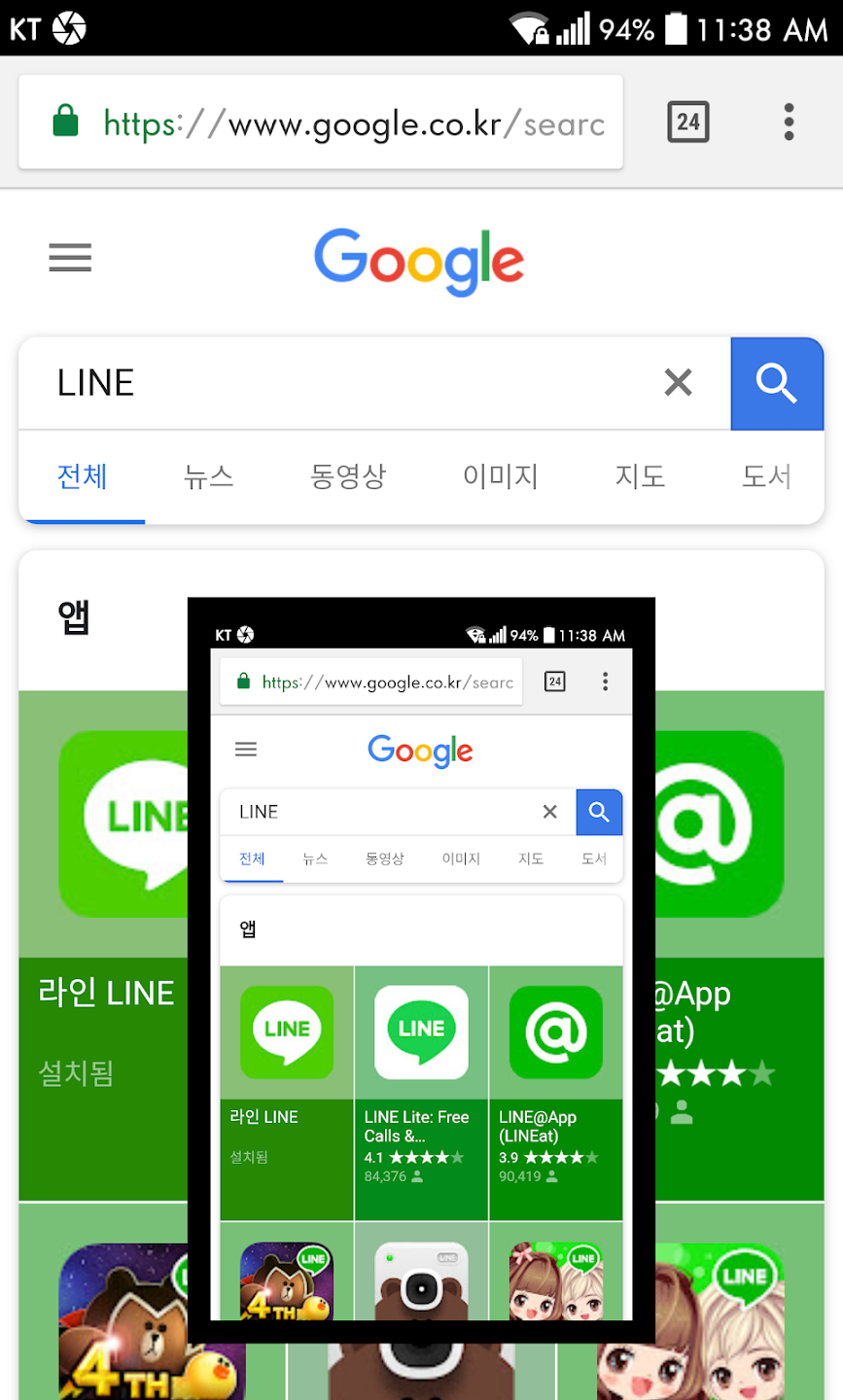
1. Multiple Capture Methods: Take screenshots by touching the notification area, using an overlay icon, or shaking your device—offering a variety of options to suit your preference.
2. Record Screen to MP4: Capture video of your screen activities, customize the resolution, frame rate, bitrate, and even enable audio recording to create the perfect screen recording.
3. Scroll Capture for Web Pages: Capture entire web pages in one shot with the in-app browser, or use your preferred browser by sharing the URL directly to Screenshot Touch for full-page screenshots.
App Highlights:
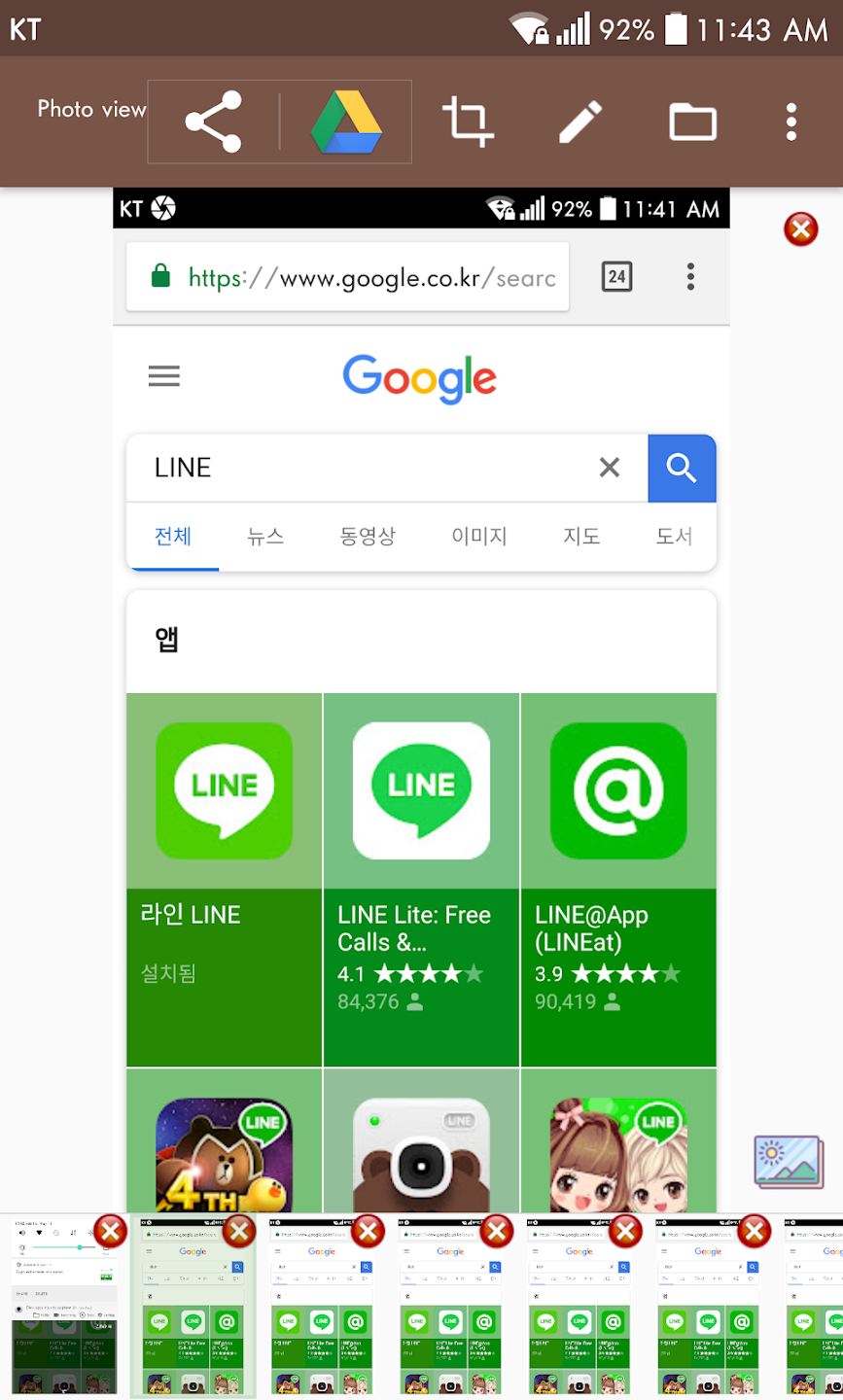
1. Advanced Editing Tools: Draw on your captured images, add text, stamps, and shapes, or crop and rotate your screenshots to fit your needs.
2. Effortless Organization: Organize your screenshots with multiple saving folders and subfolders for easy categorization, so you never lose track of your captures.
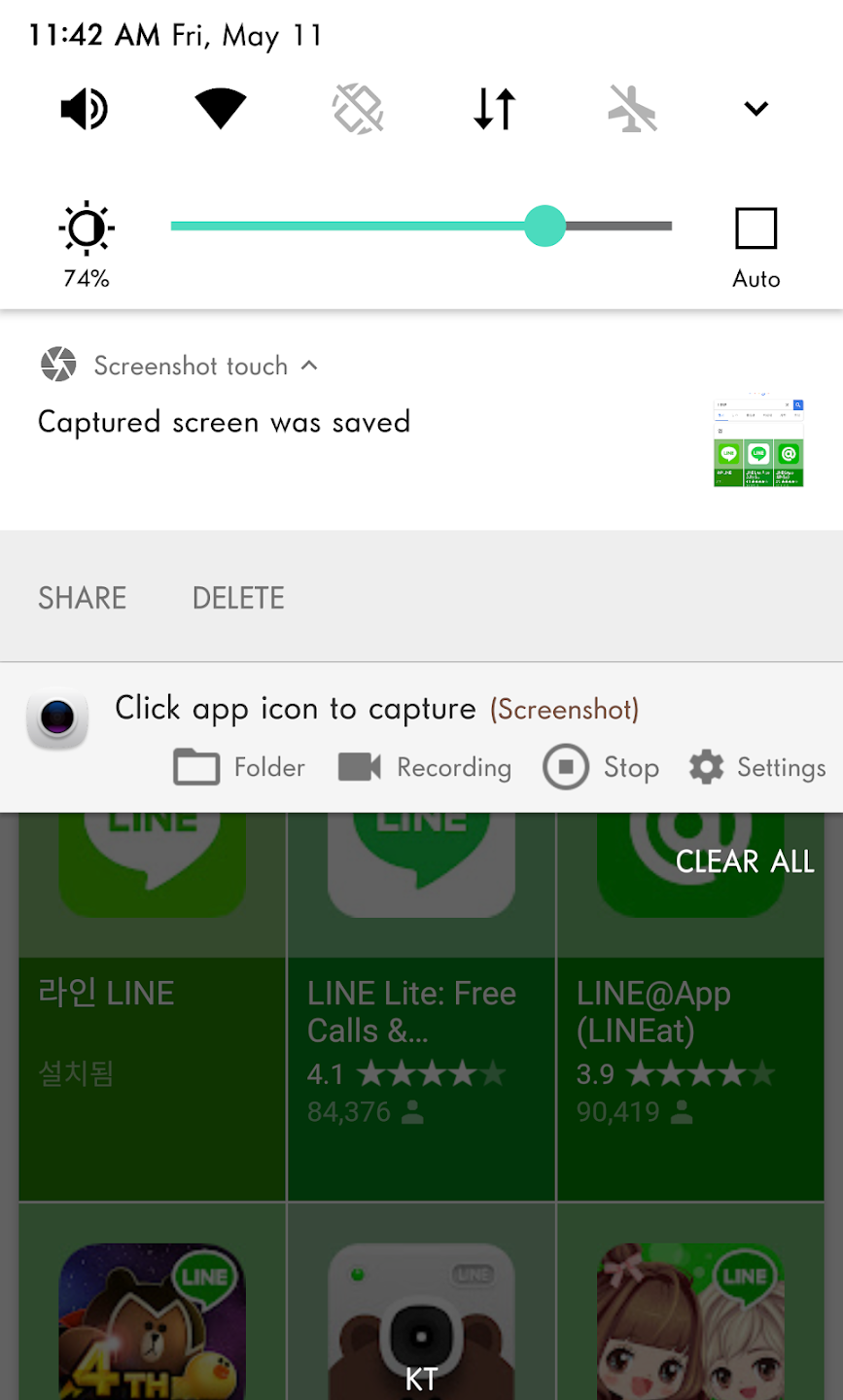
3. Persistent Notification: Enable a persistent notification for quick and easy access to the app, ensuring that your screenshot tool is always within reach without distractions.
App Tips:
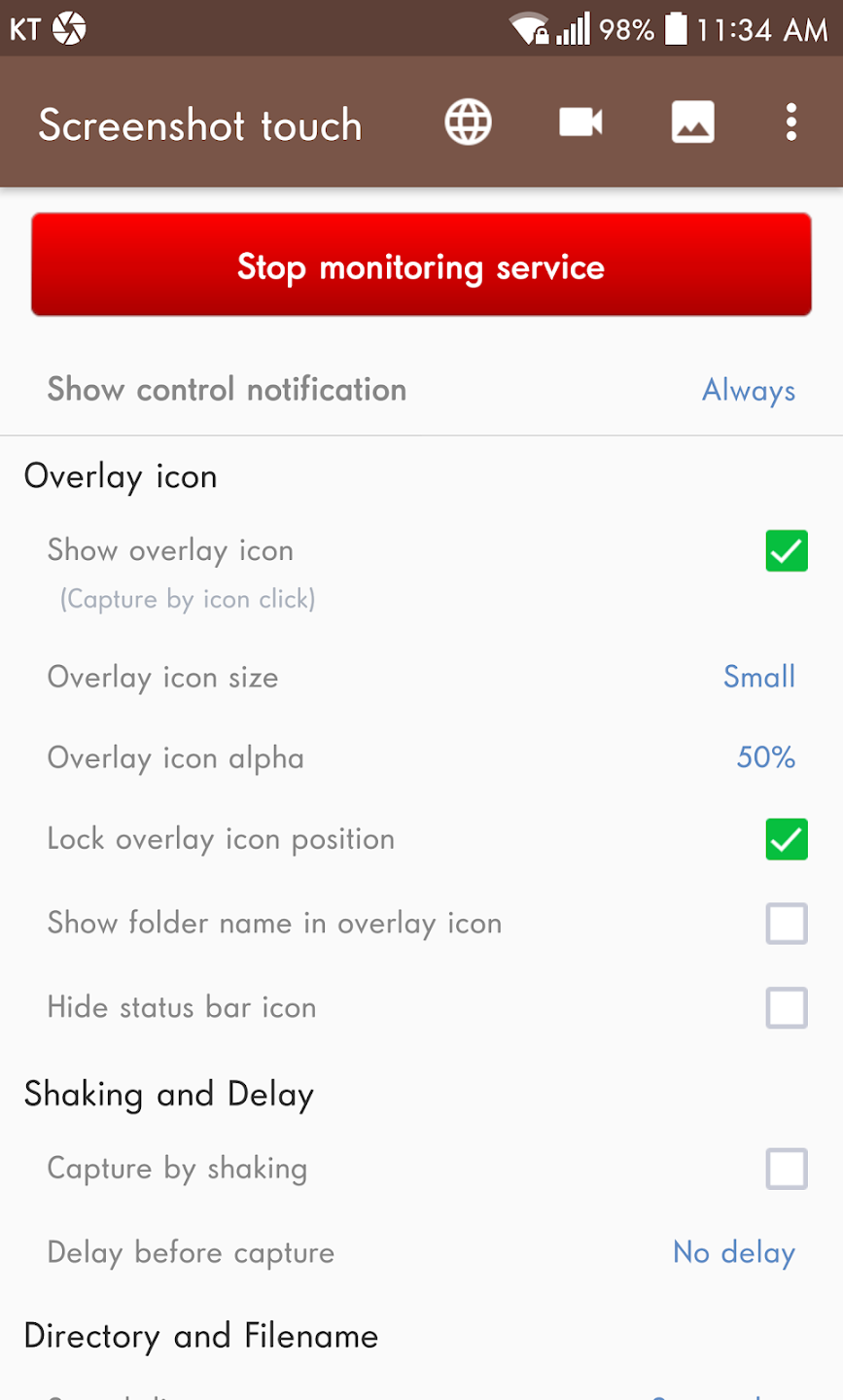
1. Customize Capture Settings: Adjust the save directory, file format, and capture delay to tailor the app to your preferences, giving you more control over your screenshots and recordings.
2. Use the In-App Web Browser: For scroll captures, use the integrated browser by simply pressing the globe icon in the settings for smooth and efficient full-page captures.
3. Keep Track of Multiple Screenshots: With the option to create custom folders for your screenshots, you can easily keep your captures organized, preventing them from becoming scattered or hard to locate later.