
NetX Network Tools PRO is a comprehensive network toolset designed for efficient network scanning, monitoring, and diagnostics. With a user-friendly interface, it helps you identify all connected devices on your network in real-time, providing detailed information about each device. Whether you're managing a home network or working in an enterprise setting, NetX offers powerful tools to ensure your network's performance and security.
App Features:
1. Device Discovery: Instantly scan and identify all connected devices on your network. View essential device details such as IP and MAC addresses, manufacturer, and model names.
2. Advanced Remote Management: Utilize features like Wake-on-LAN (WOL) and SSH for remote device control. Remotely wake up or shut down devices, and view their installed operating systems.
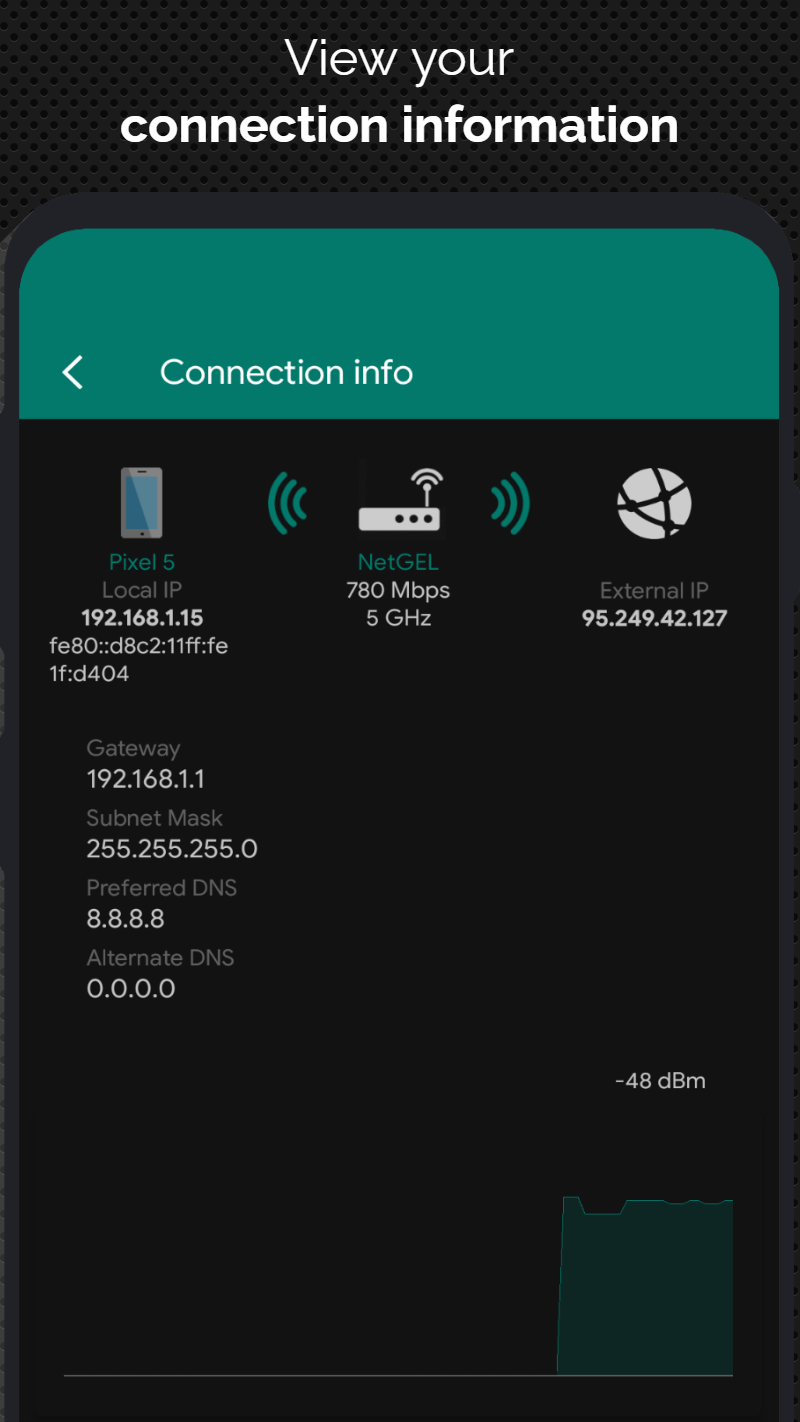
3. WiFi and Mobile Data Analyzer: Gain insights into your WiFi and mobile network. Check signal strength, external IP, and network speed, while also analyzing nearby WiFi networks and optimizing channel usage.
App Highlights:
1. Real-Time Network Monitoring: Track CPU usage, RAM usage, and available disk space on connected devices. Receive instant alerts when new or unknown devices join your WiFi network for enhanced security.
2. WiFi Channel Optimization: View the WiFi frequency bands and their overlapping channels to enhance network performance and reduce interference.
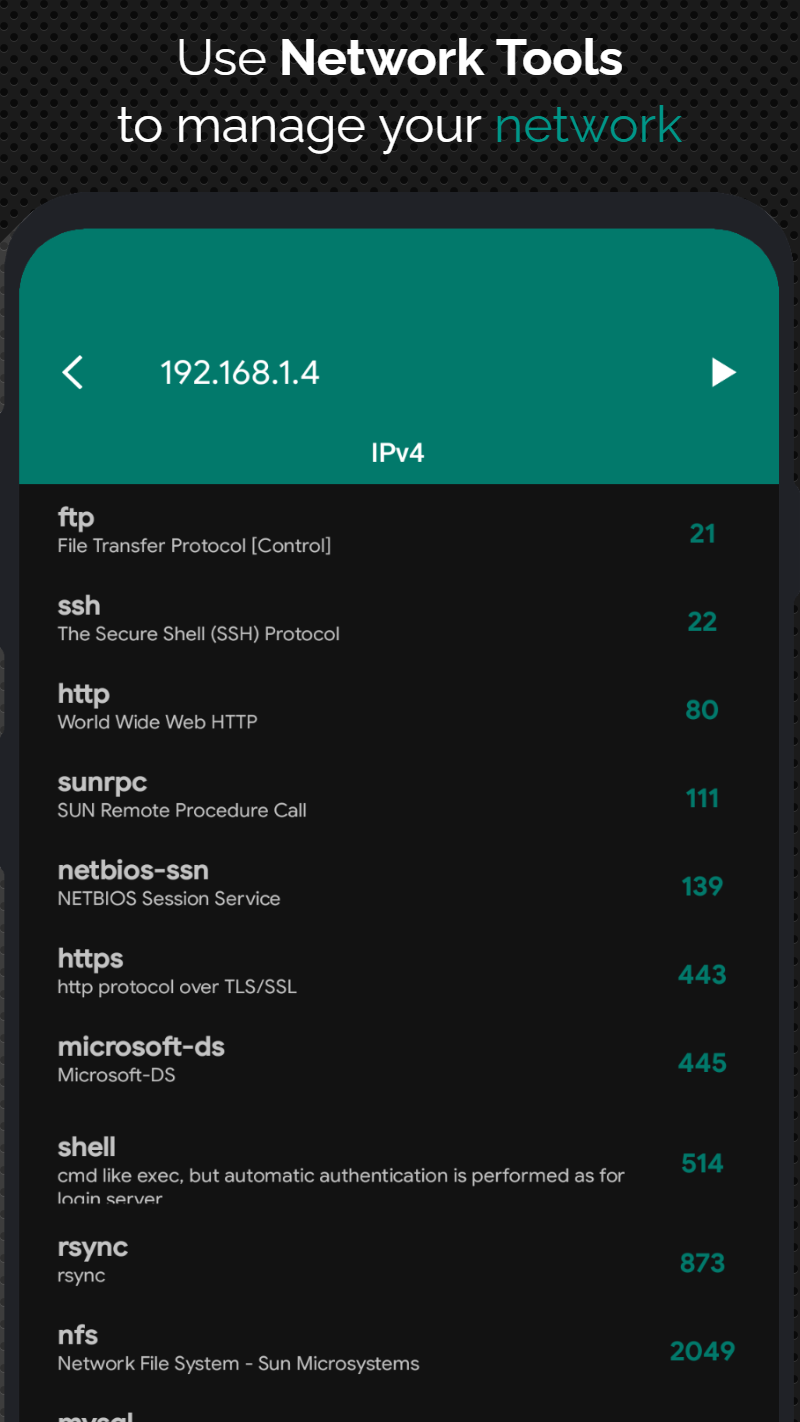
3. Comprehensive Network Diagnostics: Use tools like Ping, Port Scanner, and Traceroute to diagnose connection issues and optimize network performance. Visualize network routes through interactive maps for easier troubleshooting.
App Tips:
1. Device Offline Support: Even if devices are offline, you can still access and manage them from a previous scan, making it easier to maintain control of your network.
2. Manual Device Addition: Manually add devices to better manage and track those not automatically detected by the app, ensuring complete network visibility.
3. Geo-Location and MAC Address Lookup: Use the IP Geolocation feature to find the physical location of any IP address, and identify vendors using the MAC address lookup tool for enhanced device management.