
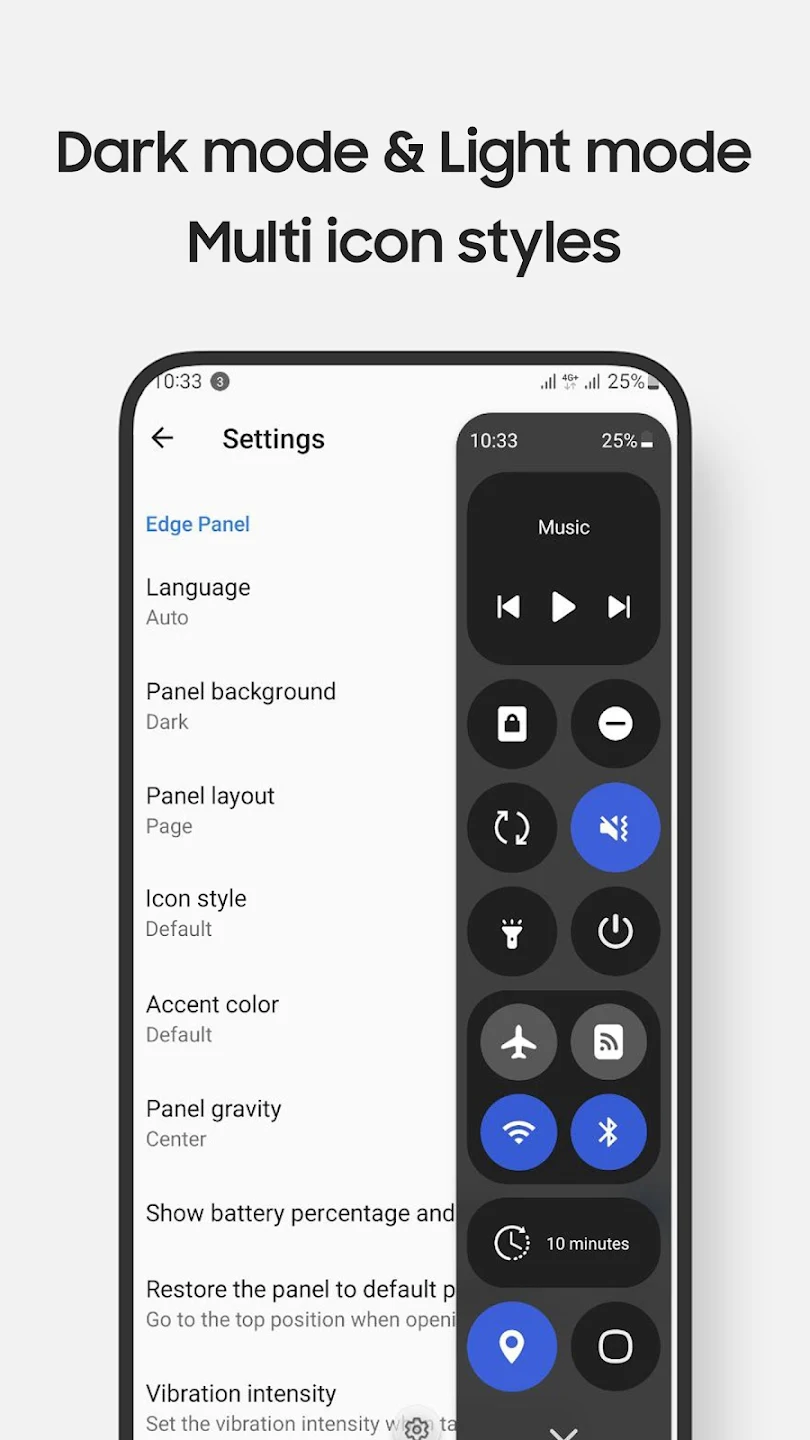
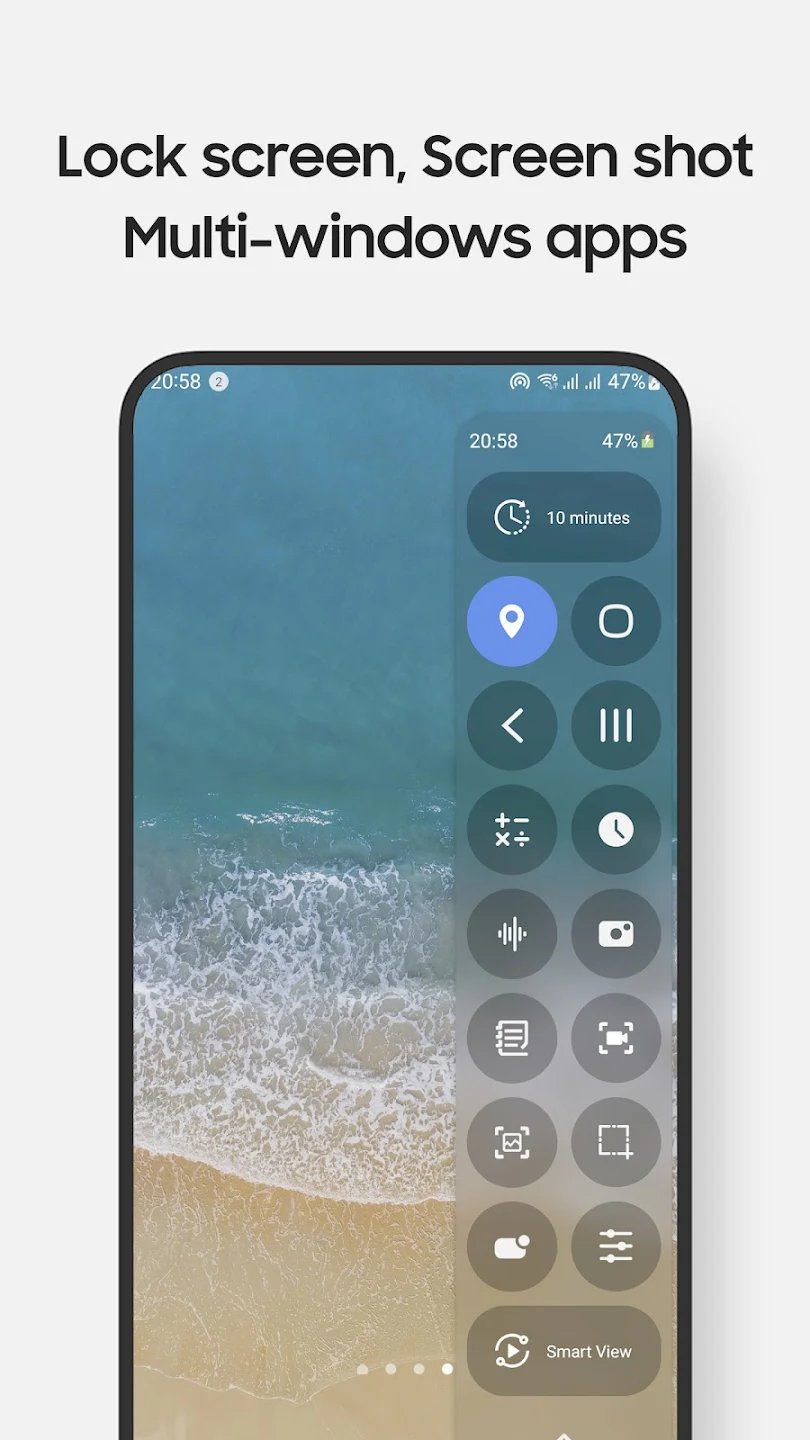
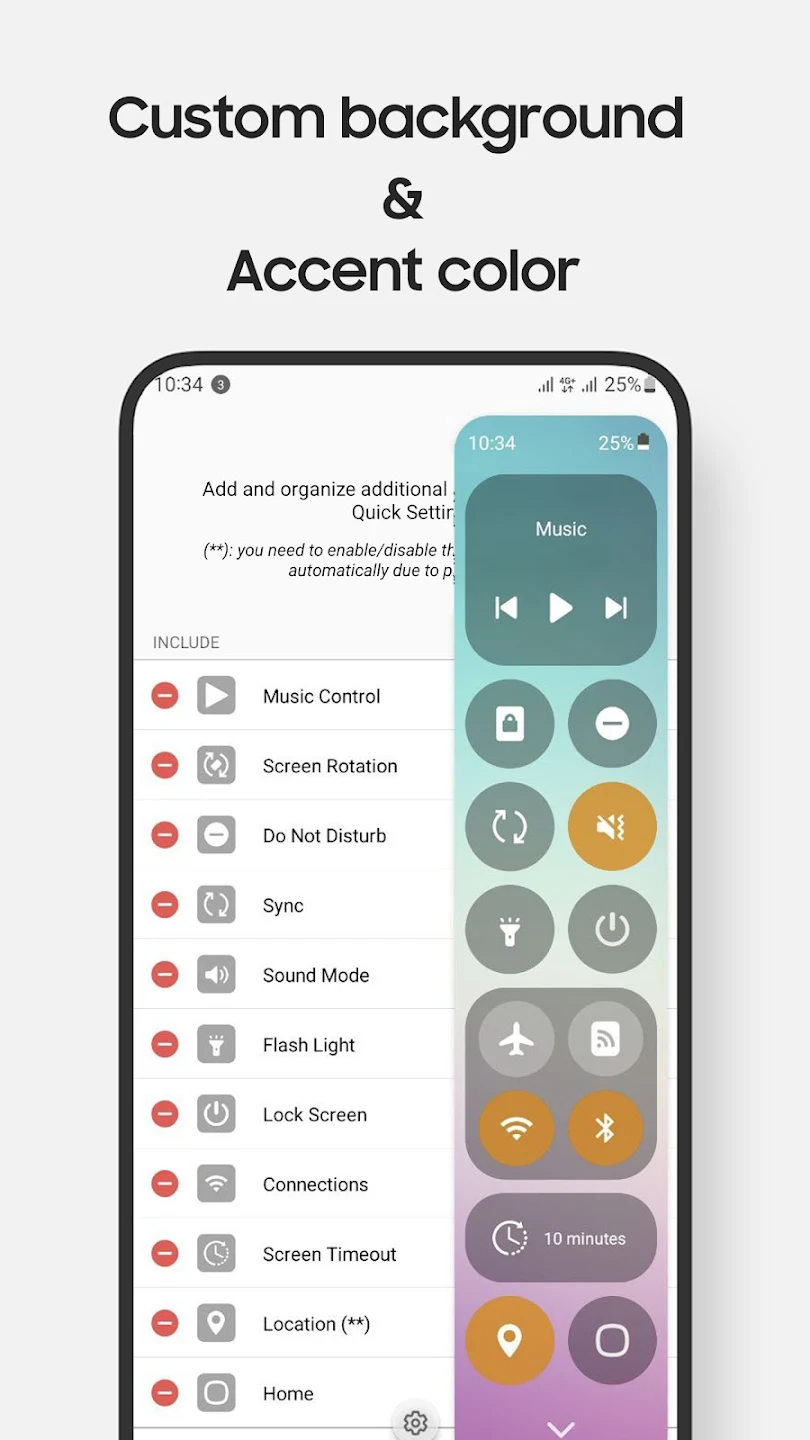
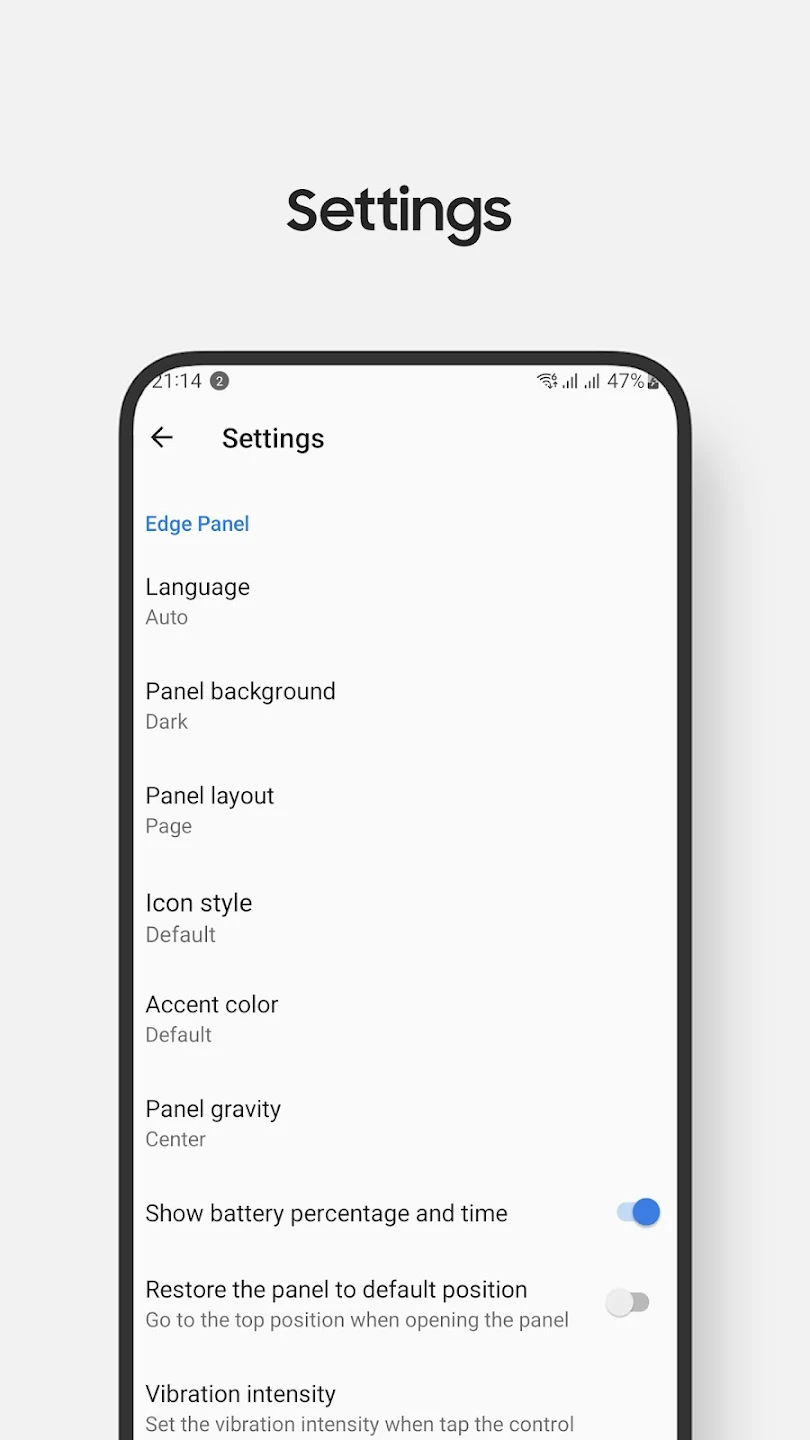
Quick Setting is a handy tool designed to give users easy access to essential applications and system settings. It allows you to manage tasks like screen recording, taking screenshots, adjusting sound, and more, all through an intuitive edge panel. This app is perfect for improving the efficiency of your daily mobile usage, offering customizable control options for your device.
App Features:
1. Manage Core System Settings: Quickly switch between Wi-Fi, Bluetooth, Do Not Disturb, mobile data, and other key settings directly from the edge panel.
2. Fullscreen & Pop-up App Access: Open your frequently used apps like Camera, Calculator, and Clock in either fullscreen or pop-up view for easy accessibility.
3. Screen Recording with Customization: Enjoy customizable options for screen recording, allowing you to tailor the recording experience to your needs.
App Highlights:
1. Convenient Music Control: Easily control your music playback directly from the edge panel without needing to open apps.
2. Screenshot and Screen Recording Tools: Capture specific parts of your screen or record your screen with simple gestures, making it ideal for quick documentation or sharing.
3. Night Mode and Custom Layout: Personalize the control panel’s design and layout, and take advantage of night mode to reduce eye strain during evening use.
App Tips:
1. Long Press for Settings: Long press on an item to access additional settings and controls, such as adjusting the lock screen options.
2. Adjust Volume & Brightness with Tap: Due to edge panel limitations, volume and brightness adjustments are controlled via taps instead of sliders.
3. Navigation & QR Scanning: Use quick access to your device’s navigation buttons, and easily scan QR codes for quick actions, all from the same panel.