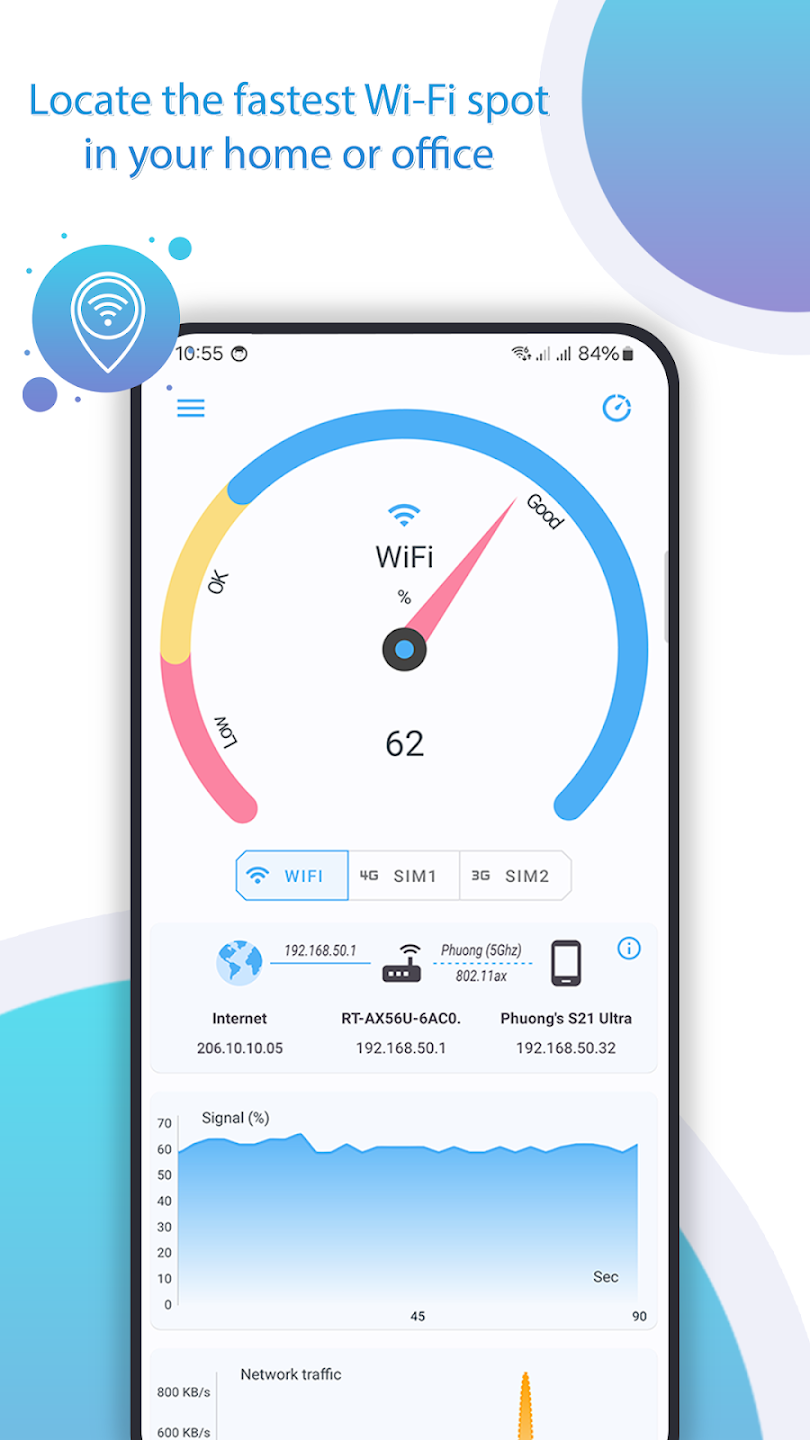

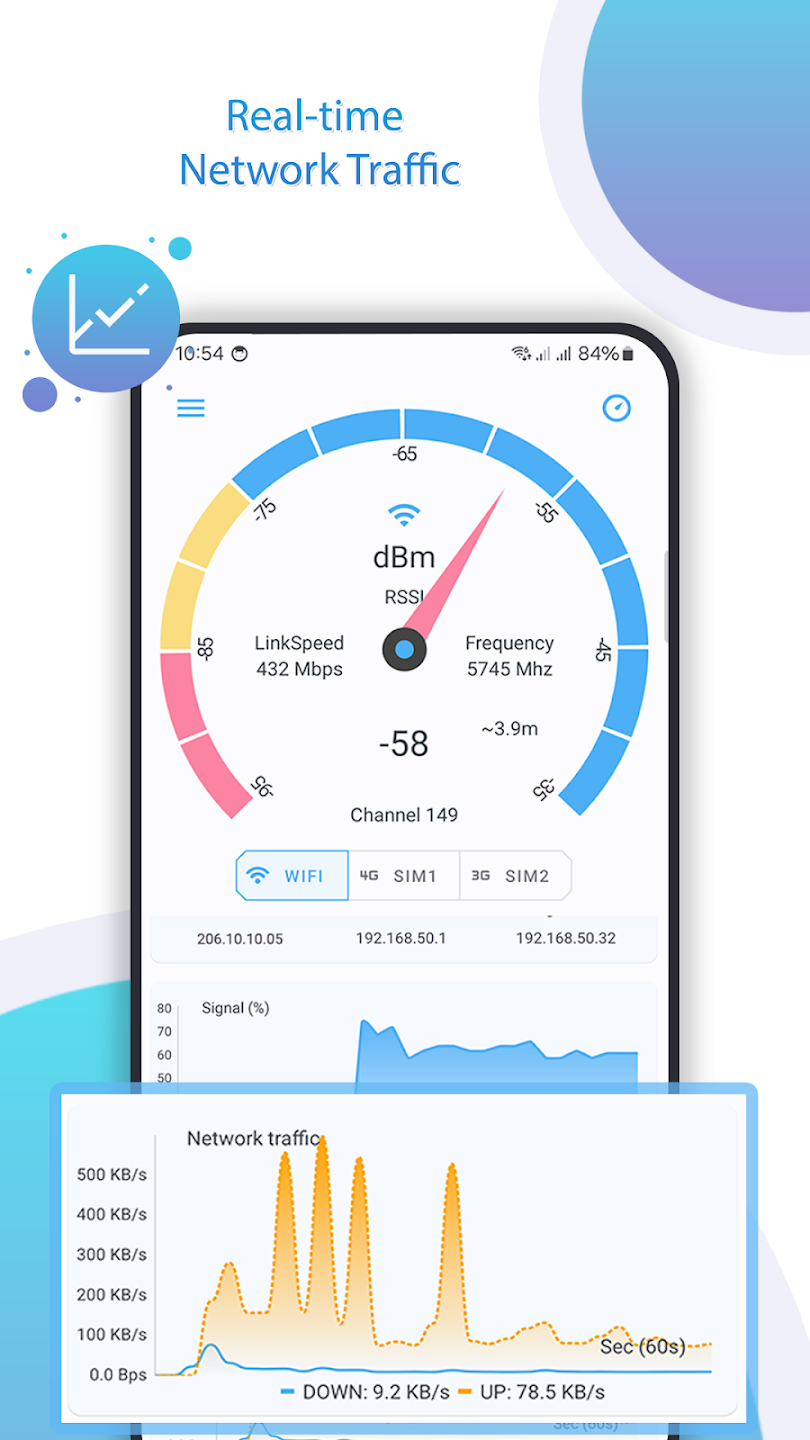
Net Signal Pro: WiFi & 5G Meter is an essential tool for checking WiFi and cellular signal strength on your mobile device, anytime and anywhere. It helps you find optimal areas for WiFi or cellular connections, making it easier to set up smart home devices or optimize your internet experience. With real-time signal updates, you can walk around your home, office, or any place with WiFi or cellular coverage to find the best connection.
App Features:
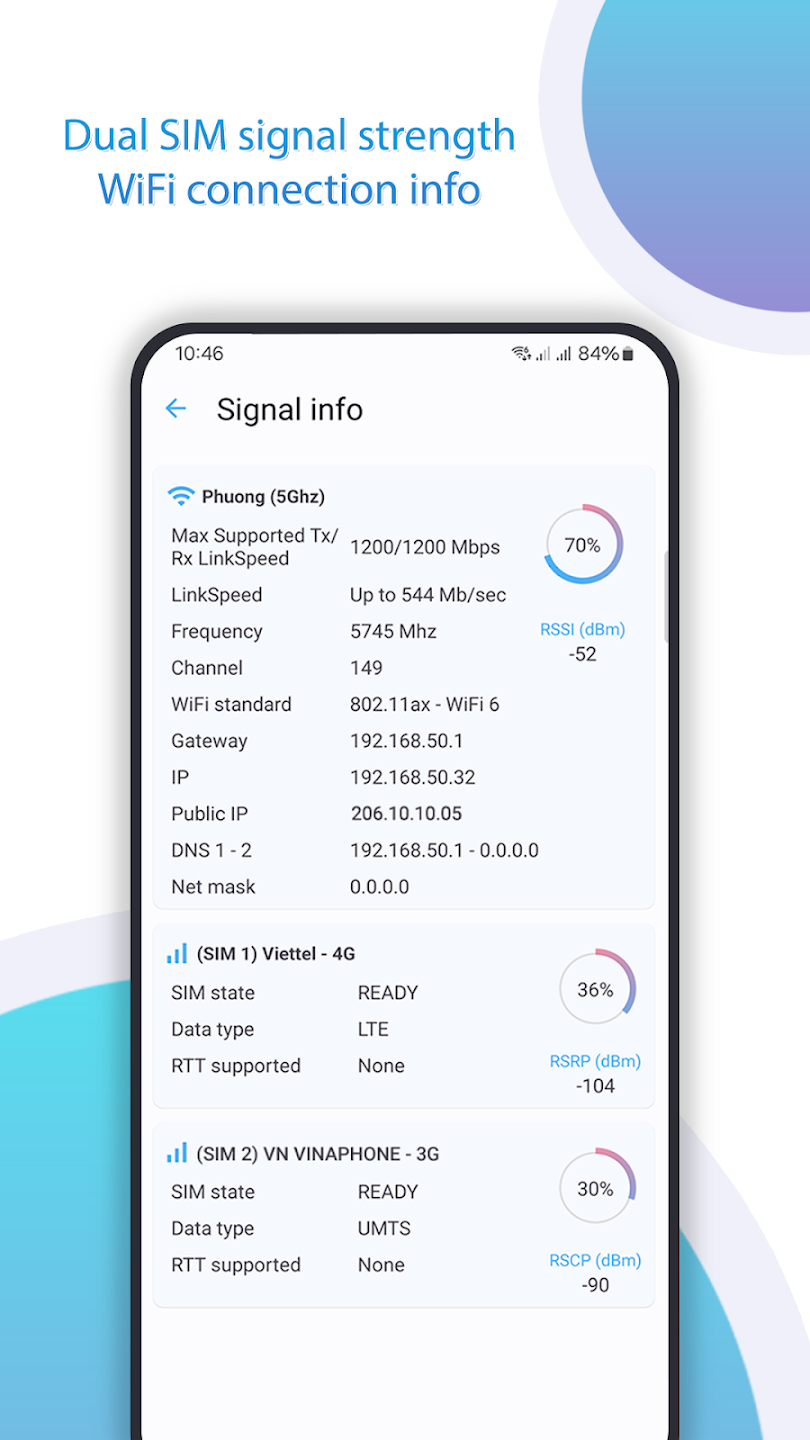
1. Cellular Signal Information: Displays detailed cellular signal data, including network operator, SIM operator, network type, signal strength (dBm), and IP address.
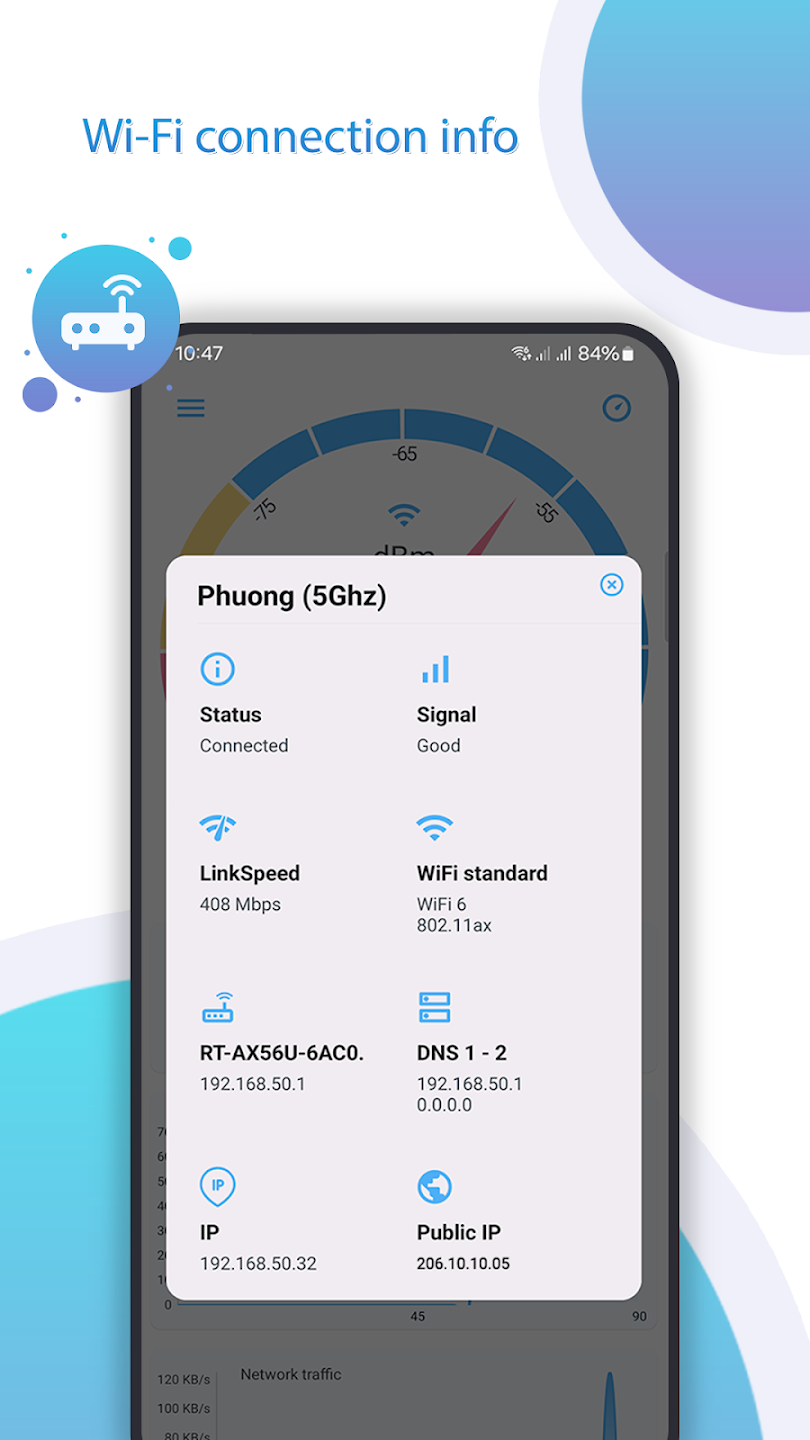
2. WiFi Signal Information: Provides in-depth details of Wi-Fi networks, such as SSID, BSSID, maximum Wi-Fi speed, IP addresses, network channel, and DNS information.
3. Ping Tool: Includes a ping feature that helps test network latency and ensure your connection is performing optimally.
App Highlights:
1. Real-Time Signal Updates: The app continuously monitors signal strength, allowing you to move around and find the best spots for your WiFi or cellular connection.
2. WiFi Roaming Support: Check which Wi-Fi access point (AP) your device is connected to and gather details like router name, network ID, and connection duration.
3. Comprehensive Network Data: Offers extensive network insights, including IP address details, DNS servers, and gateway information, enabling better network management and troubleshooting.