

Invisible AI is a leading AI driven video production application designed to quickly transform users' creative ideas into high-quality professional videos. Whether it's social media content, educational videos, or marketing materials, Invideo AI provides powerful features to meet various needs.
Core Features
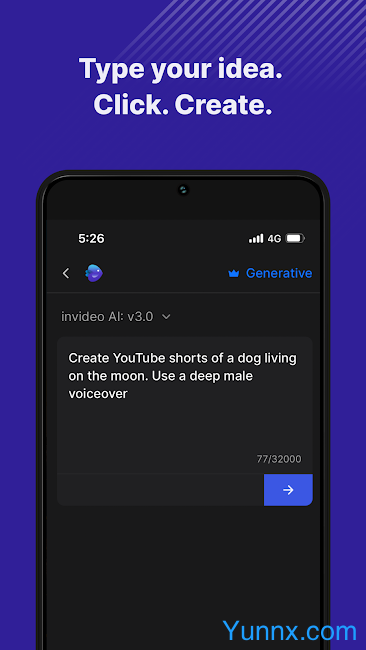
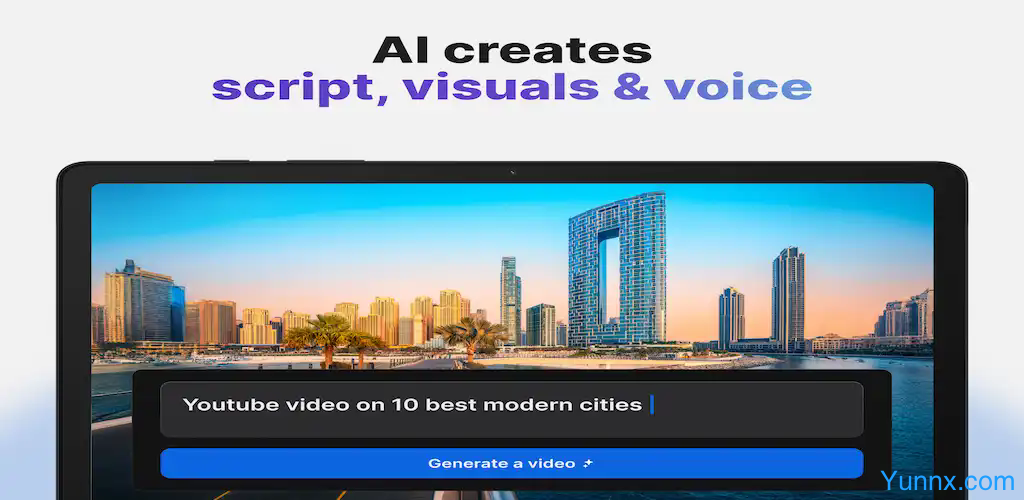
Text to Video AI: With just one theme input, Invite AI can automatically generate unique video content, greatly simplifying the creative process.
AI Movie Production: Utilizing advanced narrative tools, users can create lengthy content or movie stories.
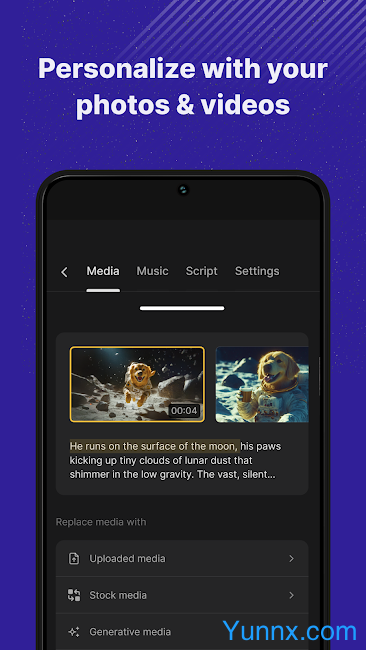
Detailed customization options: including comprehensive adjustments to visual effects, scripts, and dubbing to ensure that the video meets personal style and needs.
Rich media library: providing over 16 million media resources, matched with video themes through AI search.
Real AI dubbing: Choose from a variety of natural tone options to enhance the realism and appeal of the video.
AI voice cloning: Using one's own voice cloning technology to make the voice in the video completely consistent with oneself, saving recording time and maintaining consistency.
Application scenarios
Social media content: Generate engaging story videos and motivational short videos, suitable for platforms such as Instagram and YouTube.
Marketing video: Create captivating product highlights or content marketing videos that effectively convey brand information.
Education and operation guide videos: Easily create various tutorials and explanatory videos from cooking instructions to DIY repairs.
Simple Text Command Editing
Creative instructions: Control the emotional tone of the video, from seriousness to humor, or end it in a dramatic way.
Audio and text adjustments: personalize dubbing, modify background music, and edit subtitles to match the emotions of the video.
Visual and Rhythm Editing: Change the visual effect of the scene, adjust the media playback speed, or edit the entire paragraph to achieve the desired narrative flow.