
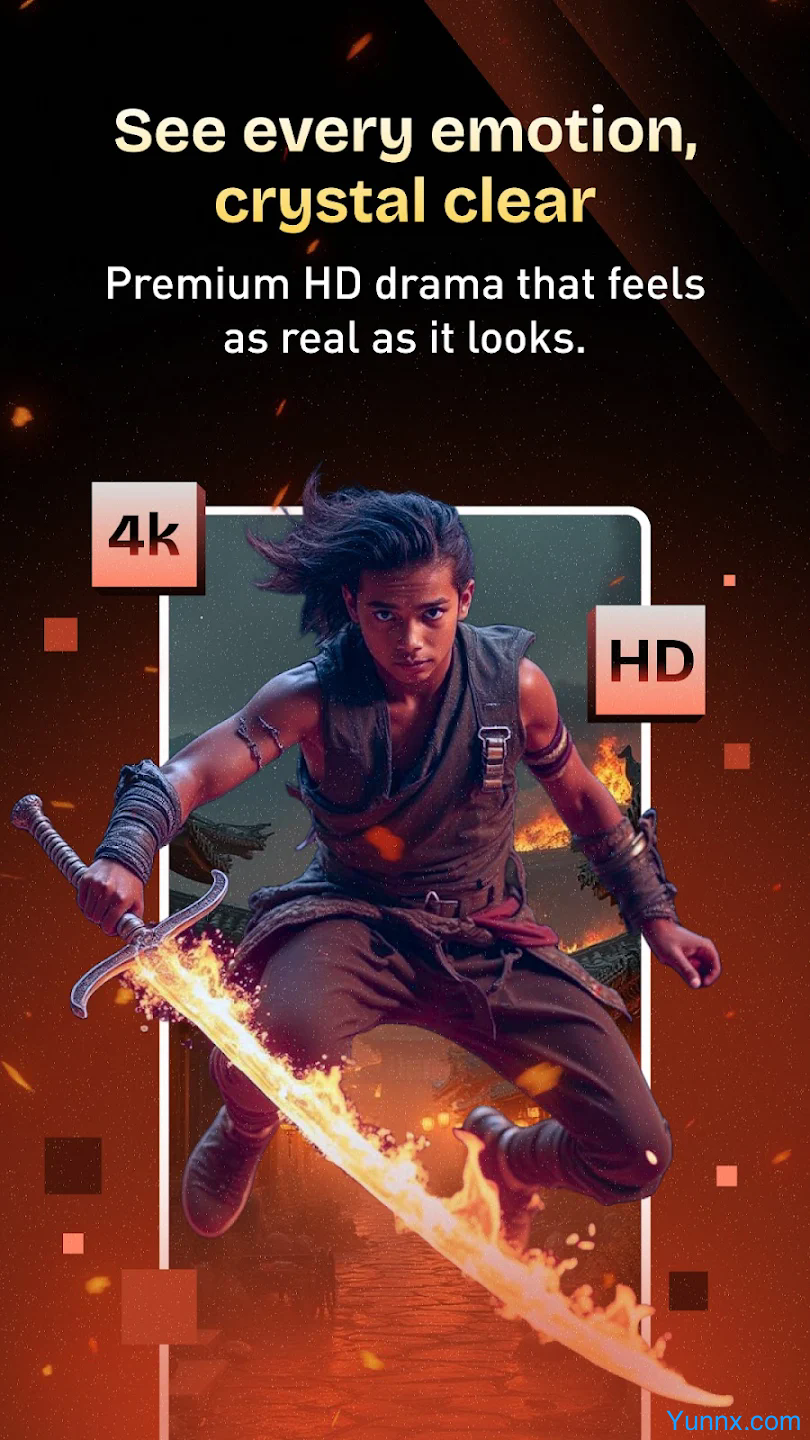
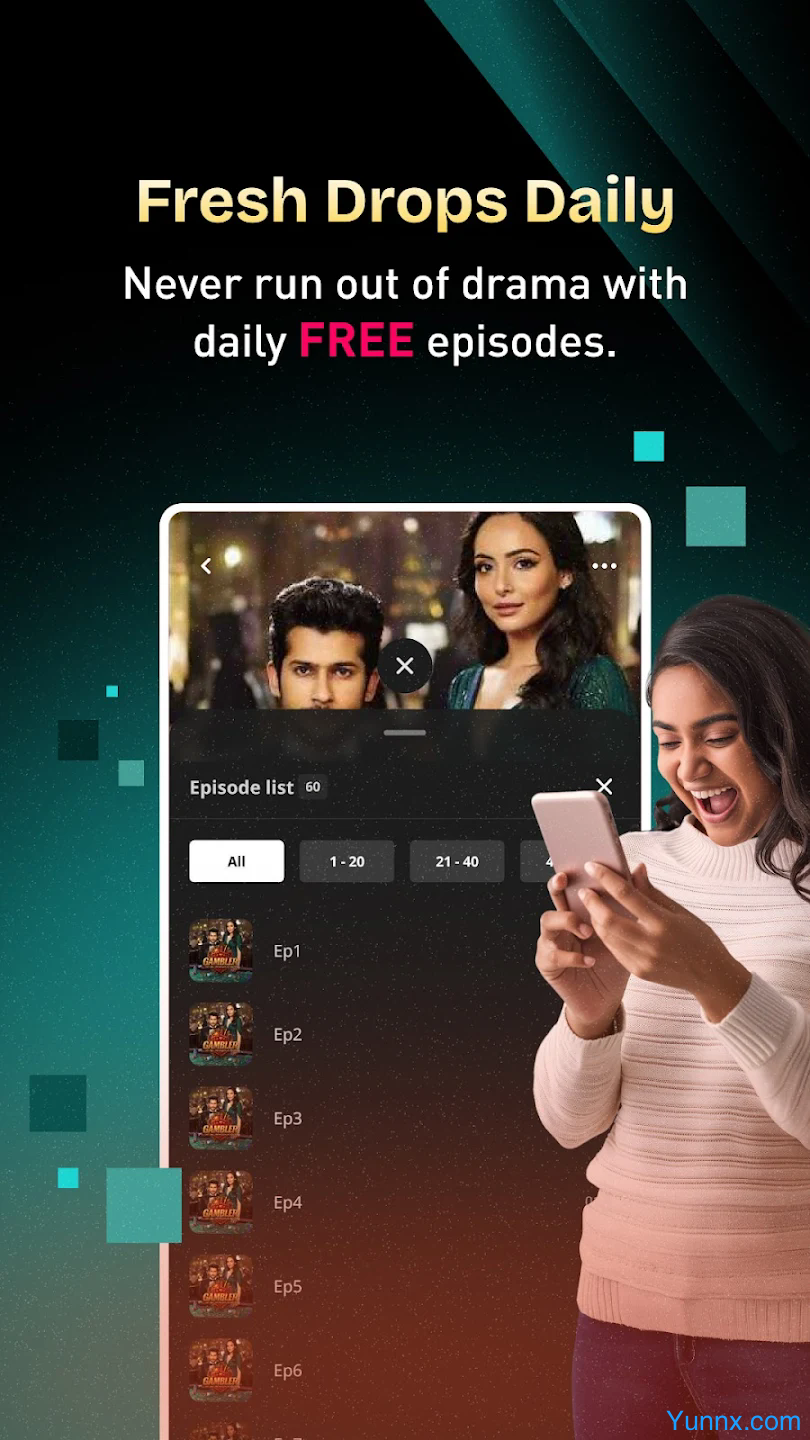
Pocket TV Short Drama Edition is a vertical screen short drama streaming application developed by Pocket FM Corp, featuring a fast, addictive, and one handed playable short drama experience. Each episode is only 1-2 minutes long, and the complete story can be watched in a few hours.
Installation steps (official channel)
IOS installation (recommended)
Open the App Store and search for "Pocket TV: Short Drama" (identify the developer Pocket FM Corp)
Click on 'Get/Install' and use Apple ID password or facial/fingerprint verification
After installation, click on the icon to start, supporting adaptive display on iPhone/iPad
Android installation
Open Google Play and search for "Pocket TV" (developer Pocket FM)
Click on install and wait for completion (VPN may be required in some regions)
Backup plan: Download APK from official website or trusted third-party app store (pay attention to security)
Allow 'unknown source installation' during installation (only applicable to APK), grant storage and network permissions
PC installation (via emulator)
Download and install Android emulators (such as BlueStacks, MEmu Play)
Open Google Play in the emulator, search for and install Pocket TV short drama version
Launch the application and adjust the screen orientation and resolution through emulator settings
Registration and Login (Quick Start)
Pocket TV short drama version supports direct viewing in guest mode, but more features can be unlocked after registration:
First launch: After opening the app, select "Register", "Login", or "Guest Mode" (skip registration)
Registration method:
Mobile phone number registration: Enter your phone number → Get verification code → Set password → Complete registration
Third party login: supports one click login for Google and Facebook accounts (depending on region)
Benefits after login:
Synchronize viewing history and favorite content
Unlock more download quotas
Receive notifications of new drama updates
Participate in community interaction (comment, like)
Content browsing and selection (accurately find favorite dramas)
1. Recommended homepage
Recommend personalized content based on viewing history and preference algorithms
Display popular rankings (sorted by views/likes) and new drama updates (daily updates)
Slide up to load more content, click on the cover image to enter the episode details page
2. Classification screening
Click the "Category" button at the bottom to expand the list of all categories
Choose the theme that interests you (such as "domineering CEO", "suspense brain teasers", "ancient costume time travel", "family ethics")
The filtering results can be sorted by "latest", "hottest", and "most likes"
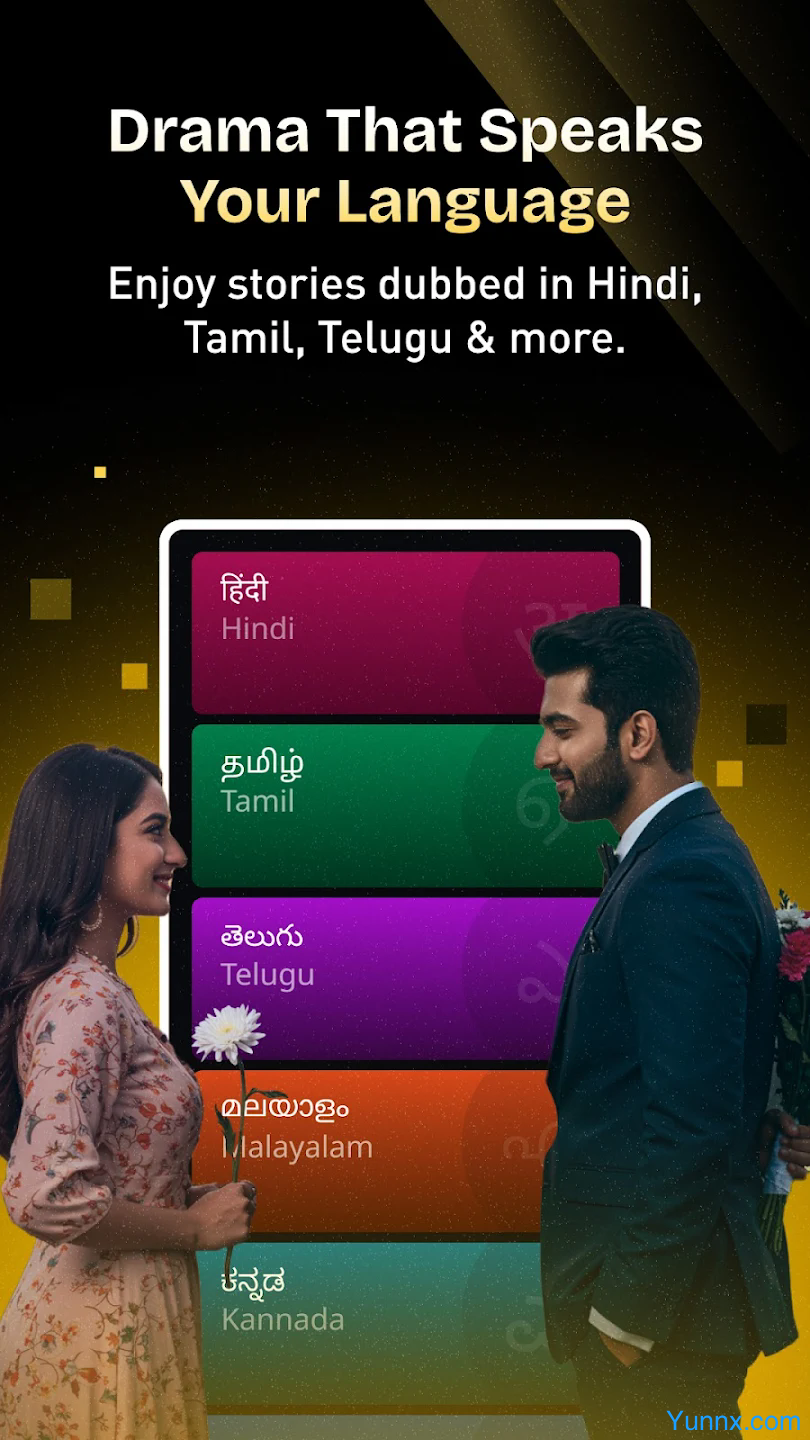
Support filtering content by language (English/Hindi/Tamil, etc.)
3. Precise search
Click on the top search box and enter keywords (drama name/actor name/tag)
The search results can be further filtered by "series", "actors", "tags"
Click the "Favorites" button (star icon) to add your favorite TV series to your favorites (login required)
Offline download (can be viewed even without internet connection)
Pocket TV Drama Edition supports offline caching, allowing you to watch your favorite shows even in a network free environment:
Find the target series: Click on the "Download" icon (down arrow) on the details page
Select episodes: Check the number of episodes to download (VIP users can download more episodes)
Select image quality: Choose the appropriate clarity based on device storage (1080P takes up approximately 150MB/set)