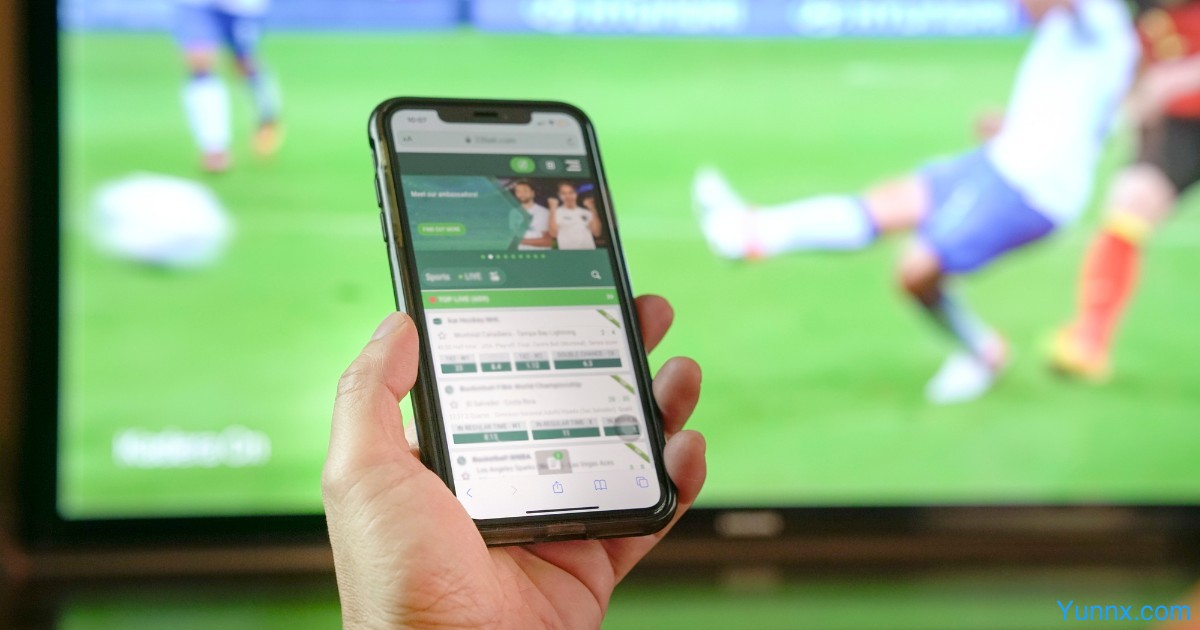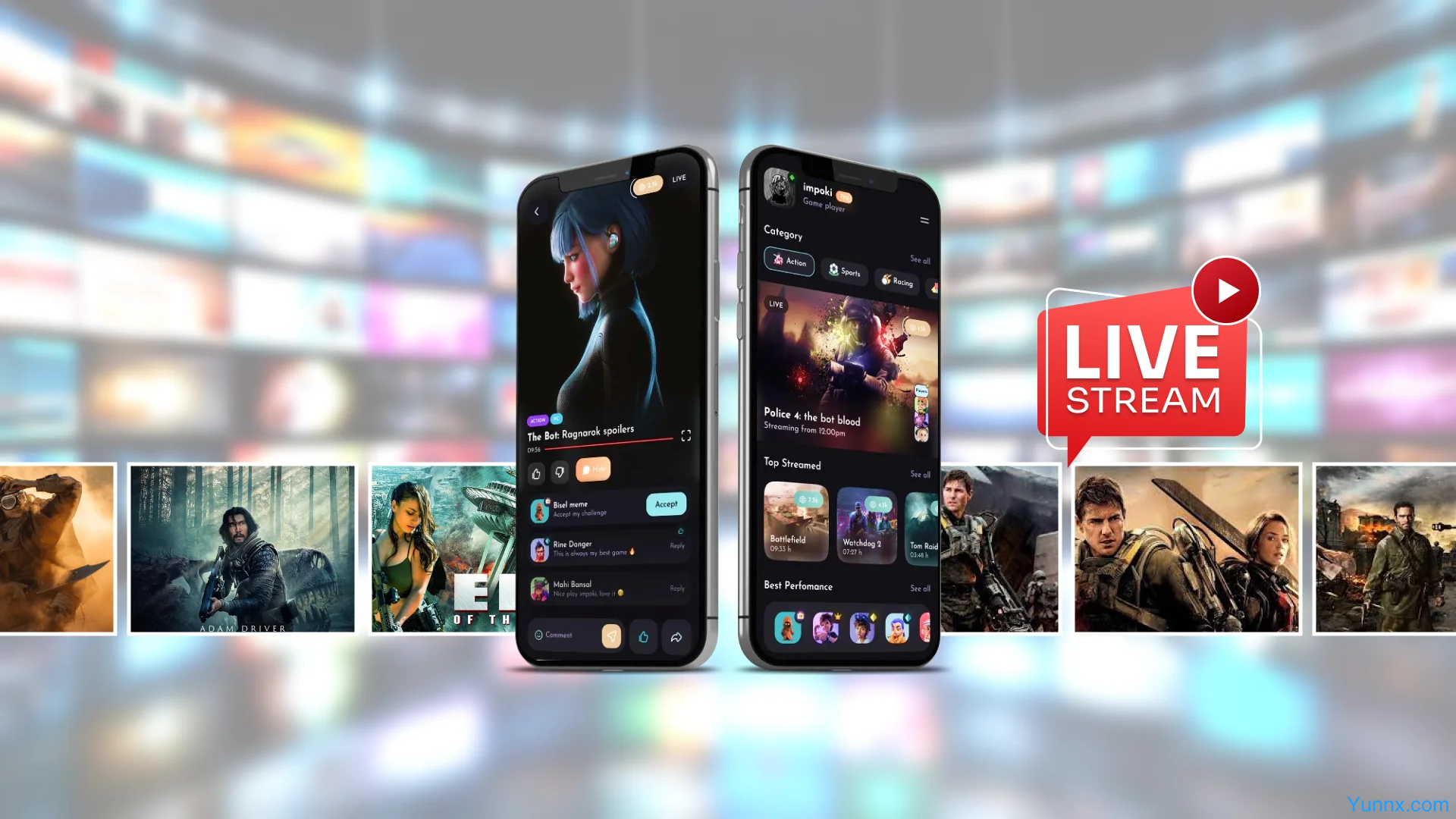
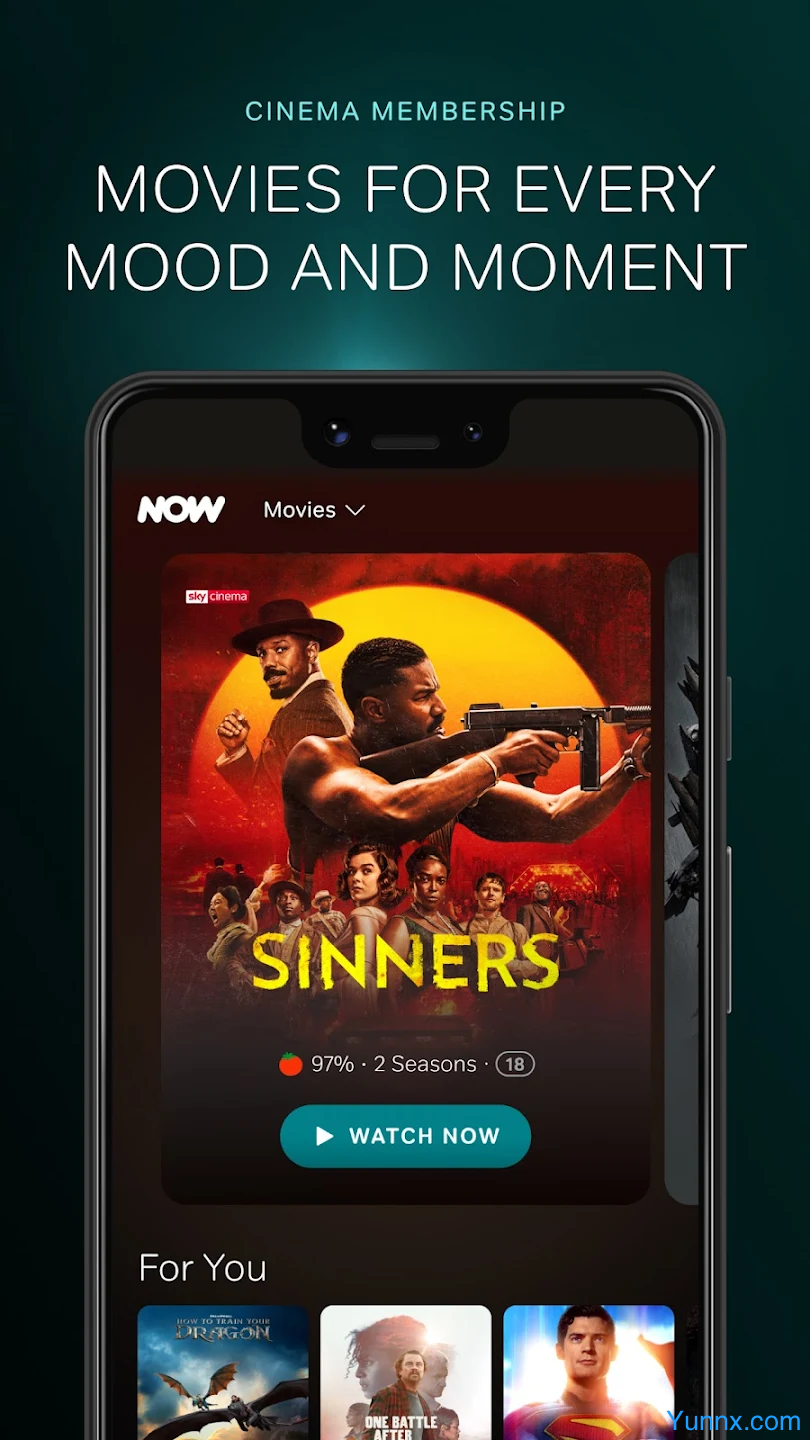

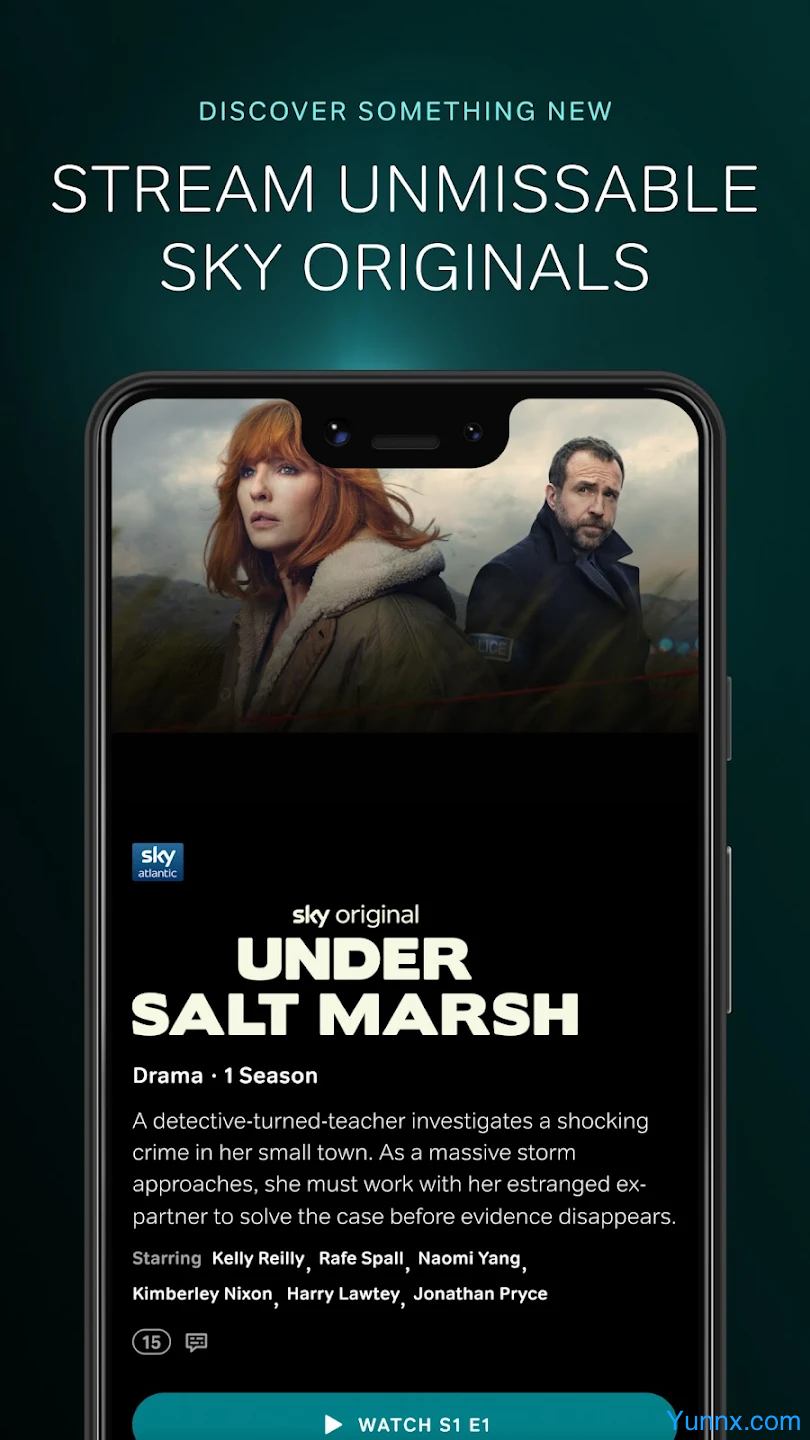
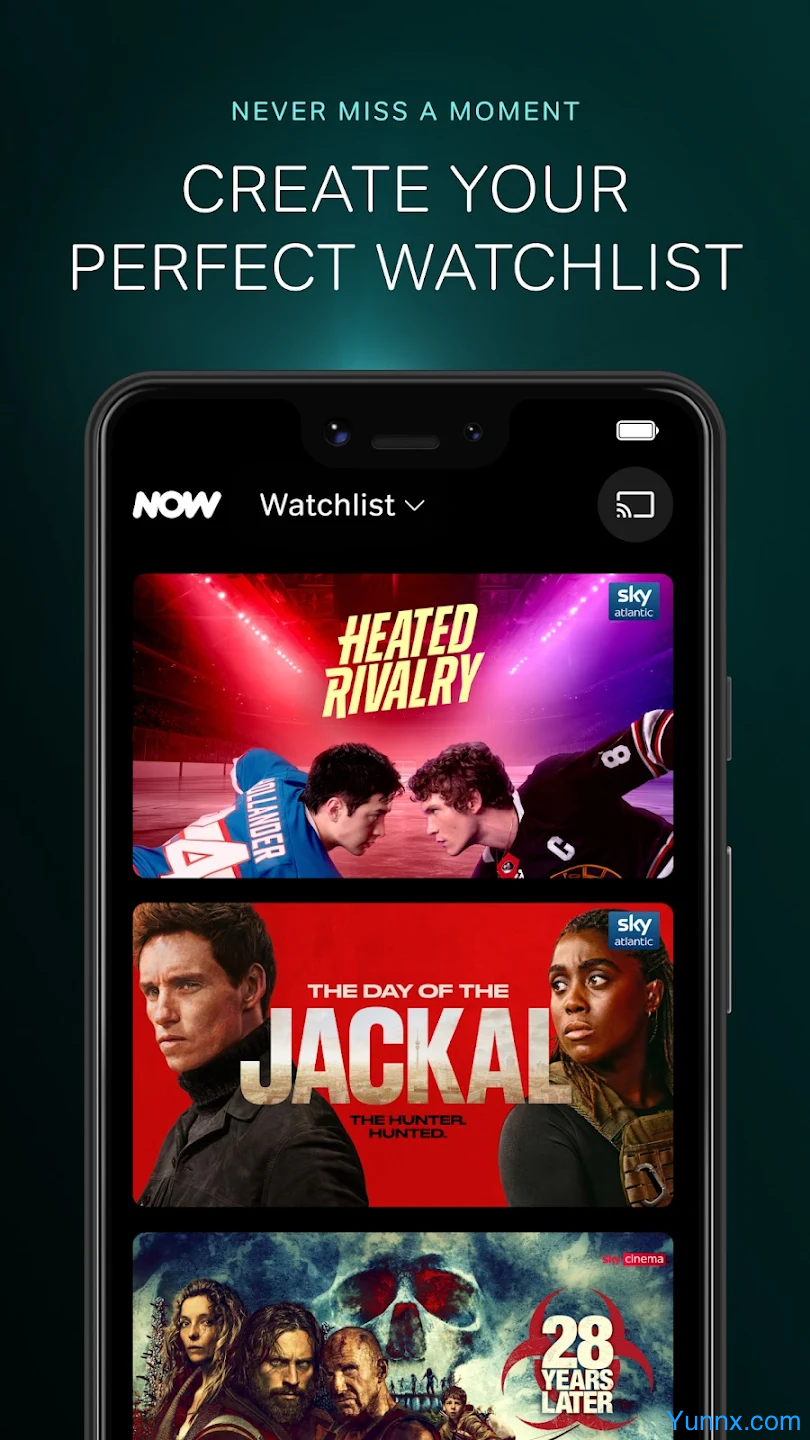
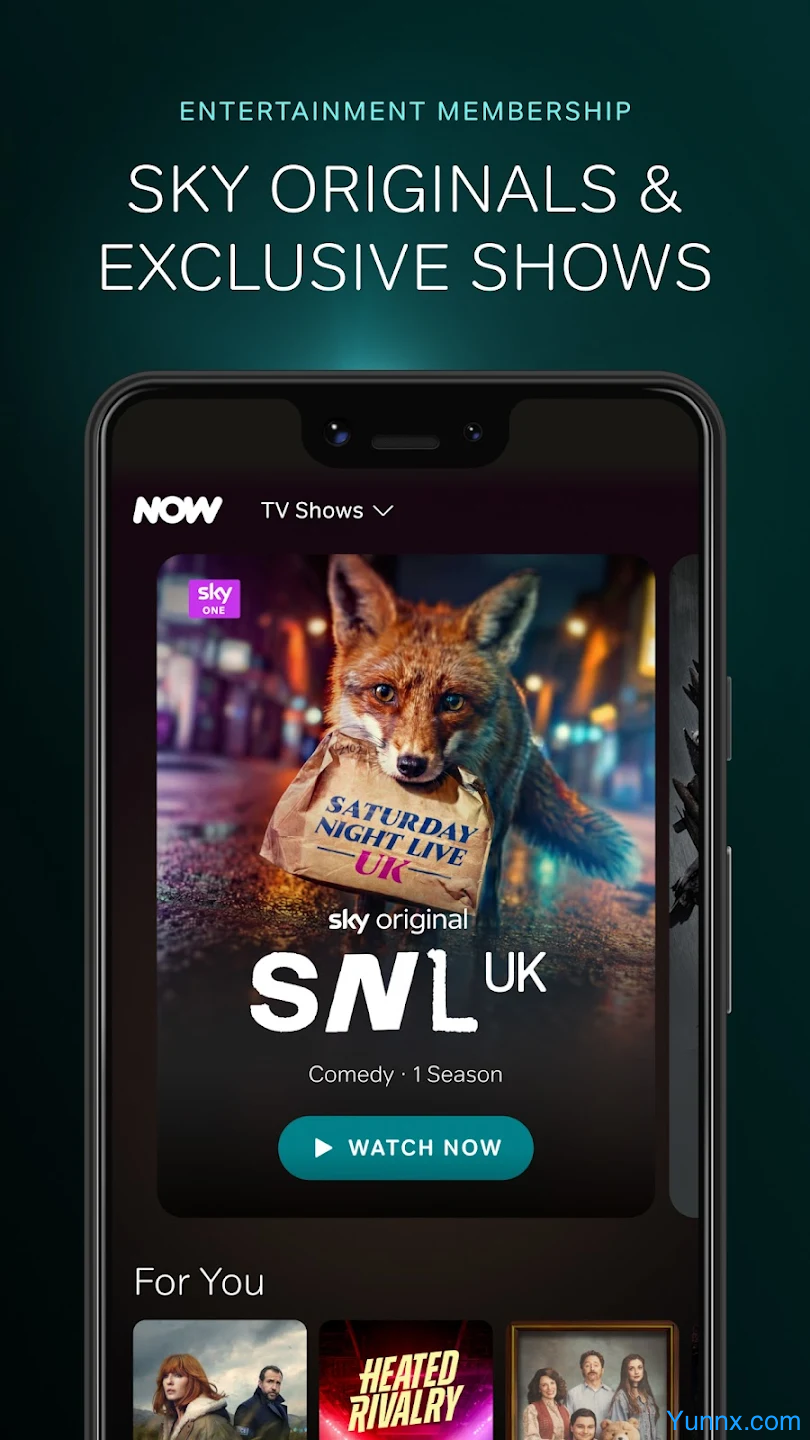
Now TV App is the official mobile application from Hong Kong’s PCCWfor Now TV subscribers. Available on both iOS and Android, it lets you enjoy live TV channels, thousands of On Demand movies, dramas, sports, and news anytime, anywhere.
Key Features:
- Watch live TV and massive On Demand library
- Cast to TV via Chromecast or control your Now TV set-top box remotely
- Up to 5 personalized user profiles per account
- Smart recommendations and “Continue Watching”
- Offline downloads for watching without internet
- Seamless sync with your home Now TV box
Whether you’re a sports fan, drama lover, or news addict, the Now TV App transforms your smartphone into a portable entertainment hub.
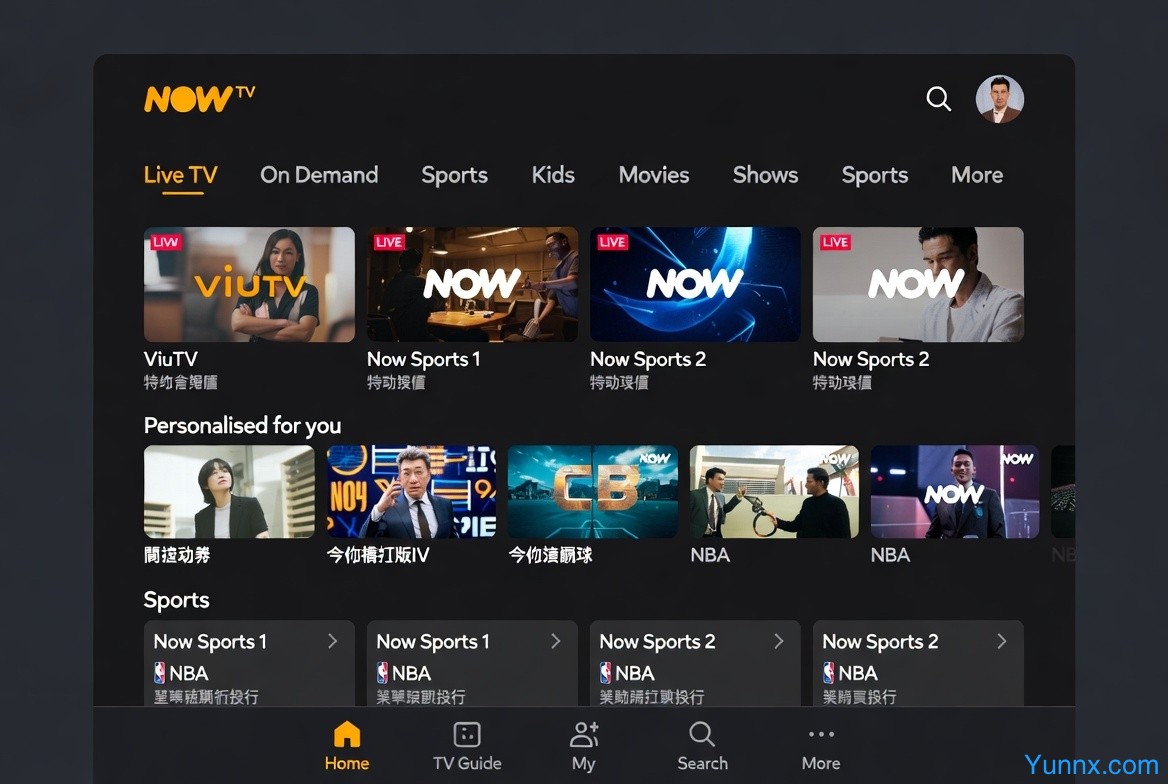
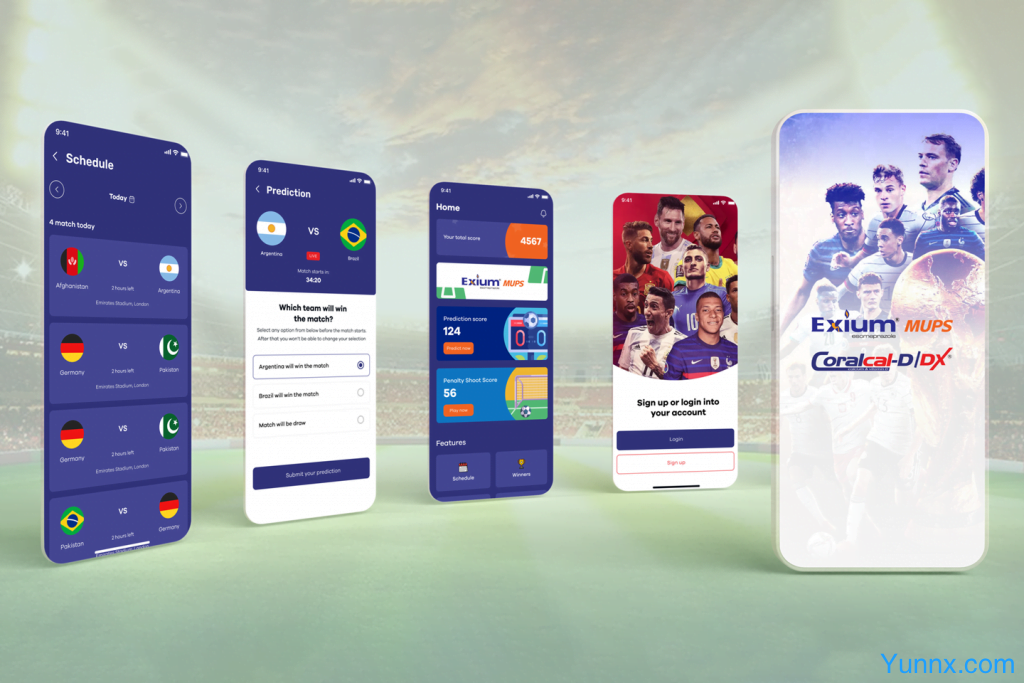
Now TV App Home Screen Example
Pro Tips & Tricks
1. Create Multiple User Profiles
Each family member can have their own profile with separate watch history and recommendations.
Go to Profile icon (top right) → Manage Users → Add User. Highly recommended for personalized experience!
2. Cast & Control Your TV Box
While watching a show, tap the Cast icon to send content to your TV or use your phone as a remote to change channels and adjust volume on your Now TV set-top box.
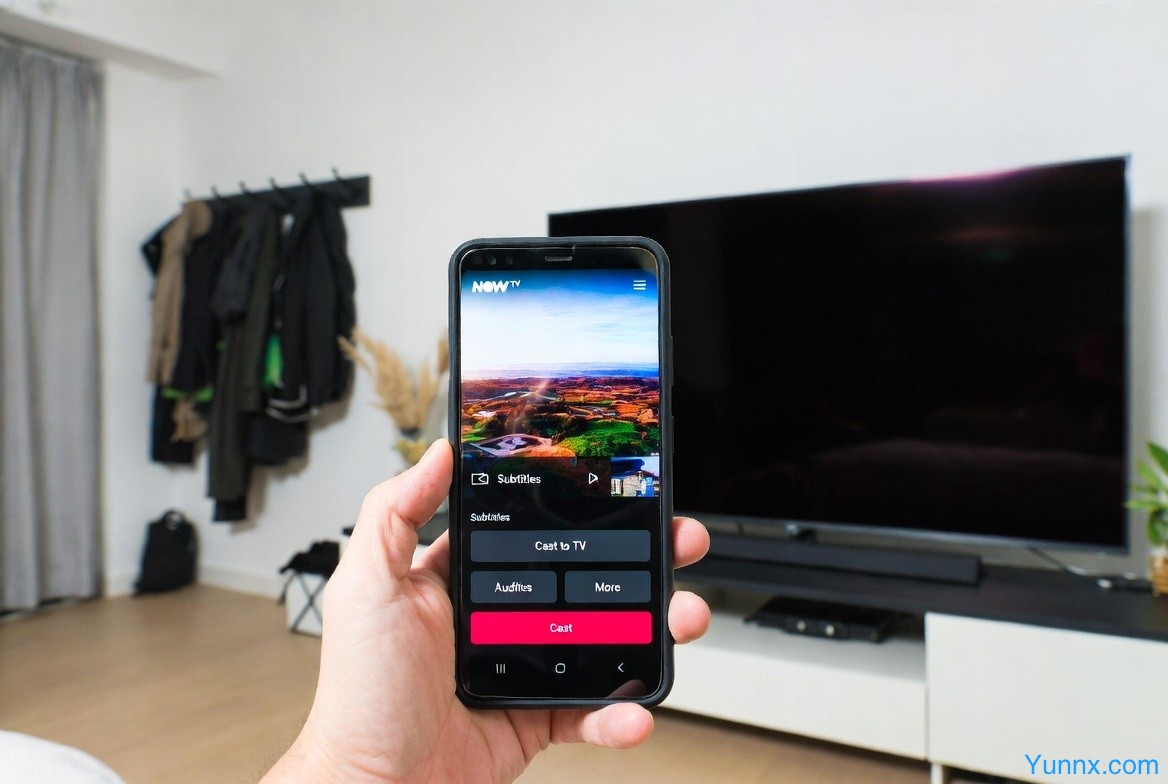
Casting Feature in Action
3. Offline Downloads
Download episodes only over Wi-Fi.
Go to Settings → Download Settings and choose High Quality. Access downloads in My Now → Downloads.
4. Quick Continue Watching
The top of the homepage always shows your “Continue Watching” row — tap to resume exactly where you left off.
5. Save Data & Battery
- Enable Wi-Fi Only in Playback Settings
- Lower video quality when using mobile data
- Turn off Autoplay for next episode
6. Sports Alerts
In the Sports section, set reminders for live matches. You can also add the Now TV widget to your phone home screen for quick access.
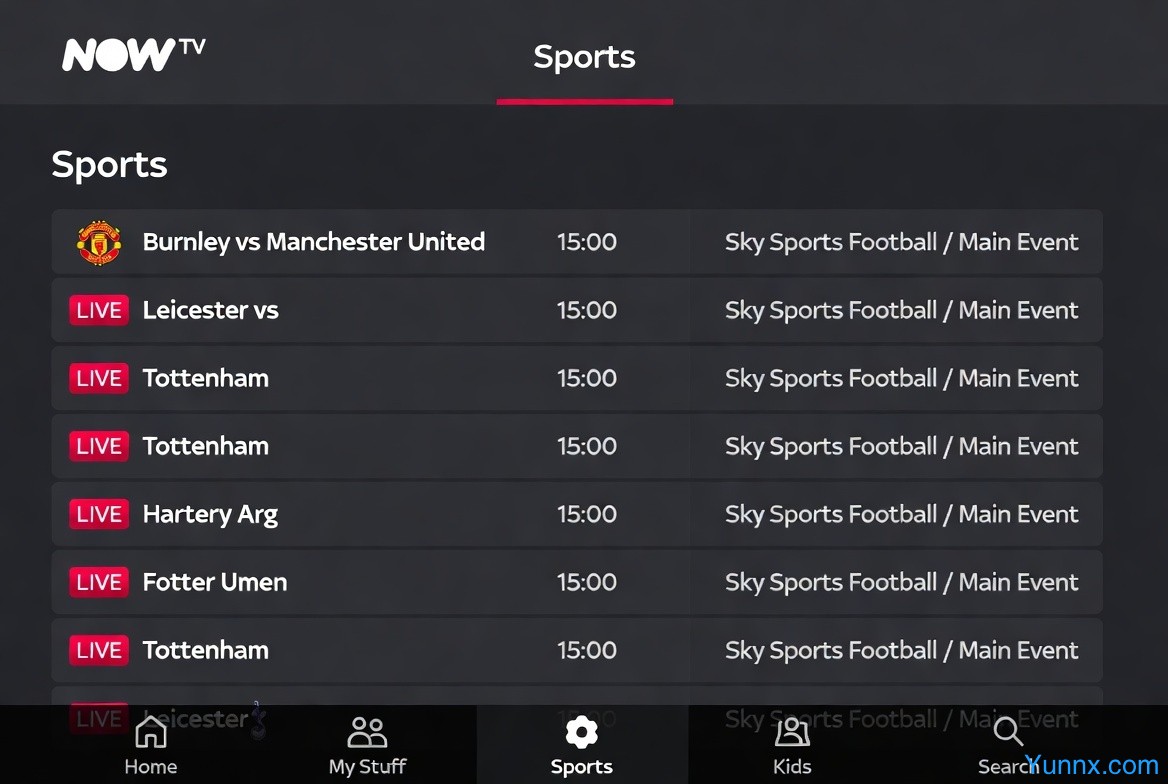
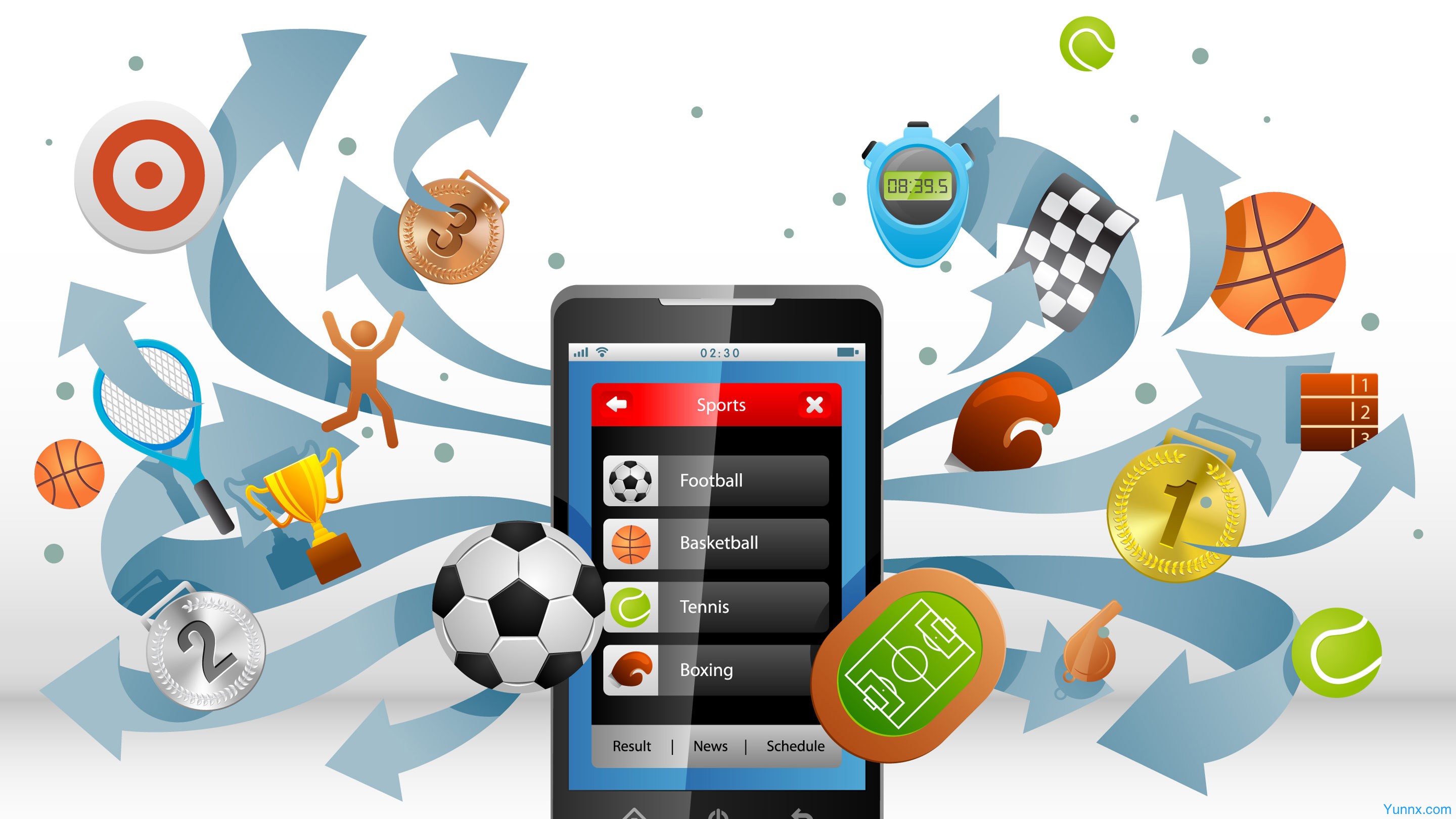
Sports Section Example
7. Personalize Your Homepage
Browse more content on the homepage — the more you watch, the smarter the app’s recommendations become.