
Video Maker & Photo Music Logo

Latest Version:7.9.1.2

Size:109MB

Last Updated:Oct 10, 2025

Video Maker & Photo Music Victory Screenshots

What's new:

7.9.1.2

- Text animation feature upgrade: More animation effects added.

- New filters available to help you create different visual styles.

- More transitions and effects added.

Improvements:

- Fixed bugs and improved performance.

About Video Maker & Photo Music

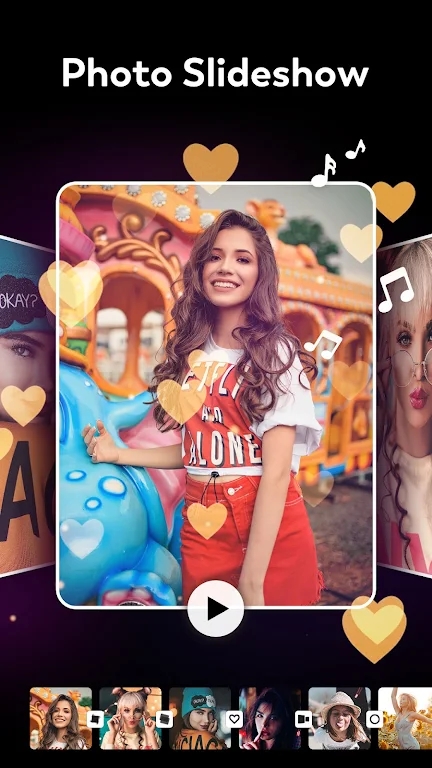
FotoPlay is a video maker and photo slideshow creator app that allows users to combine photos, videos, and music into engaging slideshows and videos.
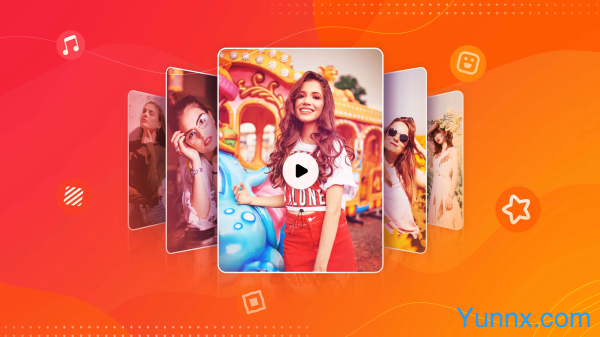
Function:

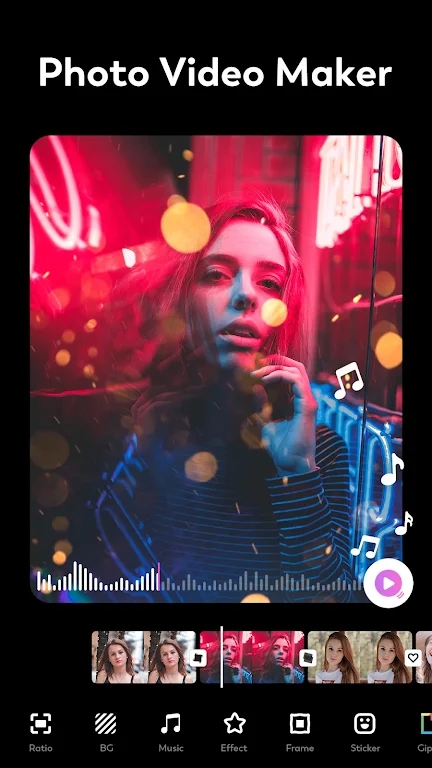
Video and Slideshow Creation: FotoPlay enables users to create videos and photo slideshows by combining images, video clips, and music.

Editing Tools: The app offers various editing tools to trim, crop, rotate, and adjust media files.

Music and Effects: Users can add background music, sound effects, and voiceovers to their videos and slideshows.

Transitions and Animations: The app provides a range of transition effects and animations to enhance the visual appeal of the slideshows.

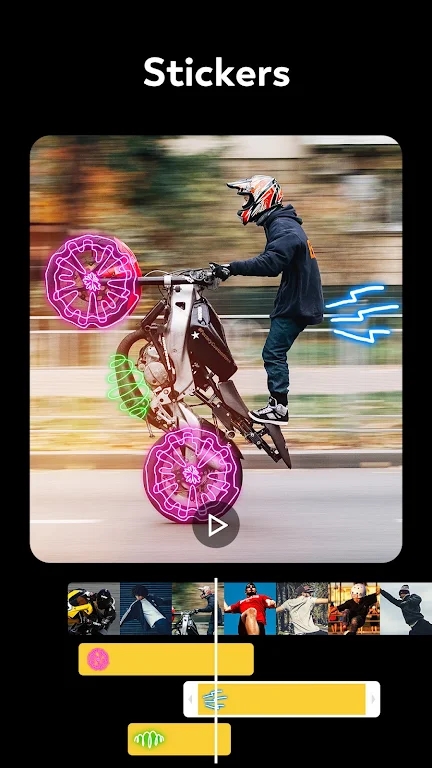
Text and Stickers: Users can add text overlays, captions, and stickers to their creations for personalization.

Characteristics:

User-Friendly Interface: FotoPlay features an intuitive and easy-to-use interface, making it accessible to users of all skill levels.

Wide Range of Templates: Offers a variety of templates and themes to simplify the creation process and enhance creativity.

High-Quality Output: The app supports high-definition (HD) video output to ensure that the final product is of high quality.

Customization: Provides extensive customization options, allowing users to adjust the duration of slides, add filters, and tweak other settings.

Social Sharing: Users can easily share their creations on social media platforms like Instagram, Facebook, YouTube, and TikTok directly from the app.

Highlights:

Music Integration: Users can import music from their library or choose from the app’s selection of royalty-free music to enhance their videos and slideshows.

Real-Time Preview: Offers real-time preview functionality, allowing users to see how their edits and effects will look before finalizing their projects.

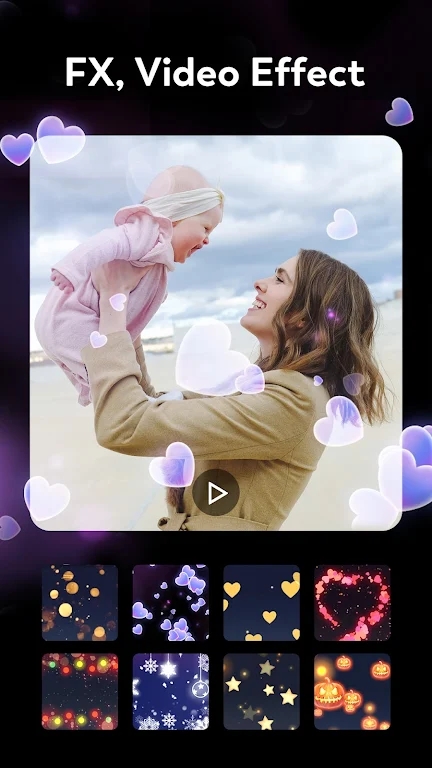
Variety of Effects: Includes a wide range of visual effects, filters, and transitions to create dynamic and engaging videos.

Voiceover Recording: Allows users to record voiceovers directly within the app, making it ideal for creating narrated slideshows or video messages.

Multiple Aspect Ratios: Supports various aspect ratios (e.g., 1:1, 16:9, 9:16) for different social media platforms and viewing preferences.

Advantages:

Creativity and Flexibility: FotoPlay provides numerous tools and features that enable users to express their creativity and produce professional-quality videos and slideshows.

Ease of Use: The app’s user-friendly interface and templates make it easy for beginners to create impressive videos without extensive editing knowledge.

Time-Saving: Pre-designed templates and themes help users quickly create polished videos and slideshows.

Social Media Integration: Direct sharing options streamline the process of posting content on social media, increasing convenience for users.

High-Quality Results: The ability to produce HD videos ensures that users can create visually appealing and professional-looking content.

翻译中...
More

Details

Recommended Topics

Video Editing
Video Editing
Welcome to the all - in - one platform for video editing enthusiasts! This aggregation interface serves as a comprehensive and user - friendly hub, designed to meet the diverse needs of everyone interested in the dynamic world of video editing. Unleash Your Creativity in Video Editing Video editing has become an essential part of modern digital expression, enabling users to transform raw video footage into engaging and visually stunning masterpieces. Video Editing Apps and software, with their wide - ranging tools and features, have made this creative process accessible to both professionals and amateurs. Whether you're aiming to create a professional - grade vlog, a captivating short film, or a fun - filled social media clip, the possibilities are endless. From basic operations like cutting, trimming, and merging clips to more advanced techniques such as adding special effects, applying transitions, and doing color grading, video editing offers a vast playground for creativity. Discover a Diverse Range of Video Editing Tools Our aggregation interface showcases a carefully curated collection of some of the most popular and powerful video editing software: PowerDirector: Widely regarded as one of the best overall video editing software, PowerDirector is compatible with both Windows and Mac. It offers a rich set of features, including timeline and storyboard modes for seamless combining, trimming, splitting, and assembling of videos. With its video collage designer, slideshow creator, and multicam designer, users can get highly creative. It also comes with enhancement tools like video stabilization, audio denoise, and AI - powered sky replacement, making it a top choice for those who want to create high - quality, Hollywood - level videos. iMovie: Exclusively available on Mac and iOS devices, iMovie is an excellent option for beginners. It provides basic yet essential video editing tools such as split and trim functions. Beyond that, it offers features like "Movie Magic" which can instantly combine videos with titles, transitions, and music. It also has storyboards and movie trailer templates, allowing users to turn their home videos into stylish movie - like trailers. Windows Video Editor: Pre - installed on most Windows devices and accessible through the Photos app, this editor is beginner - friendly. It allows users to import and merge multiple videos. One of its notable features is the automatic video creation, where it can combine photos and videos instantly. Additionally, basic effects and filters can be added to enhance the videos. Explore the Interface Features Intelligent Software Filtering: Our interface allows you to filter video editing software based on various criteria. You can filter by platform compatibility (Windows, Mac, iOS, Android), skill - level requirements (beginner - friendly, intermediate, professional), and specific features (such as 3D editing, green - screen support, etc.). This makes it easy for you to find the perfect video editing tool that suits your needs. Comprehensive Software Information: For each software, you'll have access to in - depth information. This includes detailed feature lists, user - interface overviews, and compatibility details. Moreover, user - generated and professional reviews are readily available, helping you make well - informed decisions before choosing a software to download. Latest Trends and Tutorials: Stay updated with the latest trends in video editing. Whether it's the newest editing techniques, popular video styles, or emerging industry standards, you'll be in the know. Additionally, we provide a wealth of tutorials, from basic video - editing 101 to advanced tips and tricks, to help you enhance your skills. Vibrant Community Interaction: Connect with other video - editing enthusiasts through our community section. Share your edited videos, exchange editing experiences, and get feedback from like - minded individuals. You can also participate in video - editing challenges and contests, which are great ways to showcase your talent and gain inspiration...