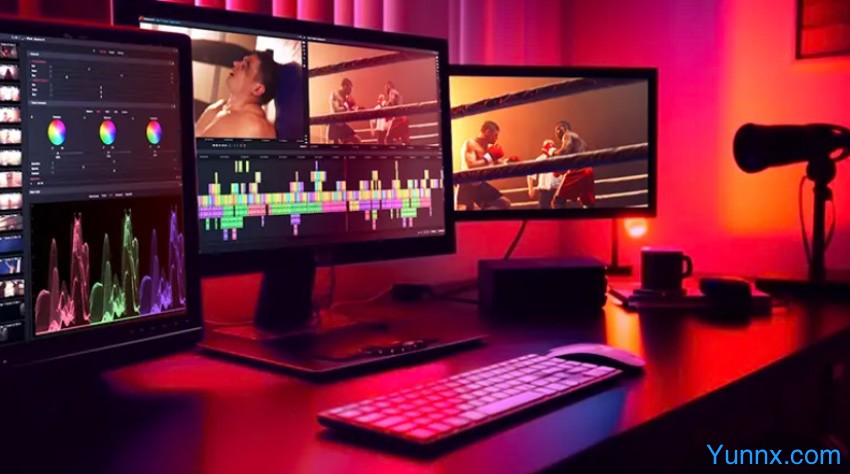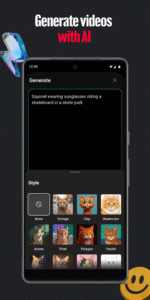
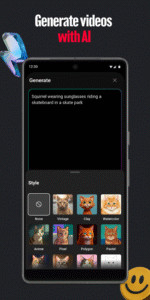
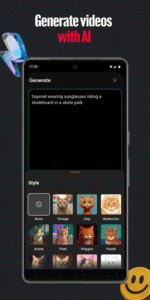
YouTube Create is a free mobile video editing application officially launched by Google, designed for YouTube creators and short video enthusiasts. It features "professional level functions+zero threshold operation", allowing users to quickly create high-quality videos and publish them to the YouTube platform with just one click without complex learning.
Core positioning and target audience
Official attribute: Developed by Google LLC, deeply integrated with the YouTube ecosystem, seamlessly connected to the publishing process
Core advantage: Full featured free (no watermark, no export restrictions), built-in YouTube exclusive material library
Applicable scenarios:
New YouTube creators can quickly get started
Production of short video content (vlogs, tutorials, product reviews, etc.)
Video editing on social media platforms (TikTok, Instagram, etc.)
Daily recording and home video editing
AI intelligent functions (core competitiveness)
One click automatic subtitle: supports recognition of 70+languages, high accuracy, batch editing and style adjustment, and can also be directly translated into other languages
Audio enhancement: AI automatically cleans up background noise, improves vocal clarity, without the need for professional recording equipment
Background removal: One click cutout, no need for green screen to replace video background, suitable for making professional commentary and demonstration videos
Intelligent Music Score: Built in 10000+royalty free music tracks, AI can recommend suitable music based on video content and rhythm
Exclusive YouTube material library
Massive official YouTube stickers, GIFs, and emoticons (including interactive elements such as likes and subscriptions)
Free commercial font library, supporting multilingual display such as Chinese
Dynamic text template for quickly adding titles, subtitles, and explanatory text
Publishing and Collaboration
One click publishing: directly upload to YouTube, automatically adapt to the platform's best resolution and format
Multi platform export: supports saving in MP4 format, compatible with other social platforms such as TikTok and Instagram
Project backup: Automatically save editing progress, supports cross device synchronization (requires logging into a Google account)
Value and Limitations of Use
advantage
Zero cost professional creation: fully functional and free, with no need to pay to use all core editing tools and AI functions
Deep integration of YouTube ecosystem: exclusive materials and one click publishing function greatly improve creative efficiency
Outstanding AI capabilities: Automatic captioning and audio enhancement are particularly suitable for content creators, saving a lot of post production time
Easy to operate: intuitive interface, suitable for beginners to quickly get started, while retaining professional editing skills
limitation
Mobile specific: No desktop version, not suitable for handling ultra high definition videos and complex projects
Limited advanced special effects: Compared to professional software, there are fewer advanced features such as 3D effects and keyframe animations
Dependent on network: AI functions require online use, and some functions are limited when offline